
Devtools CI Playbook: Track Docs, Changelogs, Pricing
Track competitor API docs, changelogs, and pricing changes systematically. Learn which devtools surfaces carry real signal and how to filter noise into actionable intelligence.
TL;DR: Devtools competitors publish their strategy in public changelogs, API docs, and pricing pages, and most CI setups ignore all three. This playbook covers which surfaces carry real signal, how to filter out the noise, and how to turn a raw change into one summary, one reason, and one action your team can act on today.
Your AE walked into a call last Tuesday. The prospect opened with: "We heard Competitor X just shipped a new SDK for Go. Does your team have a response to that?"
The AE had no idea.
That's not a research problem. The changelog was public. The SDK repo was on GitHub. The announcement was in the competitor's developer newsletter. The gap was that nobody had a system to catch it, score it, and hand the AE a one-line response before the call.
Change detection gives you noise. A signal system gives you that one-liner.
This is the playbook for wiring one up.
Why devtools competitors are uniquely hard to track
Most CI setups watch marketing pages. Home page copy. Pricing headline. Maybe a blog feed. That works fine for a SaaS vendor whose strategy lives in their website.
Devtools companies are different. Their strategy lives in technical surfaces: API reference pages, SDK release notes, developer portals, public changelogs broken out by product area. These pages update constantly, they're dense, and they require technical context to interpret. Most marketing-oriented CI tools either ignore them entirely or treat every update as equal weight.
The result is two failure modes. First, you miss the genuinely important moves because nobody was watching the right pages. Second, when you do watch them, you drown in noise. Cookie banner tweaks. Image compression updates. Footer copyright year. A/B test variant swaps on the hero. All of these register as "page changed" in basic monitoring, and within two weeks, your team has trained itself to ignore every alert.
PageCrawl.io's use case documentation explicitly lists API docs and release notes as trackable surfaces, which confirms there's real intent around this workflow. But a tracking setup isn't a playbook. Knowing you can monitor a changelog doesn't tell you which changes matter or what to do when you spot one.
The volume problem compounds fast. A single devtools vendor like Shopify publishes updates across multiple technical surfaces simultaneously: API changes, Admin SDK updates, Storefront API deprecations, checkout extensions. Shopify's developer changelog shows the granularity and frequency of updates a mature devtools company ships. Multiply that across three to five competitors and you have a firehose.
Multi-brand teams have it worse. Each product line tracks a different set of competitors. One undifferentiated alert feed means a changelog update for Competitor A on your payments product lands in the same inbox as a pricing change for Competitor B on your analytics product. Context collapses. Teams stop reading.
Unkover's competitor website analysis guide is the closest existing attempt at a structured tracking workflow. It covers 15 signal types across competitor sites. But it's not devtools-specific and doesn't address multi-brand setups at all.
The four surfaces that actually carry signal in devtools
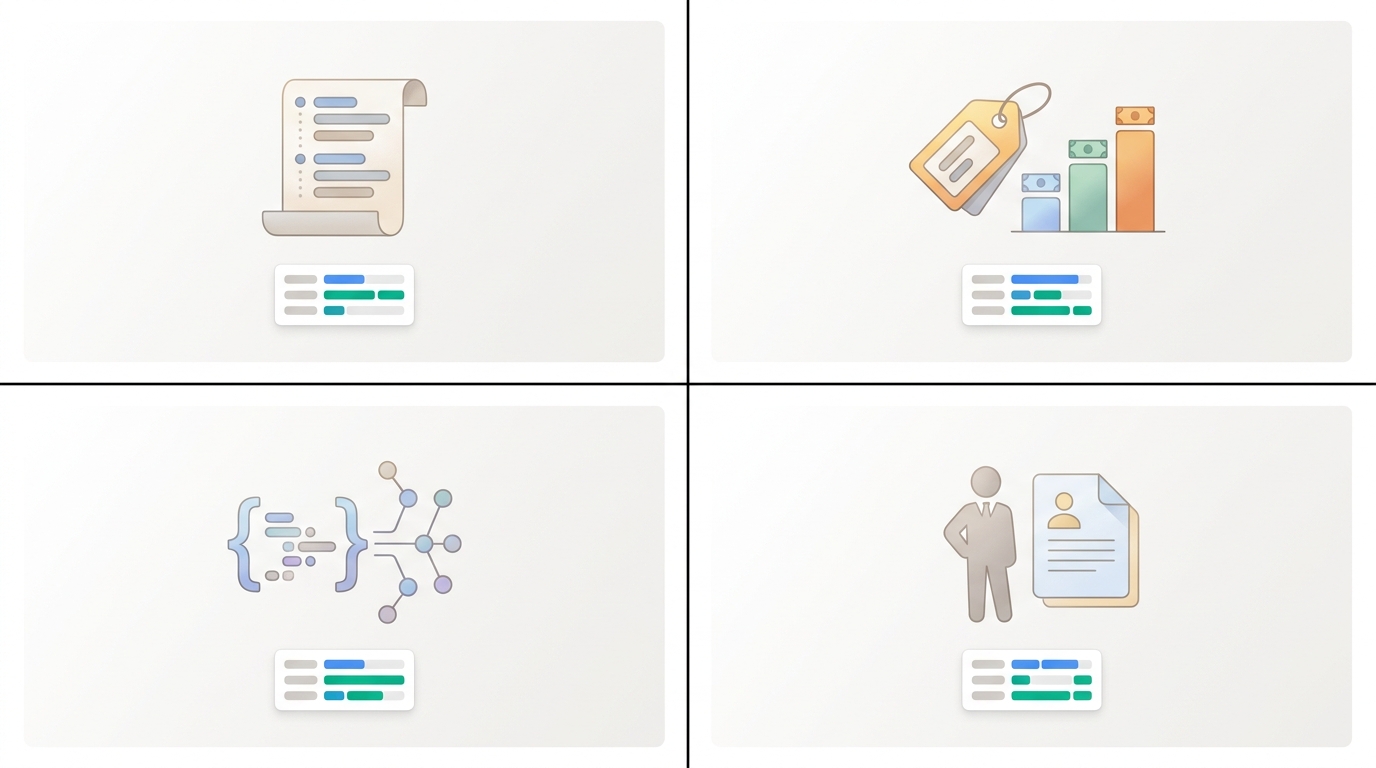
Not all competitor pages are equal. Here's where the strategy actually lives.
Public changelogs are the highest-signal surface, full stop. A competitor adding a new authentication method signals a security push. Deprecating a v1 API signals they're ready to force migration. Shipping a GraphQL layer signals a platform direction bet. None of that is marketing copy. It's a roadmap decision made public, and it's sitting there waiting to be read.
Pricing pages in devtools often carry the biggest strategic moves with the least fanfare. A seat-based to usage-based switch changes how every sales rep should position against that competitor. A new enterprise tier means they're moving upmarket. A free tier expansion means they're about to run a developer acquisition push. Each of those is worth reacting to within 24 hours, not quarterly.
API and SDK documentation rewrites signal developer platform investment. When a competitor rewrites their API reference from scratch, or adds a new SDK for a language they didn't previously support, that's not a docs cleanup. That's a roadmap bet made public, often six months before the announcement blog post. PageCrawl.io confirms that API doc monitoring is a real workflow, though their use case stops at alerting without interpreting what the change means.
Job postings cross-referenced with doc changes create composite signals that neither surface alone would reveal. A competitor posting three developer advocate roles the same week they rewrite their quickstart guide means they're about to push hard on developer adoption. That's not noise. That's a heads-up with a two-month lead time. As BCG's AI agents explainer notes, AI agents "have the ability to remember across tasks and changing states." Cross-surface correlation is exactly that: an agent that remembers what it saw on the docs page when it reads the jobs feed.
One honest constraint worth naming: not everything strategic shows up in public surfaces. Negotiated pricing, custom SLAs, and roadmap commitments made in sales calls won't appear in any changelog. Automated monitoring covers what's public. Human intel covers the rest. You need both.
How to wire up continuous tracking without drowning in alerts
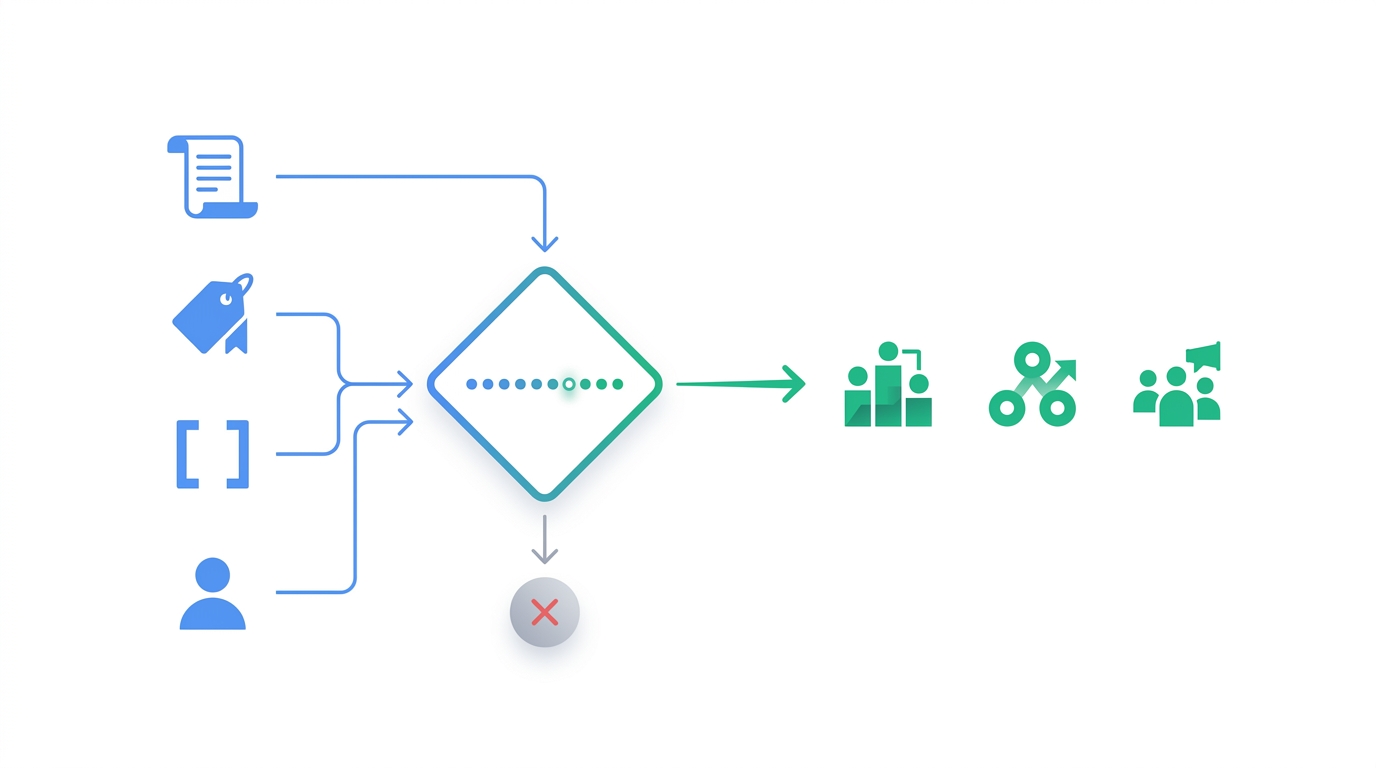
Start by mapping which specific URLs carry signal for each competitor. Don't track homepages. Track the public changelog URL, the pricing page, the API reference index, and the SDK release notes on GitHub or npm. Four URLs per competitor. That's the list.
Then get granular about what you're watching on each page. Tracking whole-page diffs on a pricing page is too coarse. You want the number that changed. The tier name that appeared. The feature row that moved from one column to another. PageCrawl.io's feature breakdown shows you can track specific elements (numbers, prices) rather than whole-page diffs. That's the right level of granularity.
Next, set a change score threshold so minor edits never reach the team. A cookie banner tweak is a 1. A new enterprise pricing tier is an 8. Only changes scoring 5 or above should trigger a notification. SpyGlow's change scoring runs 1-10 on exactly this model, with alerts triggering at 5 or above and delivery within minutes of detection.
For multi-brand teams, every brand needs its own tracking workspace with its own competitor list. Not a shared feed. A shared feed means your payments product team sees changelog noise from your analytics product's competitors, and vice versa. SpyGlow supports up to 10 domains per account, each with its own workspace, competitors, and intelligence. It's the capability that makes devtools CI workable at portfolio scale.
Cadence matters more than most teams realize. Devtools changelogs and pricing pages can shift on a weekly or even daily basis. Monitoring once a day means you're 23 hours late on a pricing move that your competitor tweeted about 22 hours ago. SpyGlow's plan cadence varies by tier. For teams in active competitive situations, that's the right floor.
Turning a raw change into one summary, one reason, one action
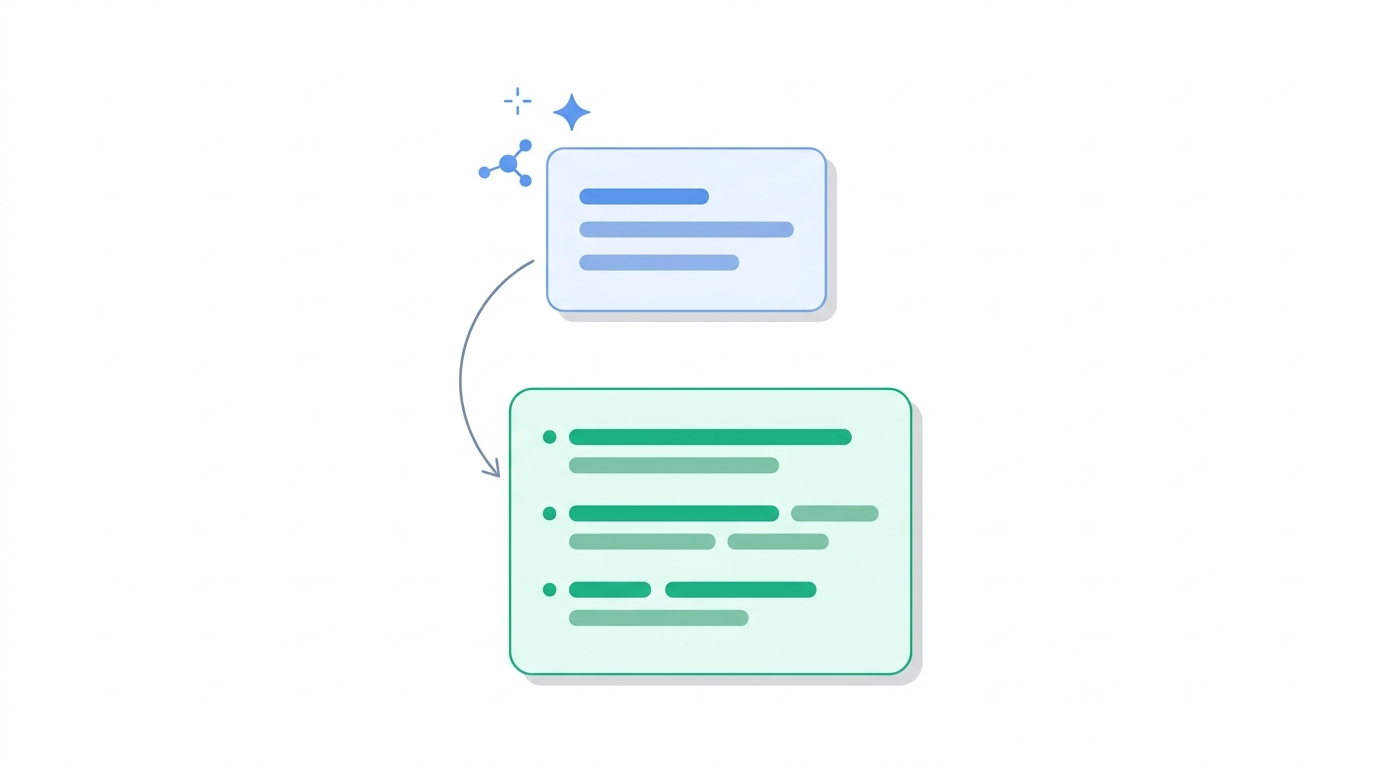
A diff showing 200 words added to a pricing page is useless without interpretation. "Section added between Pro and Enterprise tiers" is not a CI output. "New enterprise tier added, positioned above current Pro ceiling, signals upmarket move" is.
The right output format for every detected change is three lines:
- What changed: the exact words, not a paraphrase
- Why it matters: the strategic signal
- What to do: a specific action routed to the right team
That third line is where most CI setups break down. They hand you the diff and stop. But the diff tells sales nothing unless it comes with a battle card update. And the battle card is only useful if the input intelligence is already interpreted, not raw.
Highspot's updated battlecard guidance makes this concrete: cards should include "customer outcomes, quantified impact metrics, competitor switch stories, role-specific testimonials." None of that is buildable from a raw diff. You need the "why it matters" step in between.
Klue's battlecard guide frames cards as "concise, strategic documents that equip sales reps with key information about their competitors' products and services." That's the right output. But building that output requires interpreted intelligence as input.
For devtools specifically, the routing matters. A new API endpoint detected in a competitor's changelog goes to product. A new enterprise tier goes to sales with a battle card update. A new quickstart guide goes to marketing for a comparison post. The same detection event, three different actions, three different teams.
AskGlow handles the history side. If an AE has a call in 20 minutes and wants to know what a competitor changed on their pricing page in the last 30 days, they can ask that in plain English and get sourced answers back in seconds. Not a list of diffs to read. An interpreted summary with the specific changes, why they matter, and what to say. That's what closes the loop on the "we heard Competitor X just shipped" problem from the opening scenario.
FAQ
What if a competitor's changelog is embedded in GitHub releases or npm, not a public web page?
GitHub release pages and npm package changelogs are publicly accessible URLs. You can track them exactly the same way you'd track a web page. The key is to add those URLs explicitly to your tracking list rather than only watching the competitor's marketing site. For SDK-heavy devtools companies, the GitHub releases page often carries more signal than the official changelog.
How do you avoid training your team to ignore alerts again after the setup?
The answer is the score threshold. If every change triggers an alert, teams stop reading. If only changes scoring 5 or above on a 1-10 scale trigger a notification, every alert that arrives carries weight. The first week of a new setup should be calibration: score three or four historical changes manually and adjust the threshold until the alert-to-signal ratio feels right.
Can this work if we're tracking competitors across three different product lines?
Yes, but only if each product line has its own workspace with its own competitor list and alert feed. A shared feed across product lines is where multi-brand CI breaks down. The competitor who matters for your developer tools product is different from the competitor who matters for your analytics product, and mixing those signals creates noise fast.
What about competitive moves that never appear in public docs, like negotiated pricing or roadmap promises?
Automated tracking can only surface what's public. Negotiated pricing, custom SLAs, and roadmap commitments made in sales calls won't appear in any changelog. This is a real limitation. The right answer is a two-track system: automated monitoring for public surfaces, and a lightweight process for reps to log intel from calls so it gets added to the team's shared picture.
How quickly can a team go from setup to first useful output?
SpyGlow's setup takes about five minutes. The first battle card generates in under 60 seconds. For most teams, the first genuinely useful output (an interpreted summary of a competitor change with a specific action) arrives within the first monitoring cycle after setup, which on the Teams plan is within three hours of going live.
Sources
- PageCrawl.io: API documentation monitoring
- Shopify developer changelog
- Unkover: competitor website analysis
- BCG: AI agents explainer
- Highspot: sales battlecards guide
- Klue: Sales Battlecards 101
If you want the setup described in this post running against your devtools competitors today, SpyGlow's free plan covers two competitors on one domain with no credit card required. When you spot a competitor changelog update that scores an 8 and your AE has a call in an hour, AskGlow has the answer ready before they dial.
25 Questions Your AI Competitive Intelligence Analyst Should Answer
Most CI alerts tell you a page changed. Real intelligence tells you what to do before the 9am standup. Here are 25 specific questions by role with example outputs.
ProductDevTools CI Playbook: GitHub to Pricing Page
Track DevTools competitor moves through GitHub changelogs, docs rewrites, and pricing changes. Learn the six signals that matter and how AI classifies them into actionable intelligence.
Ship the response, not just the read.
Free forever for your first two rivals. No credit card. Five minute setup.