
From Spreadsheets to AI: Modernizing Your CI Stack
Most B2B SaaS teams run CI on outdated spreadsheets. Learn the four stages of modernizing your competitive intelligence stack, from manual sheets to AI agents that score and act on competitor changes in real time.
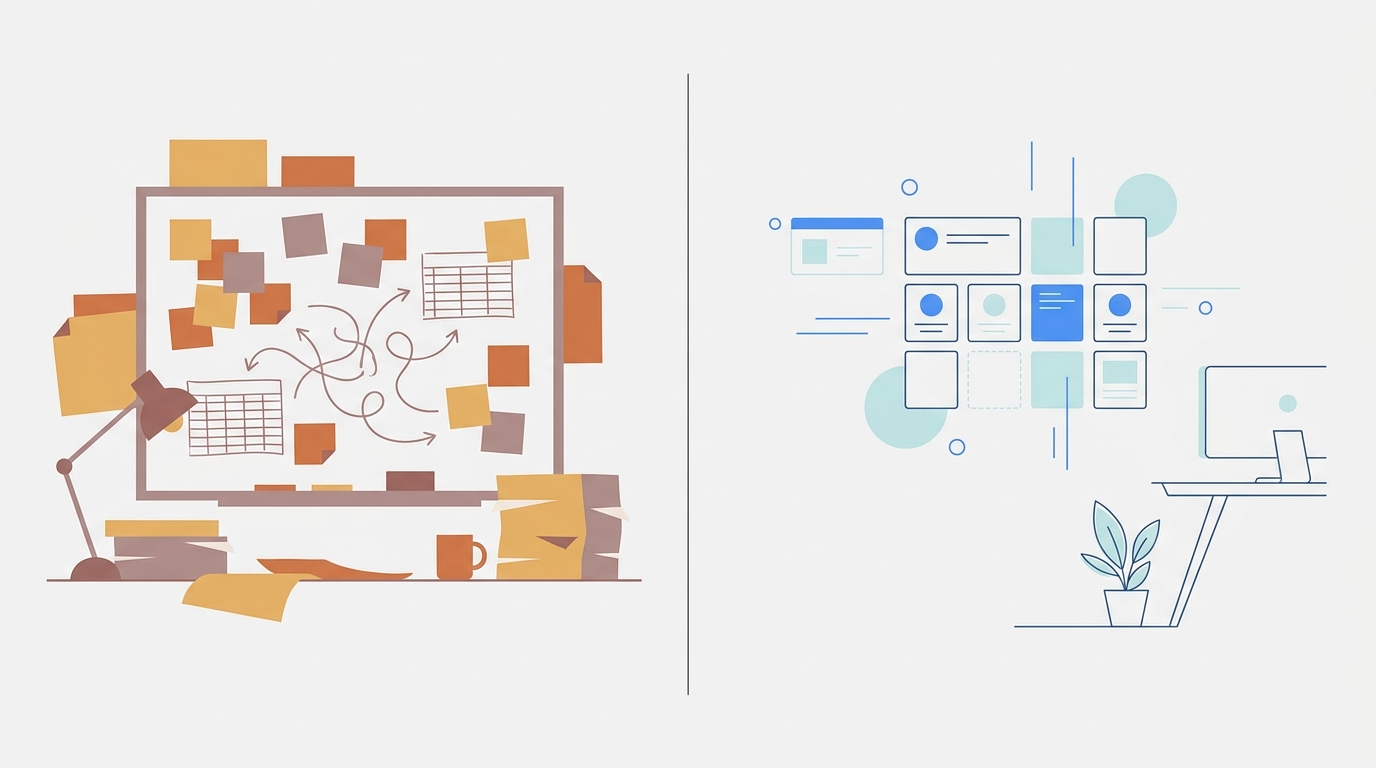
TL;DR: Many B2B SaaS teams still run CI in shared spreadsheets that go stale quickly. This post walks through the four stages of modernizing that stack, from manual sheets to AI agents that score, summarize, and act on competitor changes the moment they happen. Multi-brand teams get the clearest upgrade path because the spreadsheet breaks them fastest.
There's a Google Sheet somewhere on your team. It has 12 tabs, color-coded by competitor. The last edit timestamp says three weeks ago. The person who built the color-coding left in February.
Every PMM and product lead reading this has seen that sheet. A lot of them are still maintaining it.
The problem isn't effort. The problem is that a spreadsheet is a snapshot, and competitors move in real time. Your rep walks into a deal, the prospect says "actually, Acme just dropped their price," and your rep has nothing. Because the sheet didn't catch it. Because no one was watching.
This is the stage most teams are still in. Here's the full path out.
Stage 1: the spreadsheet era and why it breaks
The typical manual CI setup looks like this: one shared doc, one person loosely responsible for it, updated when someone remembers or when a deal goes badly enough that someone asks.
The Competitive Intelligence Alliance identifies exactly this failure pattern, calling out lack of governance and unclear ownership as the most common implementation mistakes teams make with CI programs. When one person owns the sheet, the sheet reflects what that person happened to notice that week.
For multi-brand teams, the collapse happens faster. You're running one sheet per product line, five sheets total, updated on five different schedules by five different people with five different ideas of what "changed" means. Cross-brand patterns are invisible. If competitor A tests new pricing on their SMB product before rolling it to enterprise, you won't see that correlation in a spreadsheet. You'll see two separate cells updated two weeks apart.
Crayon's CI stack breakdown describes CI as having four distinct components: collection, analysis, dissemination, and measurement. Manual stacks collapse all four into one person's inbox. Collection means whatever they found. Analysis means their gut. Dissemination means a Slack message when they remember. Measurement means nothing at all.
The real cost isn't the hours. It's the decisions made on stale data. Competitor drops pricing 17%, rep finds out from the prospect. New enterprise tier launches, it's not in the deck. Product ships a new integration, you find out when a customer asks why you don't have parity.
Stage 2: automated scraping adds volume, not clarity
The first upgrade most teams try is automation. RSS feeds, Google Alerts, a web scraper, maybe a change-detection tool. The intent is right. The result is a different problem.
Klue's roundup of CI tools lists change detection and alerting tools as a core component of the CI stack, but notes they require human triage to become usable intelligence. That's the catch. You've automated the collection. You haven't automated the judgment.
Here's what shows up in your inbox when you run scraping at scale:
- Cookie banner copy updated
- Footer copyright year changed to 2025
- A/B test variant swap on the hero
- Image compression update on the pricing page
- Tracking pixel added
None of those matter. All of them trigger alerts. You mark them unread. Over time, you stop opening the inbox entirely, which means you also miss the alerts that do matter.
For multi-brand teams, the noise problem multiplies. Ten competitor domains across five brands can generate a lot of raw alerts per week. No one reads all of them. The Semaphore CI guide for B2B SaaS describes early-stage teams "shifting from ad-hoc research to more structured CI," which is the right instinct, but volume without a scoring layer doesn't get you to structured. It gets you to a bigger pile.
Change detection gives you noise. SpyGlow gives you intelligence.

Stage 3: AI signals, what genuine detection looks like
A signal isn't an alert. Here's the difference.
An alert says "the pricing page changed." A signal says "competitor dropped their Pro tier from $99 to $82, a 17% reduction, likely in response to your recent pricing page test, update your battle card today." The signal has a score, a summary, a reason it matters, and one recommended action. All four together. Never separate.
Look at what separates noise from a real signal in practice:
Noise:
- Tracking pixel added to footer
- Footer updated
Signals:
- "API docs rewritten, developer platform is live"
- "New enterprise tier added, shift in positioning"
- "VP Sales hired from Acme, they're moving up-market"
- "Pricing dropped 17%, update battle cards today"
- "Launched autonomous AI agents, high severity, react this week"
Each of those signals has a number behind it. SpyGlow scores every detected change on a 1-10 scale. Alerts trigger at a score of five or higher, delivered to Slack or your webhook within minutes. Score of two? Cookie banner. Score of eight? New enterprise tier. Your team only gets pulled in when the number says it matters.
The detection layer runs nine AI agents across 24 CI tools per workspace. Each agent monitors a specific surface: pricing pages, packaging, case studies, job postings, docs, changelogs. Not a single crawler making a broad pass. Specialists.
For devtools teams specifically, the surfaces that matter most are different from what a generic CI tool watches. Semaphore's B2B SaaS CI guide calls out technical buyers and developer tools as a segment requiring different signal types. For devtools teams, examples of useful signals can include changelog cadence, API docs rewrites, and SDK release notes, depending on your internal guidance. Those surfaces need an agent that knows what to look for, not a scraper that reports every byte change.
Stage 4: auto-updating battle cards and the Monday brief
Static battle cards have a short shelf life. They get built once per quarter by one PMM, exported as a PDF, distributed to a sales Slack channel, and then ignored by reps who correctly sense that a document last updated 11 weeks ago is not going to help them in a call happening today.
Klue's tool roundup positions battle cards as a core sales enablement output but describes them as manually maintained artifacts. That's the root problem. Manual maintenance means they're always at least a little stale, and usually a lot stale.
The AI-native version works differently. A battle card regenerates when a tracked signal clears the threshold. A rep opens their battle card for Competitor A on Tuesday morning because they have a call at 10am. Competitor A dropped their pricing on Monday. The card already shows the new number. The rep walks in prepared.
SpyGlow generates and auto-updates battle cards per competitor per brand workspace, with the first card available under 60 seconds from setup.
Quarterly battle cards give you stale. Monday briefs give you actionable.
The Monday brief is the weekly rollup format: one summary per tracked brand, covering the highest-scoring changes from the past seven days across all monitored competitors. For teams running five product lines, that's five separate briefs, each scoped to that brand's competitor set. Not one undifferentiated list of everything that changed across all your domains. Scoped, relevant, ready to act on.
Stage 5: the AI copilot layer for sales, marketing, and product
The final layer is queryable memory. Not a dashboard you have to remember to check. A system you can ask a question.
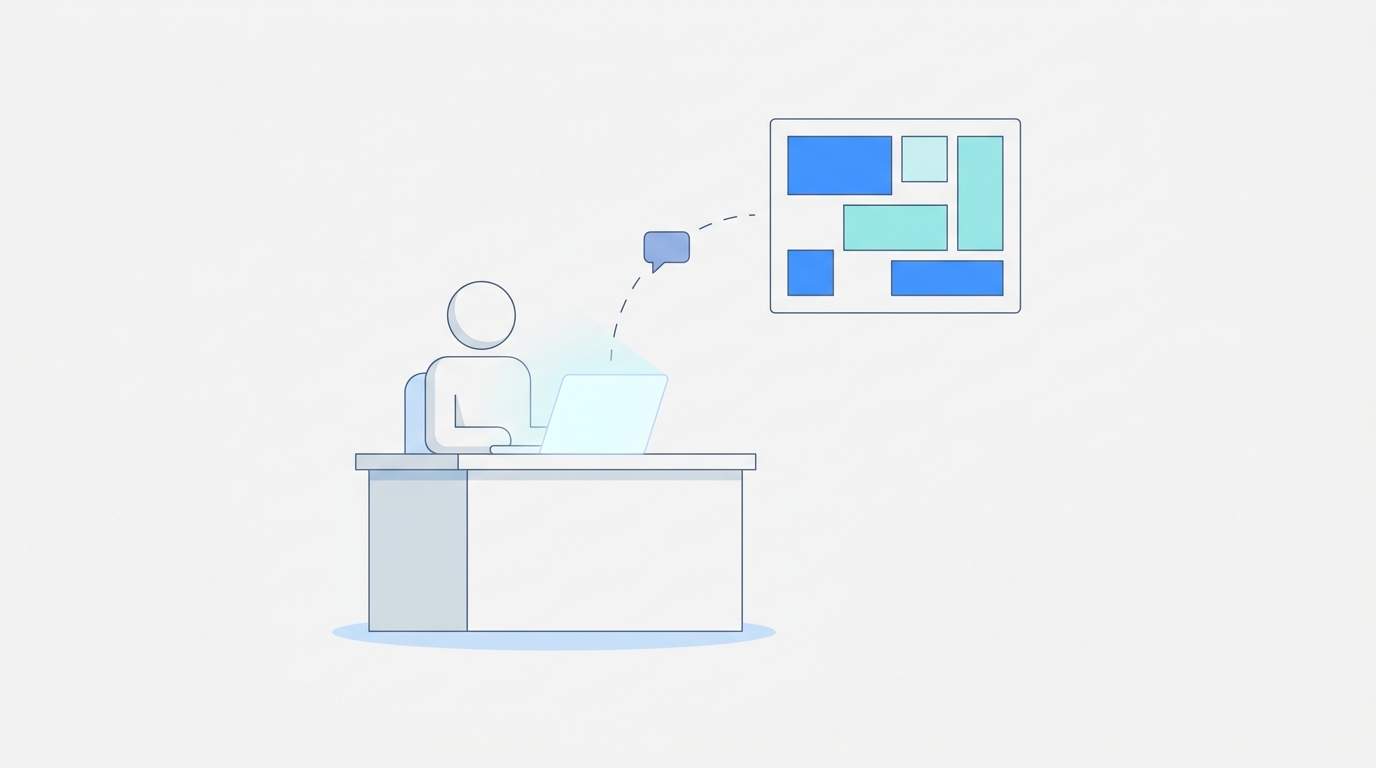
Sales rep, 9:45am, fifteen minutes before a call: "What did Acme change in the last 30 days?" They get a sourced answer in seconds. Not a Slack message that takes two hours to produce an answer, not a search through a shared folder, not a ticket to the PMM. A direct answer with citations.
That's what AskGlow does inside every SpyGlow workspace. Natural-language queries against the full history of every tracked competitor, with sources attached.
Three workflows where this changes how a team operates:
- Sales: "What's their current enterprise pricing?" asked before a call, answered before the call.
- Marketing: "What positioning language did they drop last quarter?" asked before writing a comparison page, answered from the actual change history.
- Product: "Have they shipped anything in docs or changelog that signals a new integration?" asked before roadmap planning, answered with specific dates and diffs.
Crayon's CI stack breakdown highlights dissemination as a common failure point in CI programs, where intelligence sits in a tool no one checks regularly. The copilot layer solves for exactly that. You don't have to remember to check. You ask when you need the answer.
The multi-brand case is the clearest win here. Up to 10 domains per account, each with its own workspace, competitor set, and history. A consultant running CI for three clients keeps each client's data fully separate. A multi-brand SaaS team tracks each product line against its own competitor set, not one merged pool where a signal from Product A's market gets confused with Product B's.
What the full stack looks like and what it costs
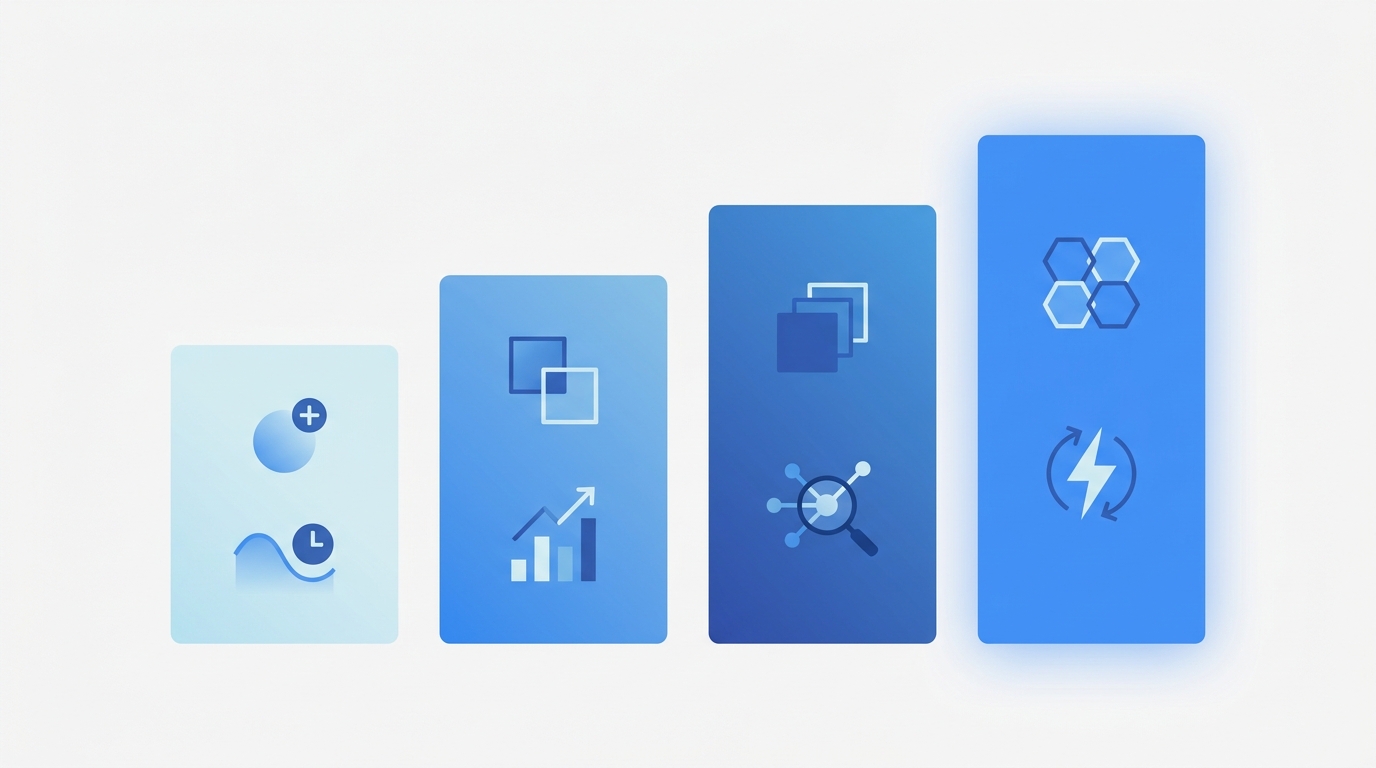
Here's the upgrade path mapped to real stages:
- Manual sheets: Free, but your rep finds out about pricing changes from the prospect.
- Automated scraping: Cheap, but your inbox fills with alerts no one reads.
- AI signals: SpyGlow Free (permanent, no trial clock, two competitors, one domain, daily scans) or Pro ($59/month, three domains, 2x daily scans).
- AI copilot for GTM teams: Growth ($149/month, five domains, every six hours) or Teams ($299/month, ten domains, every three hours).
Klue and Crayon are positioned for larger teams with dedicated CI ownership. That product assumes you have dedicated CI headcount. Klue's tool roundup is written for teams where CI is someone's full-time job, with analyst-level ownership assumed throughout.
SpyGlow is a different product for a different team. The 30-to-200 person B2B SaaS company that has five to ten real competitors, one or two people who care about CI, and no budget for an enterprise analyst seat. Setup takes five minutes. The first battle card is under 60 seconds.
That's not a cut-down version of an enterprise CI platform. It's a CI platform built from scratch for the team size where the spreadsheet is the current state of the art.
FAQ
How do I know if my team is ready to move past spreadsheets?
If your CI sheet hasn't been updated in two weeks, or if a rep has ever learned about a competitor change from a prospect rather than from your own system, you're ready. The bar isn't having a dedicated CI person. The bar is whether stale data is costing you deals.
Does this work for agencies running CI for multiple clients?
Yes, and it's where multi-workspace architecture matters most. SpyGlow supports up to 10 domains per account, each with its own workspace, competitor set, and history. Client A's data doesn't bleed into Client B's workspace. You can manage the full portfolio from one account without merging anything.
What surfaces does the AI actually monitor, and is developer-specific content covered?
Each of the nine AI agents watches a different surface: pricing pages, packaging, case studies, job postings, docs, changelogs, and more. Developer surfaces including API docs and changelogs are tracked specifically, not as an afterthought. Changelog cadence and API doc rewrites score as signals, not background noise.
What happens if a competitor makes a major move on a weekend?
Change scoring and Slack/webhook delivery run continuously, not on a business-day schedule. A score-five-or-higher change triggers a notification within minutes, regardless of when it happens. The Monday brief catches anything that accumulated over the week, but high-severity signals don't wait for Monday.
How is this different from just setting up more Google Alerts?
Google Alerts notify you that a page or news item mentions a term. They don't score the relevance, summarize what changed, or tell you what to do about it. A cookie banner update and a new enterprise tier both generate an alert. The signal layer is the judgment call that Google Alerts can't make, and it's what separates a usable CI system from an inbox problem.
Sources
- Competitive Intelligence Alliance, CI tool stack implementation guide
- Crayon, competitive intelligence tech stack
- Klue, competitive intelligence tools roundup
- Semaphore CI, competitive intelligence for B2B SaaS
If your team is currently running CI on a spreadsheet and you want to see what signal scoring looks like on your actual competitors, SpyGlow's free tier covers two competitors and one domain with no trial clock and no credit card. First battle card in under 60 seconds. Start free at spyglow.com/auth/register.
Know the day a competitor changes their pricing, product or messaging, and what it means for your team.
25 Questions Your AI Competitive Intelligence Analyst Should Answer
Most CI alerts tell you a page changed. Real intelligence tells you what to do before the 9am standup. Here are 25 specific questions by role with example outputs.
ProductFeature Parity to Narrative Advantage: CI for Product Roadmaps
Smart product teams read competitor moves as narrative signals, not feature checklists. Learn how to use competitive intelligence to prioritize roadmaps and build differentiation.
Know the day a competitor changes, and what to do about it.
Free for 2 competitors, 3 pages each, checked daily. No credit card.