
How Startups Can Monitor Competitors Without a CI Team (2026 Guide)
Most CI guides assume you have headcount and budget. This one doesn't. Build a complete competitor monitoring system you can run solo in 30 minutes a week for under $50/month, with no dedicated team required.

You're a solo founder. A competitor quietly drops their price 20%, and you find out three weeks later when a churned customer mentions it on their way out. No dedicated CI team would have caught it either, but a simple 30-minute weekly workflow could have. That's the gap this guide closes.
Most competitive intelligence guides assume you have headcount, budget, or both. Startups have neither. But ignoring competitors isn't scrappy. It's flying blind. Employees already spend nearly 20% of their workweek searching for internal information (Source: HelpSite Blog), and competitor intel scattered across browser tabs, bookmarks, and memory only makes this worse.
This guide builds a complete competitor monitoring system you can run solo in under 30 minutes a week, for under $50/month. No team required. No enterprise contracts. Just a lightweight signal system that flags what matters so you can act fast.
Why Most Startups Skip Competitor Monitoring (and What It Costs Them)
Three excuses show up constantly. "We're too early to worry about competitors." "We should focus on customers, not competitors." "CI tools are enterprise-priced." All three sound reasonable. All three are wrong.
Competitors don't wait for you to be ready. Pricing changes, feature launches, and positioning shifts happen weekly in fast-moving markets. Missing them means you're always reacting instead of deciding. You lose deals to better-positioned competitors. You duplicate features others already shipped. You price yourself out of the market without knowing it.
Here's what changed in 2026: AI-powered tools now offer textual and visual change detection with AI summaries at startup-friendly prices (Source: ScrapX Blog). The "too expensive" excuse no longer holds. Tools like ScrapX, SpyGlow, and others start free or under $30/month.
The goal isn't a 50-page CI report that nobody reads. It's a lightweight signal system, a few alerts, a weekly scan, and a simple decision framework. That's enough to keep you informed without draining the hours you need for building product.
The 5 Competitor Signals Actually Worth Tracking
Not all competitor activity deserves your attention. These five signal types cover the moves that actually affect your business.
Pricing and Packaging Changes
This is the highest-impact signal. A competitor restructuring tiers or adjusting prices directly affects your positioning and win rates. Pricing pages change without announcements, so you need automated page-level change detection to catch them. One missed price drop can cost you a quarter of pipeline before you even know it happened.
Feature Launches and Product Updates
Changelogs, release notes, and product pages reveal roadmap direction. Track these to avoid surprise feature gaps that show up in sales calls. When a competitor ships something your prospects have been requesting, you need to know within days, not months.
Content and SEO Moves
New blog posts, landing pages, and keyword targeting signal where competitors are investing for growth. If a competitor publishes 10 articles about a topic you haven't touched, they're building a moat around that search territory. A content gap analysis helps you identify what competitors publish that you don't, so you can respond strategically.
Hiring Patterns and Funding Signals
Job postings reveal strategic bets. Five new ML engineer listings means an AI pivot is coming. Crunchbase and Owler provide free alerts for funding rounds and leadership changes (Source: Proven SaaS), giving you early warning on competitors about to scale spend.
Social Proof and Positioning Shifts
Testimonial page updates, new case studies, and homepage messaging changes indicate how competitors want to be perceived. A sudden shift from "affordable" to "enterprise-grade" language tells you they're moving upmarket, potentially leaving a gap you can fill.
Building a Monitoring Stack Under $50/Month
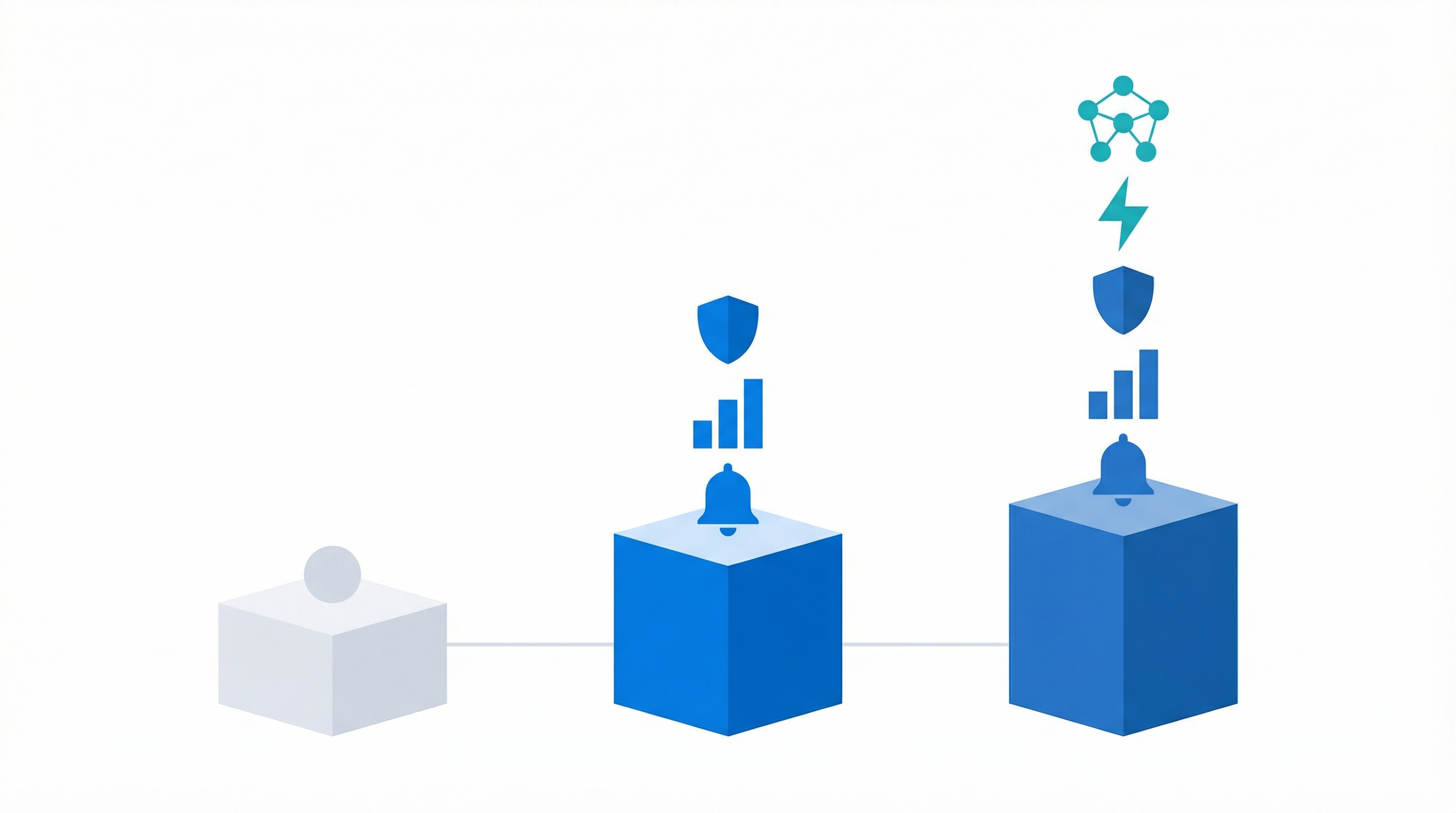
You don't need a single expensive tool. A layered stack built from free and affordable options covers every signal type.
| Layer | Free Option | Paid Option ($10-50/mo) |
|---|---|---|
| Page changes | Google Alerts + Visualping free | SpyGlow, ScrapX |
| SEO tracking | Ahrefs/Semrush free tiers | Ahrefs Lite |
| Social listening | Manual checks, Owler | Mention, Hootsuite |
| Business intel | Crunchbase free alerts | Crunchbase Pro |
| Automation glue | Email rules | Zapier free tier + Slack |
Google Alerts for brand mentions. Visualping's free tier for monitoring 2-3 key pages (pricing, homepage, features). Crunchbase alerts for funding rounds. A manual weekly check of competitor blogs and changelogs. This covers the basics, but you'll get no AI classification and a lot of noise. Expect to spend 45-60 minutes weekly instead of 30.
The $29-59/Month Growth Stack
Add an AI-powered monitoring tool that classifies changes by importance and type. Instead of seeing a raw HTML diff, you see "competitor raised enterprise pricing 15%" with context on what changed. SpyGlow's change detection automates page monitoring with AI-classified alerts, filtering noise so you only see what matters. For a broader view of the tool options available, see our guide to competitive intelligence tools for startups.
Integrate monitoring tools with Slack via Zapier for real-time alerts that reach you where you already work (Source: Qubit Capital Blog). Klue added Competitor Alerts with Slack and CRM integration in 2025 (Source: Klue Blog), and ScrapX introduced visual change detection with weekly AI summaries in 2026, showing the market moving toward startup-accessible CI.
Ready to skip the DIY assembly? SpyGlow's free plan monitors 2 competitors with AI-powered change detection, battle cards, and content gap analysis out of the box.
The 30-Minute Weekly CI Workflow
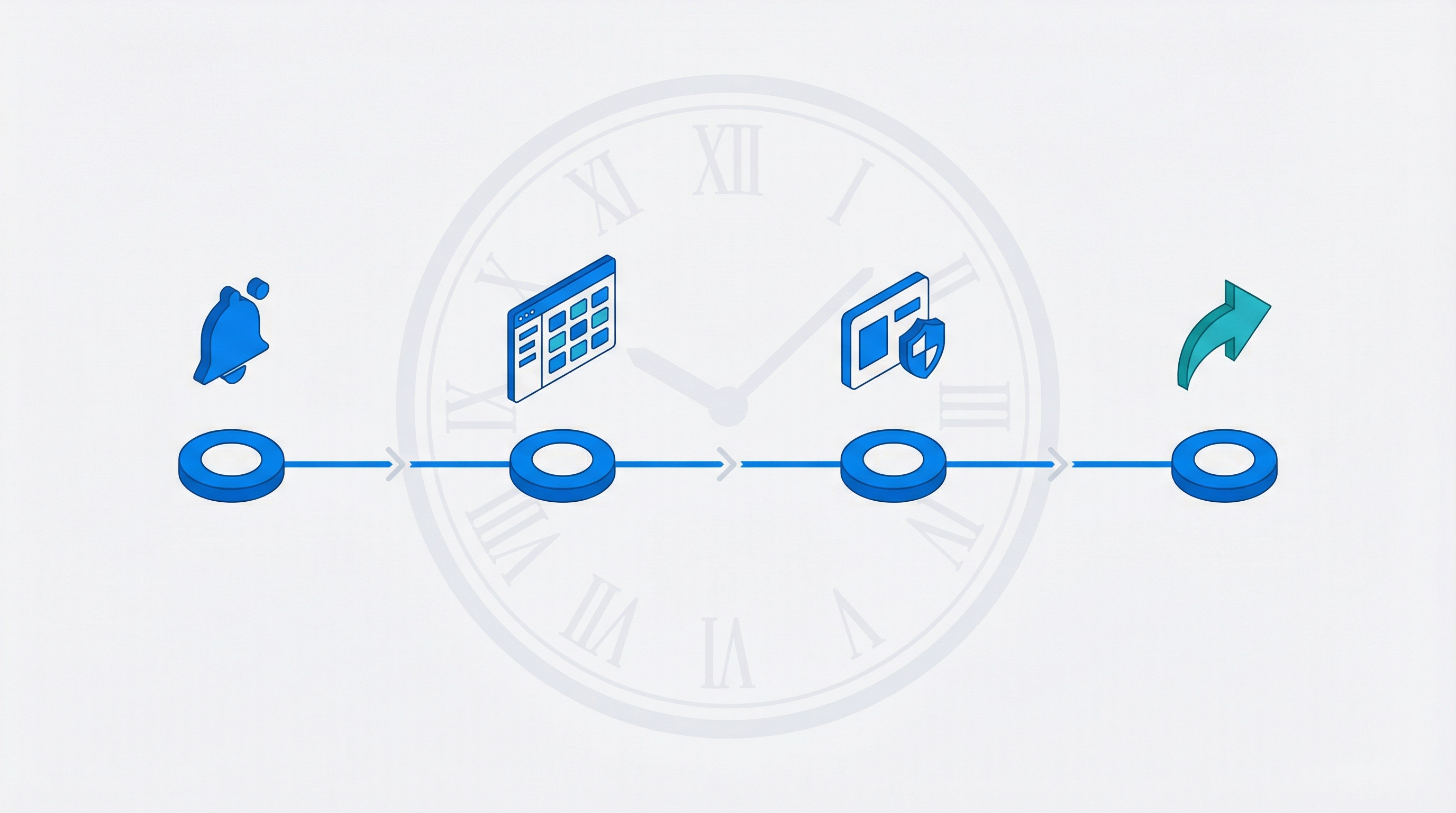
A monitoring system only works if you use it consistently. This workflow turns competitor tracking into a repeatable Monday morning habit, not a sporadic effort.
Monday Morning Routine (30 min)
1. Scan alerts (5 min). Review automated alerts from your stack. Triage each into three buckets: "act now," "watch," and "ignore." Most alerts will be noise. That's fine. You're looking for the one or two that matter.
2. Check dashboards (10 min). Open your monitoring tool or spreadsheet. Look specifically for pricing changes, new pages, and content published in the last 7 days. These are the signals with the shortest response windows.
3. Update your battle card (10 min). Add any new competitor moves to your battle card or comparison doc. Even a single line like "Competitor X added SOC 2 badge to homepage" keeps your sales materials current. SpyGlow's battle cards keep sales-ready competitor comparisons updated automatically from tracked changes.
4. Share one insight (5 min). Post the most important finding to your team Slack channel, or note it for your next strategy sync. This step matters more than it looks. It forces you to identify the one signal worth acting on.
Set up a dedicated Slack channel like #competitor-intel where all automated alerts land. Scan it during your Monday block instead of checking five tools separately.
For solo founders short on time, even 15 minutes works. Prioritize pricing and feature signals only, and skip the battle card update until you have sales conversations that need it.
Turning Competitor Intel Into Decisions (Not Just Data)
The biggest failure mode in startup CI isn't missing signals. It's collecting signals and never acting on them. A dashboard full of changes you never read is worse than no monitoring at all, because it gives you the illusion of awareness.
The Three-Question Decision Framework
For each significant competitor move, answer three questions:
- Does this affect our current customers? If a competitor drops pricing below yours, your existing customers will notice. This needs a fast response.
- Does this change our positioning? A competitor adding enterprise features might make your "simple and affordable" positioning stronger, not weaker. Not every move requires a counter-move.
- Should we respond, and how fast? Some signals need same-week action. Others are worth logging and revisiting quarterly.
Response Playbook by Signal Type
- Pricing drop - Review your value props. Consider bundling or highlighting features competitors don't offer. Don't reflexively match prices.
- Feature launch - Assess overlap with your roadmap. Update comparison pages. If it's a feature your customers request, accelerate your timeline.
- Content push - Run a content gap analysis and publish counter-content targeting the same keywords with a better angle.
- Hiring surge - Note the strategic direction it signals. Adjust your own roadmap priorities if a competitor is clearly investing in your core differentiator.
Startups that review competitor intel weekly make positioning adjustments faster than those doing quarterly analysis. Speed is your advantage over larger competitors. Use it.
Mistakes That Kill Startup CI Programs
Tracking too many competitors. Start with 2-3 direct competitors who target the same buyer persona. You can always expand. Monitoring 10 companies means monitoring none of them well.
Over-indexing on SEO signals. Keyword rankings matter, but pricing and product changes have 10x more strategic impact for early-stage startups. Don't spend your monitoring time on backlink counts when a competitor just changed their entire pricing model.
No action trigger. If your monitoring doesn't connect to a decision or workflow, it's just noise. Before you set up any alert, define what it should trigger. "Competitor changes pricing page" should map to "review our pricing positioning this week."
Ignoring free tools. Crunchbase free alerts, Google Alerts, and manual weekly checks cover 60%+ of what matters. Don't pay for tools until free ones genuinely fail you.
Set-and-forget syndrome. Tools drift. Pages change URLs. Alerts break silently. Do a quarterly audit of your monitoring setup to make sure signals still flow. Check that every tracked URL still loads and every alert still triggers.
Frequently Asked Questions
How many competitors should a startup monitor?
Start with 2-3 direct competitors who target the same buyer persona. Add indirect competitors only after your core monitoring runs smoothly for a month. Tracking more than 5 as a solo founder leads to alert fatigue and no action. SpyGlow's free plan supports monitoring 2 competitors, which is enough for most early-stage startups.
Can I monitor competitors for free without any tools?
Yes, but it takes more manual time. Google Alerts for brand mentions, weekly visits to competitor pricing and blog pages, and a simple spreadsheet to log changes will get you started. Budget 45-60 minutes weekly instead of 30. The trade-off is more noise and no AI classification, meaning you'll spend time reviewing changes that don't matter.
What competitor changes matter most for early-stage startups?
Pricing changes and new feature launches have the highest strategic impact. A competitor dropping prices 20% or shipping a feature your customers request affects your business immediately. Prioritize these over content or hiring signals. Change detection tools catch pricing page edits automatically, which is where the highest-value signals come from.
How do AI monitoring tools differ from Google Alerts?
Google Alerts track keyword mentions across the web. AI monitoring tools track specific pages for visual and textual changes, classify the importance of each change, and summarize what shifted in plain language. They catch pricing table edits and feature page updates that Google Alerts miss entirely. ScrapX and SpyGlow both offer this kind of AI-classified monitoring at startup-friendly prices.
Is it legal to monitor competitor websites?
Monitoring publicly available web pages is legal. Avoid scraping behind logins, violating terms of service, or accessing private data. Stick to public pricing pages, blogs, job boards, and social profiles. The same information any visitor can see on a public webpage is fair to track and analyze.
How often should startups check competitor activity?
Weekly is the sweet spot. Daily monitoring creates noise without enough signal. Monthly is too slow to catch pricing or product changes that need a response. Set up automated alerts for real-time signals and do a manual review weekly. The 30-minute weekly workflow in this guide gives you a repeatable structure that scales.
Start monitoring your first 2 competitors free. SpyGlow's free plan includes AI-powered change detection, battle cards, and content gap analysis. It's the fastest way to put this guide into practice.
Sources
- HelpSite Blog (2026) - Employees spend ~20% of workweek searching for internal information
- ScrapX Blog (2026) - Textual and visual change detection with AI summaries for competitor pages
- Qubit Capital Blog (2026) - AI-driven tools for real-time tracking with automation and Zapier integration
- Klue Blog (2025) - Competitor Alerts with Slack/CRM integration and Hunter case study
- Proven SaaS (2026) - Free competitor analysis tools for revenue estimation and growth signals
- Hootsuite Blog - Social media benchmarking for competitor tracking
Best Competitive Intelligence Tools for Startups in 2026 (and Why Agentic Platforms Win)
A founder's guide to the best competitive intelligence tools in 2026, the three categories that matter, and why agentic AI platforms like SpyGlow change the game.
Competitor MonitoringWhat Is Competitive Intelligence? A Complete Guide for Startups
Learn what competitive intelligence really is, why it matters for startups, and how to build a system that turns competitor data into winning decisions.
Content StrategyContent Gap Analysis: How to Publish What Will Rank
Most content teams don't have a content problem-they have a prioritization problem. Learn how content gap analysis finds competitor-winning topics and turns them into a plan you can execute.
Ship the response, not just the read.
Free forever for your first two rivals. No credit card. Five minute setup.