
How to Track Competitor Pricing and Feature Changes in Real Time
Most teams discover competitor pricing changes days or weeks late, losing deals they never knew were at risk. Learn a step-by-step system to monitor pricing shifts and feature launches across your competitive set, route intel to sales in real time, and turn every competitor move into a selling advantage.
You open your CRM on a Monday morning and a rep tells you, "The prospect said Competitor X dropped their price 20% last week. Did we know?" You didn't. The deal is already at risk, and your team is scrambling to verify something that happened days ago.
This scenario plays out constantly. According to Visualping, 45% of actively monitored competitors show at least one meaningful change within any 30-day window (Source: Visualping). Most teams catch these changes weeks late, or not at all. The gap between when a competitor moves and when you respond is where deals die.
This guide walks you through a step-by-step system for tracking both pricing shifts and feature launches across your competitive set. You'll learn what to monitor, which tools fit your budget, and how to route intel directly into sales conversations. Written for startup founders and product marketers who need competitive intelligence without enterprise budgets.
Why Spreadsheets and Manual Checks Fail at Scale
Most teams start the same way: a shared Google Sheet where someone checks competitor pricing pages every week or two. This works fine when you're watching one or two competitors. It falls apart at five.
Three failure modes kill the spreadsheet approach. First, changes slip through between checks. A competitor adjusts pricing on a Wednesday, and your Thursday reviewer doesn't notice because the page looks "about the same." Second, ownership decays. The person who built the spreadsheet gets pulled into other work, and within a month nobody is updating it consistently. Third, spreadsheets track numbers, not context. Feature changes, like new integrations, removed tiers, or usage-based pricing shifts, are invisible to a price-only tracker.
The real cost is not the missed data point. It is the deals your sales team loses without understanding why. By the time you discover a competitor launched a free tier or bundled a feature you charge extra for, prospects have already made decisions based on information your team didn't have. Automated tracking solves the consistency problem, but only if you track the right signals.
What to Track Beyond the Price Tag
Price is the obvious target, but it is often the last thing to change. Competitors signal strategic shifts through their feature tables, positioning copy, and even job postings long before they adjust a dollar amount.
Pricing Page Elements
Monitor the full page, not just the numbers. Track listed prices, plan names, billing toggles (monthly vs. annual), enterprise "contact us" gates, discount banners, and currency options. A competitor switching from transparent pricing to a "contact sales" gate tells you they are moving upmarket. A new annual discount banner suggests they are optimizing for retention.
Feature Tables and Changelogs
New features added to a plan, features moved between tiers, removed capabilities, and changed usage limits (API calls, seats, storage) all reshape the competitive field. These changes often matter more than a 10% price adjustment because they redefine what "included" means for buyers comparing options.
Positioning Signals
Tagline changes, hero copy updates, comparison page edits, new customer logos, and shifted target audience language reveal where a competitor is heading strategically. If their homepage suddenly targets "enterprise teams" instead of "growing startups," that is a market positioning shift worth knowing about.
Hidden Signals
Job postings for a new product line, changelog and release notes pages, and integration marketplace additions often preview changes weeks before they hit the pricing page. A competitor hiring three machine learning engineers tells you something their marketing site won't say for months.
One useful framework: use "release-triggered teardowns." When a competitor announces a major update, analyze only that new feature rather than re-auditing everything (Source: Figr). This keeps your competitive knowledge current without turning every update into a full research project.
Understanding what types of changes matter most helps you focus monitoring effort where it will actually influence decisions.
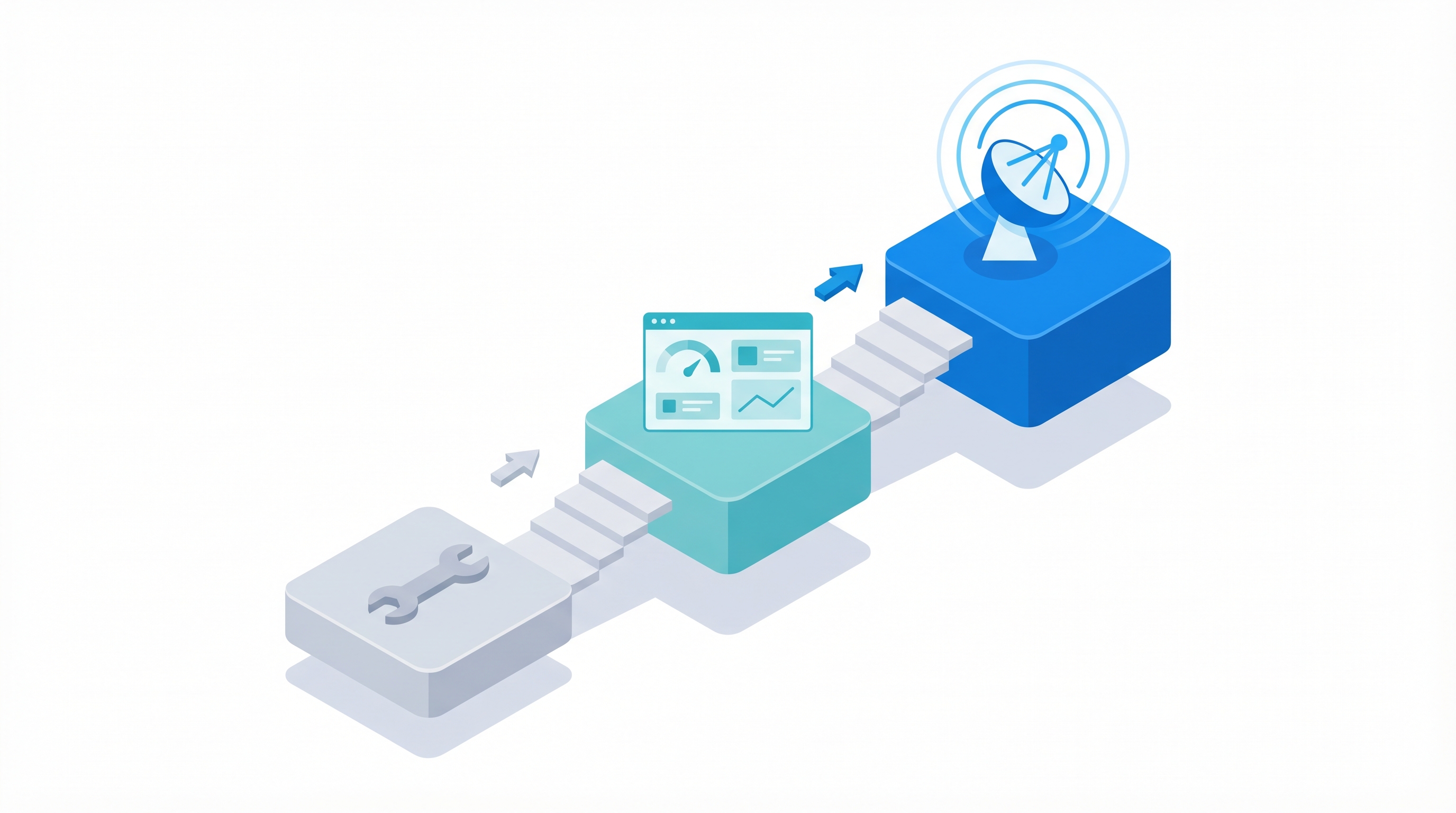
Three Approaches: Free, Budget, and Automated
The right setup depends on your team size, budget, and how many competitors you are actively tracking. Here is how the three tiers compare.
Free / DIY (Under $0/month)
The Competitor Price Tracking Chrome extension offers one-click price monitoring with instant alerts and rate history, no account needed. Pair it with Google Alerts for blog and PR mentions. This setup works well for solo founders tracking two or three direct competitors, but it requires manual effort and misses feature-level changes.
Budget Tools (Under $50/month)
Visualping's free plan offers 150 checks per month at daily frequency, enough to monitor 5 competitor websites daily (Source: Visualping). Hexowatch adds visual change detection for pages where layout shifts matter as much as text changes. Combine either tool with a Notion or Airtable database for logging and you have a functional system for a small team.
Automated Intelligence Platforms
Tools like Crayon, Klue, and SpyGlow monitor competitor websites continuously, classify changes with AI, and deliver prioritized alerts. SpyGlow's change detection automatically categorizes updates by type (pricing, feature, positioning) and scores them by impact, so your team reviews what matters instead of sifting through raw diffs.
For a deeper comparison of tools in this space, see our guide to the best competitive intelligence tools for startups in 2026.
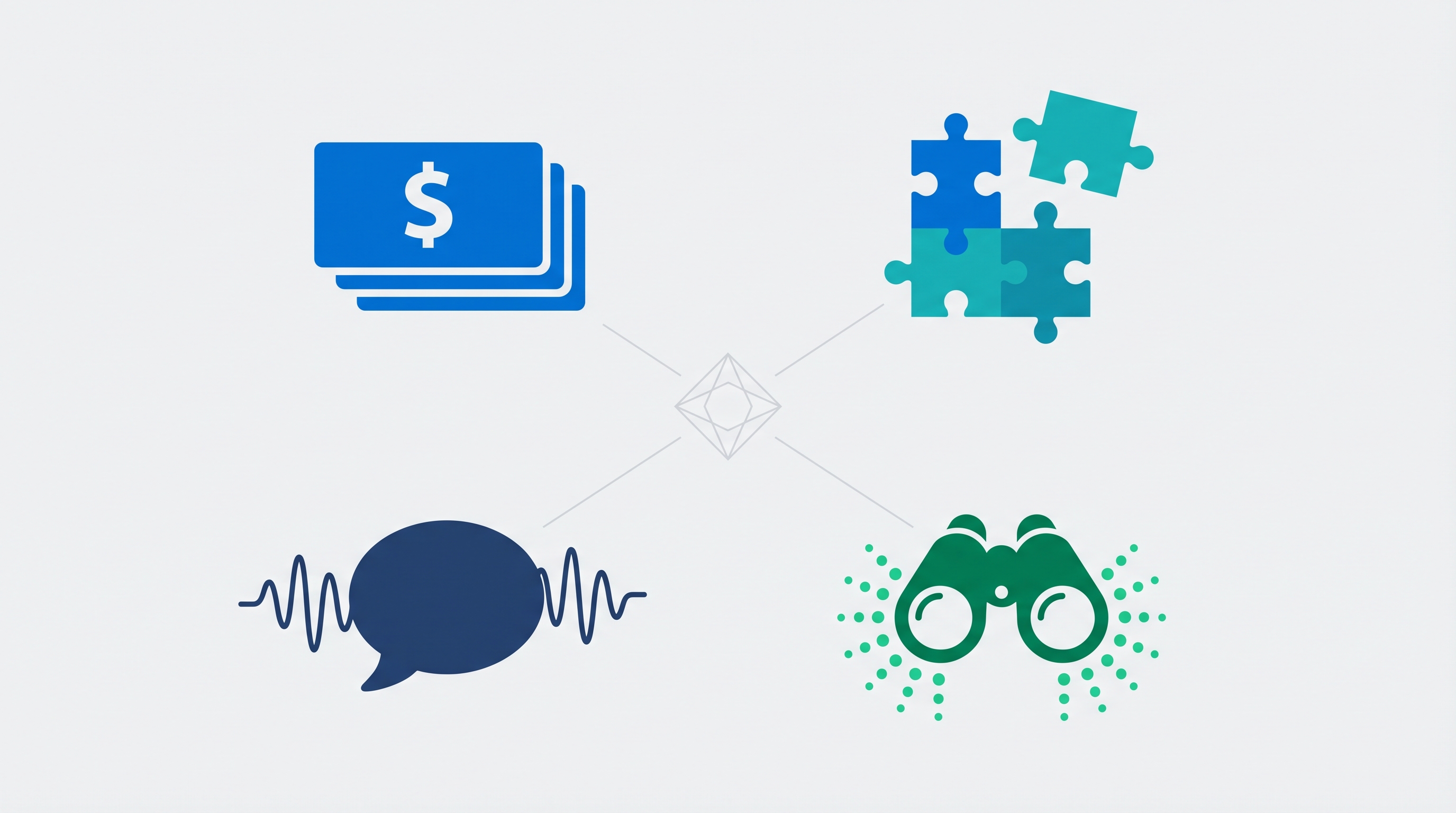
| Dimension | Free / DIY | Budget ($50/mo) | Automated Platform |
|---|---|---|---|
| Setup time | 10 minutes | 30 minutes | 30-60 minutes |
| Competitor limit | 2-3 practical | 5-10 | 20+ |
| Change types detected | Price only | Price + visual | Price, feature, positioning |
| Alert speed | Manual check | Daily | Within hours |
| Integration options | None | Email, Slack | CRM, Slack, email, webhooks |
| Monthly cost | $0 | $0-50 | $59-299 |
Want to see how automated competitor tracking works? Start monitoring your first competitor free on SpyGlow.
Setting Up Your Tracking System in 30 Minutes
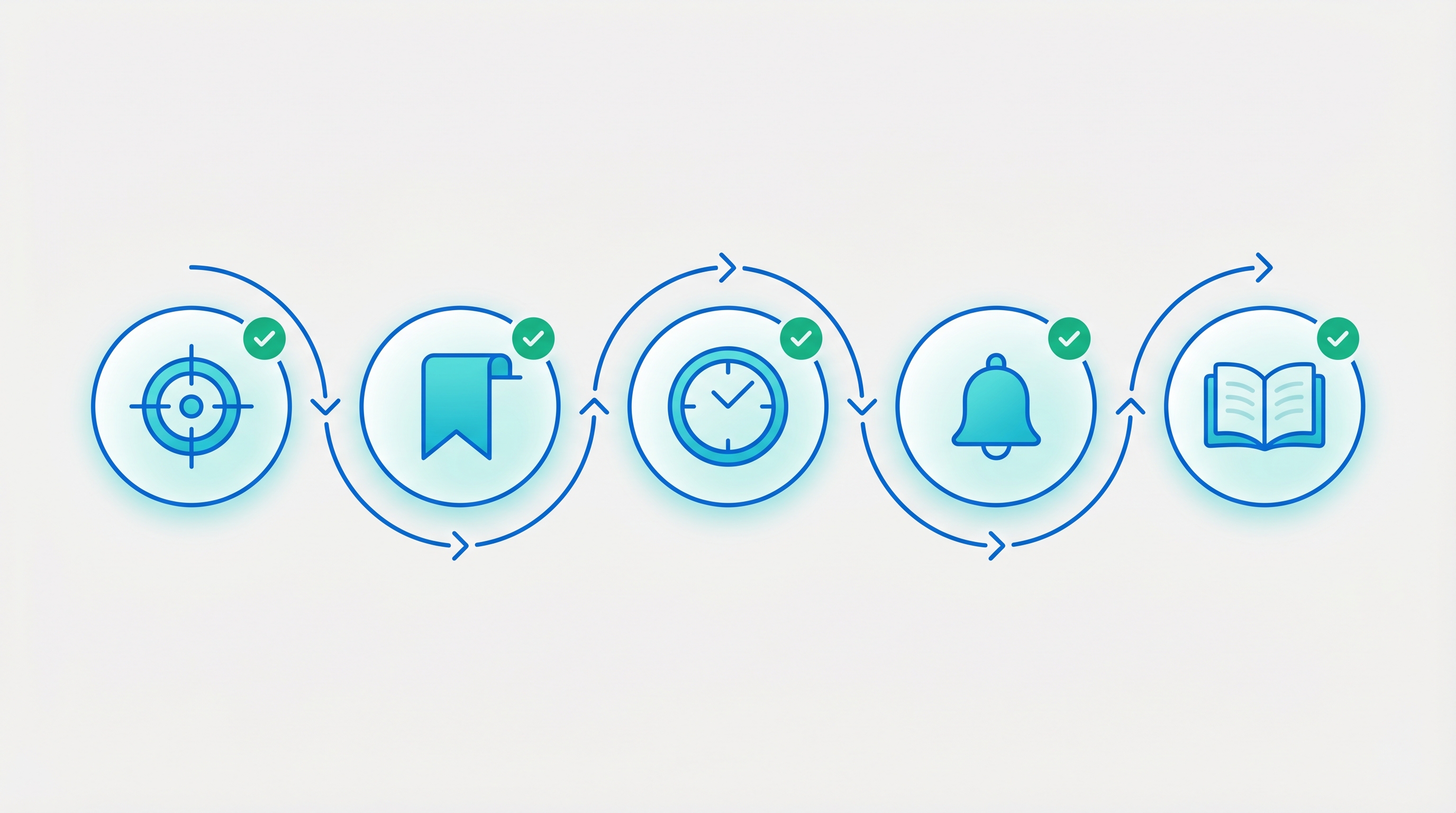
Regardless of which tools you choose, the setup process follows the same five steps. Block 30 minutes and you will have a working system by the end.
Step 1: Pick Your Competitive Set
Focus on 5-7 real competitors. Include your top three direct competitors, one or two adjacent players, and one or two emerging startups you are watching (Source: Visualping). Resist the urge to track 15 companies. Signal drowns in noise fast.
Step 2: Identify the Pages That Matter
For each competitor, bookmark four pages: their pricing page, features or product page, integrations page, and changelog. These four pages capture over 90% of meaningful changes. You can add blog and careers pages later, but start lean.
Step 3: Configure Monitoring Frequency
Pricing pages deserve daily checks. Feature pages can run weekly. Changelogs and blog pages work well on weekly or on-change triggers. Match frequency to how quickly you need to respond. If a competitor's pricing change could cost you a deal within 48 hours, daily is the minimum.
Step 4: Set Alert Routing
Price changes should go to the product lead and sales team. Feature changes go to product and marketing. Positioning shifts go to marketing and founders. Routing alerts to the right people eliminates the "I didn't see it" problem. Most tools support Slack channels, email groups, or webhook endpoints for this.
Step 5: Build a Response Playbook
For each change type, define who reviews it and what action to take. A pricing change triggers a battle card update and a sales team brief. A feature launch triggers a product comparison update and potentially a blog post. Without a playbook, alerts become ignored notifications.
Most automated competitor monitoring platforms handle steps 2-4 for you, detecting pages, setting frequencies, and routing categorized alerts to the right channels.
Turning Intel Into Sales Ammunition
Tracking changes is step one. The value comes from getting that intel into the hands of reps before their next call. Most teams collect competitive data but fail to close the loop between detection and action.
Battle Cards That Stay Current
For every competitor, maintain a living document with current pricing, feature gaps, and talk tracks. The key discipline: update it within 24 hours of a detected change. A battle card with last month's pricing is worse than no battle card, because it gives reps false confidence.
SpyGlow's battle cards update automatically when competitor changes are detected, so sales always has current talking points without someone manually editing a Google Doc every week.
CRM Integration
Prompt reps to log which competitors appear in deals, then auto-surface the relevant battle card in the deal record. When a rep opens a HubSpot or Salesforce opportunity and sees the competitor's current pricing right there, they walk into calls prepared (Source: Klue).
Example Workflow
Here is how this plays out in practice: a competitor raises their price 15%. An alert fires within hours. The battle card updates with the new price comparison. The sales rep sees the updated card in their CRM before an afternoon demo. They walk in knowing the competitor just got more expensive and close the deal on the value gap. That is the difference between reactive and proactive selling.
Avoiding Common Pitfalls
Even with good tools, teams make predictable mistakes that undermine their competitive tracking efforts.
Tracking too many competitors. More is not better. Stick to 5-7 companies that actually appear in your deals. Every competitor you add increases noise and decreases the chance that anyone reads the alerts.
Ignoring feature changes. A competitor launching a free tier or removing a usage limitation can shift your market faster than a price cut. If you are only watching dollar amounts, you are missing the moves that actually change buyer behavior.
No response process. Alerts without a playbook become ignored Slack messages. Assign an owner for each change type and define the expected response time. "Someone should look at this" is not a process.
Legal awareness. If you are building custom scrapers, use proxy rotation and respect rate limits to avoid terms-of-service issues (Source: Scrapfly). Managed platforms handle compliance for you, which is one reason they are worth the cost for most teams.
Forgetting to track yourself. Monitor your own pricing and feature pages too. You will catch unauthorized changes, broken display issues, and inconsistencies between what your site says and what your sales team quotes.
Frequently Asked Questions
How often should I check competitor pricing pages?
Daily for direct competitors in active deals. Weekly is fine for secondary competitors you are monitoring for strategic awareness. Automated monitoring tools handle this without manual effort, detecting changes within hours of publication so your team never has to remember to check.
Can I track competitor pricing if they hide it behind a "Contact Sales" page?
Not directly through page monitoring. For gated pricing, use indirect signals: G2 reviews mentioning price ranges, job postings referencing deal sizes, and customer forums where users discuss costs. You should still monitor the pricing page itself, because when a competitor shifts from gated to transparent pricing (or vice versa), that is a significant strategic signal.
What is the best free tool for competitor price tracking?
Visualping's free plan (150 checks/month) handles 5 competitor pages at daily frequency (Source: Visualping). The Competitor Price Tracking Chrome extension adds one-click monitoring with no account needed. Together, they cover most startup needs at zero cost. For a broader comparison, see our best competitive intelligence tools for startups.
How do I track feature changes, not just pricing?
Monitor competitor product pages, changelogs, and integration directories, not just pricing pages. These pages reveal new capabilities, tier restructuring, and usage limit changes that affect buyer decisions. AI-powered tools like SpyGlow classify changes by type (feature, pricing, positioning) automatically, so you see categorized updates instead of raw page diffs.
Should I use a dedicated tool or build my own scraper?
Build your own only if you have engineering bandwidth and need custom data pipelines. For most startups, a managed tool saves 10+ hours per month and handles browser rendering, change classification, and alerting out of the box. Custom scrapers also carry compliance risks around rate limiting and terms of service that managed platforms handle for you (Source: Scrapfly).
How do I get competitor pricing intel into my sales team's workflow?
Route pricing change alerts to your sales Slack channel and update battle cards within 24 hours. If you use a CRM like Salesforce or HubSpot, integrate battle cards so reps see current competitor data in the deal record (Source: Klue). The goal is zero extra steps for the rep: the intel should appear where they already work.
Start tracking your top 5 competitors in under 30 minutes. SpyGlow's free plan includes change detection, AI classification, and battle cards. No credit card required. Get started free.
Sources
- Visualping - Competitive intelligence tools, monitoring statistics, and free plan details. https://visualping.io/blog/top-free-competitive-intelligence-tools
- Visualping - Competitor monitoring best practices. https://visualping.io/blog/carefully-monitor-competitors
- Figr - Release-triggered teardown methodology for competitive analysis. https://figr.design/blog/ux-competitive-analysis-42a49
- Klue - CRM integration for competitive intelligence and battle cards. https://klue.com/blog/gathering-competitive-intelligence
- Scrapfly - Ethical web scraping practices and TOS compliance. https://scrapfly.io/blog/posts/how-to-track-competitor-pricing-using-web-scraping
- Competitor Price Tracking Chrome Extension. https://chromewebstore.google.com/detail/competitor-price-tracking/edlmddabphpdhahnokgbofkaoidonepk
Best Competitive Intelligence Tools for Startups in 2026 (and Why Agentic Platforms Win)
A founder's guide to the best competitive intelligence tools in 2026, the three categories that matter, and why agentic AI platforms like SpyGlow change the game.
Competitor MonitoringWhat Is Competitive Intelligence? A Complete Guide for Startups
Learn what competitive intelligence really is, why it matters for startups, and how to build a system that turns competitor data into winning decisions.
Competitor MonitoringSpyGlow vs Klue: Which Competitive Intelligence Tool is Better for Bootstrapped Startups?
SpyGlow vs Klue comparison 2026: Pricing (free to $299/mo vs $30K+), features, and which competitive intelligence platform is better for bootstrapped startups. Honest breakdown.
Ship the response, not just the read.
Free forever for your first two rivals. No credit card. Five minute setup.