
AI-Built Sales Battle Cards: Step-by-Step Guide
Learn how to build AI-powered sales battle cards that stay current with live competitor signals, scored by impact, and automatically updated when it matters most.

TL;DR: Most battle cards fail because they're built once and forgotten. This guide shows how to build cards that start with scored competitor signals, get structured by function (sales, product, marketing), and update themselves when something real changes, not when someone remembers to check.
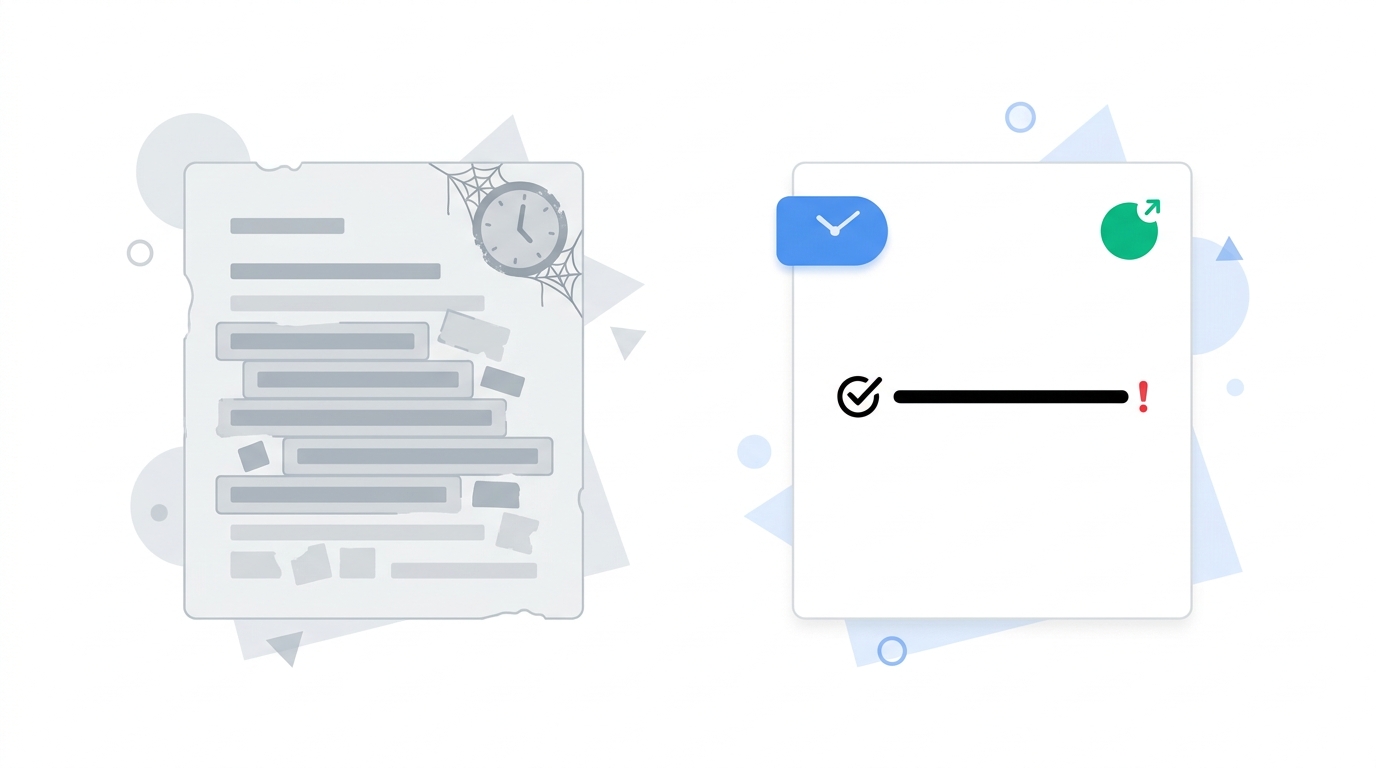
You've got a discovery call in 20 minutes. You open the battle card for the competitor you know will come up. The last-updated date says eight months ago. The pricing section references a tier that no longer exists. The objection responses were written before their rebrand.
You wing it.
That's not a rep problem. That's a process problem. The card format isn't what breaks; the pipeline feeding it is. Most guides walk you through how to structure a card. Almost none of them tell you how to keep it alive between the moment it's built and the moment it matters.
This guide fixes that. You'll walk away with a repeatable process that starts with live competitor signals, scores them by what's actually worth acting on, and feeds structured output into cards your reps will trust when they're two calls deep on a Tuesday.
Why most battle cards are already stale when reps open them
The problem is the update cadence, or more accurately, the lack of one.
Close.com's guide to competitive battle cards lays out a solid structure: competitor overview, strengths, weaknesses, key differentiators, objection handling. It's a useful baseline. But the guide describes how to create a card in generic steps, with no refresh workflow attached. Build it, ship it, done.
That matches how most teams actually operate. The PMM writes the card after a lost deal stings badly enough. It gets Slacked around, saved to Notion, and opened six months later when a rep needs it in a pinch.
Meanwhile, the competitor has:
- Dropped their SMB tier price by 17%
- Launched an enterprise package with SOC 2 compliance
- Hired a VP Sales from your biggest rival
- Rewritten their homepage headline to target exactly the vertical you're expanding into
None of that shows up in the card. Because nobody checked.
Highspot's battle card guide covers solid best practices for keeping cards current. But it assumes manual creation and manual updates, with no automation layer underneath. That's fine for a team with one product and two competitors. It breaks down fast for anyone tracking more.
The fix isn't a better template. It's building the signal-to-card pipeline before you write a single word of copy.
What a battle card actually needs to contain (and what to skip)
Before you can automate updates, you need to know what you're updating.
Every card worth using has four functional sections:
- Competitor positioning summary: What story are they telling right now, in their own words, on their homepage and pricing page? Not a Wikipedia summary of the company.
- Objection responses: Specific, scripted answers to the three to five objections that come up in competitive deals. Not generic deflections.
- Differentiation proof points: Concrete reasons your product wins this match-up, tied to deal stage. Early discovery needs different proof than late legal review.
- Trigger condition: When does a rep pull this card? "Any deal where the prospect mentioned [Competitor X] on the first call" is more useful than "competitive deals."
Add two fields that most templates skip: a "last verified" timestamp and a change severity score (more on scoring in the next section). These two fields tell a rep whether to trust the card before they open the full thing.
Close.com's structure gives you a clean starting point for the content. Push further by tightening what you cut. Strip out:
- Generic company history with no sales relevance
- Feature lists that aren't tied to a specific objection or deal stage
- Anything a rep can't use in the next 48 hours
There are three card types, and conflating them is where most teams waste time. Competitive cards cover one competitor against one product. Objection cards cover one recurring objection across multiple competitors. Multi-brand cards track one competitor across several of your product lines, which matters if you're an agency or a SaaS company with more than one product in-market. Each type needs its own update logic.
The five inputs that feed a card worth using
Every card update should trace back to one of five signal types. Anything outside these five is probably noise.
1. Pricing page changes, scored by magnitude. A new enterprise tier signals a market shift. A price rename on an existing plan is cosmetic. The distinction matters.
2. Messaging and positioning shifts. Track the exact copy change on the homepage, /product, and /pricing. "Something changed" tells a rep nothing. "They removed all mention of their self-serve plan and now lead with 'enterprise-grade'" tells them to adjust the pitch.
3. Hiring signals. A VP Sales hired from a named competitor suggests an upmarket move. Ten new SDR postings in a quarter signals a volume push into lower-tier accounts. Both are deal-relevant.
4. Content and SEO moves. New case studies in a vertical you're targeting, or a competitor ranking on terms you dominate, are roadmap signals, not just marketing observations.
5. Funding and partnership announcements. A Series B shifts the competitive timeline. A new integration with a platform your best customers use is a threat worth naming in the card.
These five inputs, tracked continuously, give you the raw material. The question is what to do with them before they hit a card.
Aircall's post on AI sales coaching tools makes the point that real-time AI coaching can surface contextual card responses during live calls. That only works if the underlying card data is current and structured correctly. A coaching tool surfacing a stale objection response is worse than no tool at all.
How AI turns raw signals into a finished card section
A change alert says: "pricing page updated."
Intelligence says: "their SMB tier dropped and the new entry price undercuts yours; your cost-of-ownership objection response needs updating before your next mid-market call."
That gap is the whole product.
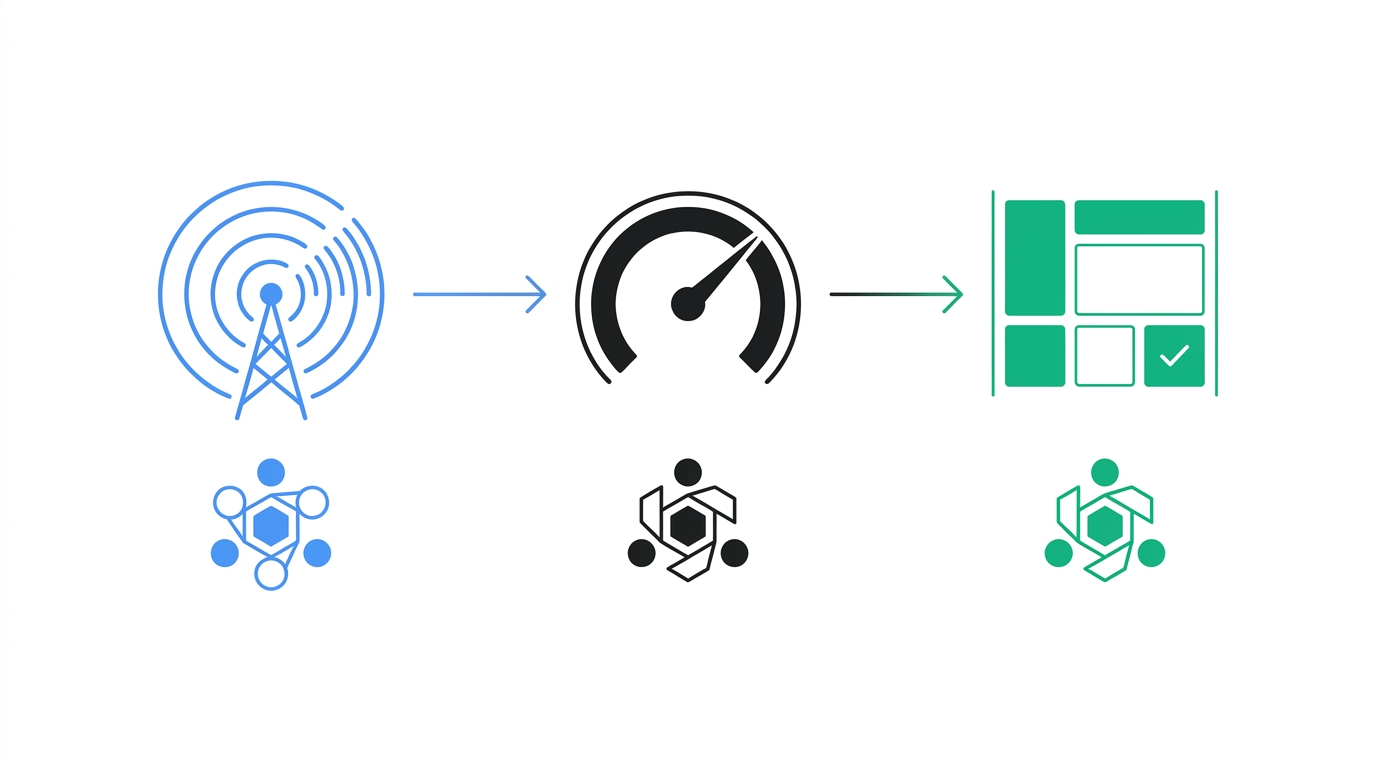
Here's how the pipeline works in practice. Changes get scored on a 1-10 scale. Anything at five or above triggers an alert to Slack or a webhook within minutes, so the PMM sees it before it surfaces in a deal. A score of seven or higher means something structurally significant shifted. A score of two is a footer tweak or a cookie banner update; it gets logged but never surfaced.
Nine specialized AI agents each handle a different surface: pricing, messaging, hiring signals, SEO movements, funding announcements, and more. Each agent produces structured output, not a raw diff. The output maps directly to the card section it affects. A pricing change maps to the objection-handling section. A messaging shift maps to the positioning summary. A hiring signal maps to the trigger conditions and deal-stage notes.
AskGlow, SpyGlow's analyst chatbot, closes the loop for reps who need a card update in the next 20 minutes. Ask it "what changed on [Competitor X]'s pricing page in the last 30 days" and you get a sourced answer you can paste directly into the card update. No dashboard to dig through. No guessing what the screenshot means.
Klue and Crayon are often positioned for enterprise analyst teams running a single brand. Klue's competitive intelligence guide is thorough and worth reading if you're in that segment. Crayon's battle card post covers the process well for teams with a dedicated CI analyst. The gap is that both platforms are built around one brand, one analyst seat model. If you're tracking three product lines with four competitors each, the economics and the architecture don't hold.
SpyGlow is built for that scenario from the start. Up to 10 domains per account, each with its own workspace, competitor set, and update cadence.
Building the update loop: who does what and when
Three roles. Clear ownership at each step.
The CI platform detects and scores. It doesn't decide what to do with the signal. That's the PMM or CI manager's job.
The PMM or CI manager approves and contextualizes. A score of seven or higher triggers a same-day card update. A score of five or six gets included in the Monday brief, the weekly rollup that gives each tracked brand one summary, one reason the change matters, and one action for the rep before their next call. A score of four or below gets logged for reference.
The rep consumes and flags gaps. After a deal closes or stalls, the rep notes which objections came up and whether the card addressed them. That feedback drives the next update cycle.
The multi-brand scenario is where manual processes collapse. If you're tracking five product lines against three competitors each, you have 15 card sets in play. One PMM cannot maintain those manually and do anything else. The platform needs per-domain workspaces with their own competitor sets and update cadences. Highspot's guide doesn't address this at all. It's written for single-product teams with a dedicated enablement resource.
The Monday brief is what keeps the loop from going silent between major changes. One summary per tracked brand. One reason it matters. One action. Reps spend two minutes on it before their first call of the week, not two hours in a quarterly battle card review.
Measuring whether your cards are actually working
Three metrics. All of them are trackable without a new tool.
Win rate on deals where a card was opened vs. not opened. Most CRMs can log this with a custom field or an activity tag. If there's no difference, the cards aren't landing, and you need to audit the content. If there's a meaningful gap, you have the data to justify investing in the process.
Card age at time of use. If reps are regularly opening cards that are 90 or more days old, the update loop is broken somewhere. Either the scoring threshold is too high and real changes aren't triggering updates, or the PMM approval step is a bottleneck.
Objection coverage. Log which objections surface in lost deals and check whether the card addresses them. Gaps become the next card update. This is the feedback mechanism Close.com's guide doesn't include. The card creation process is described clearly, but there's no explicit tie to win rate or post-deal feedback loops.
Aircall's AI coaching post points to post-call summaries as the place where this feedback loop closes. When a post-call summary flags that a competitor came up and the rep had no card, that's a direct input to the CI queue. Build that handoff into the process and the cards stay current without anyone manually checking.
FAQ
How often should sales battle cards be updated?
The honest answer is: whenever something real changes, not on a fixed schedule. A quarterly review cycle made sense when change detection was manual. With scored signals, a pricing shift or a major messaging change should trigger a card update the same day, regardless of where you are in the quarter. Low-severity changes (scores of four or below) can batch into the weekly brief.
What's the difference between a competitive battle card and an objection-handling card?
A competitive card is built around one specific competitor. It covers their positioning, their weaknesses, your differentiation points, and how to respond when a prospect mentions them by name. An objection-handling card is built around one recurring objection, like "your price is too high" or "we already have a solution," and covers how to handle it regardless of which competitor is in the deal. Most teams need both, but they're often confused or merged into something that does neither job well.
Can one PMM realistically maintain battle cards across multiple product lines?
Not manually. A PMM managing three product lines with four competitors each has 12 card sets in play. If each card needs a quarterly review, that's 48 updates a year before accounting for anything urgent. The only way it scales is to move the detection and first-draft work to a platform, with the PMM reviewing and approving rather than researching from scratch.
How do I know which competitor changes are worth updating a card for?
Severity scoring gives you a framework. Changes that shift the competitive story, a new pricing tier, a repositioning toward enterprise, a major hire, a funding round, score high and trigger fast updates. Cosmetic changes, a new font, a footer tweak, a cookie banner update, score low and stay in the log. The challenge with manual monitoring is that everything feels equally urgent when you're staring at a diff. A scoring layer removes that decision from the human.
How do AI agents help build battle cards faster than manual research?
The speed gain isn't in writing the card. It's in eliminating the research step. Manually tracking five competitors across pricing, messaging, hiring, and content means hours of weekly tab-switching. AI agents handle detection and produce structured output mapped to specific card sections. What used to take a PMM a full morning per competitor now takes minutes to review and approve. The PMM's job shifts from research to judgment.
Sources
- Highspot: Sales Battlecards: Examples To Inspire B2B Sellers
- Close.com: The Quick Guide to Creating Competitive Sales Battle Cards
- Aircall: 15 best sales coaching AI tools to ramp reps faster
Pick one competitor your team loses deals to most often. Pull the last 30 days of changes on their pricing and positioning pages. Rebuild just the objection-handling section of that card from live data.
If you want that 30-day change history without digging through screenshots, AskGlow returns sourced answers to natural-language queries about any competitor you track. Ask it "what changed on [competitor] pricing in the last month" and you have the raw material for the card update in under 60 seconds. Start free at spyglow.com/auth/register, no credit card required.
Ship the response, not just the read.
Free forever for your first two rivals. No credit card. Five minute setup.