
Check Every Page on a Competitor's Site, Then Diff It
Build a complete page inventory of a competitor's website using its sitemap, a crawler and the Wayback CDX API, then run a weekly diff that flags pricing and feature changes.

TL;DR: No single method finds every page on a competitor's site, so combine the sitemap, a crawl and the Wayback CDX API. The list itself isn't the value. The value is a weekly diff that tags pricing, feature and comparison pages, ignores noise, and tells you what changed and what to do about it.
A B2B software company watched its win rate on competitive deals drop from 45% to 31% over two quarters. The cause wasn't a product gap. A rival had moved from per-seat to usage-based pricing, and nobody noticed for three months (PageCrawl). The source doesn't name the company, so treat it as an illustration. You've probably seen the same pattern in your own lost-deal notes.
Most guides on how to check all pages on a website are written for site owners. They give you a one-time URL list and stop. This post is about the other site: your competitor's. You'll build the page inventory three ways (sitemap, crawl, Wayback), then turn it into a repeatable, scored diff.
A page list gives you inventory. A scored diff gives you a move.
A one-time page list is out of date within a month
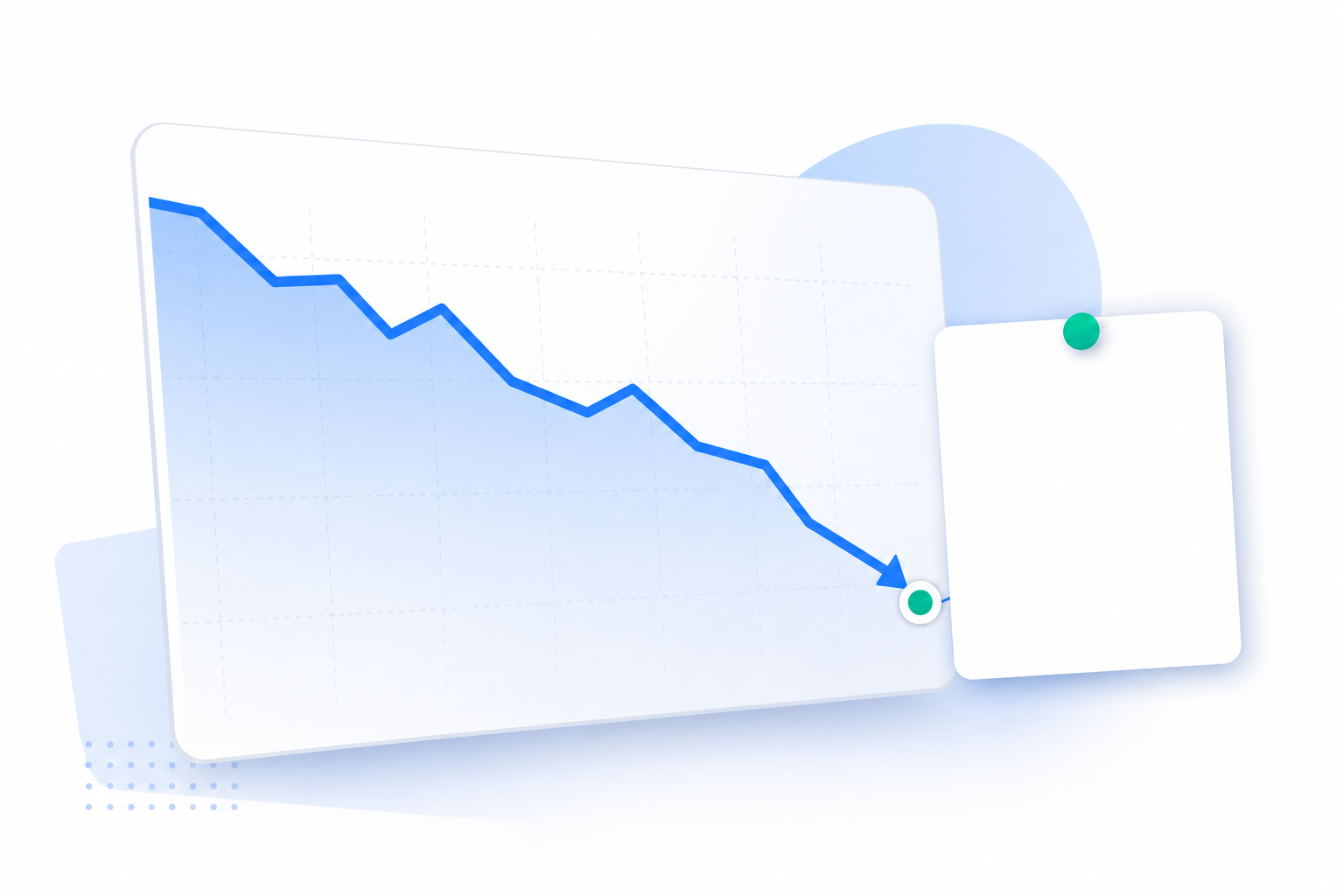
Pricing pages don't sit still. Pull a URL list today and pricing pages may look different by next month.
This isn't one noisy vendor skewing the numbers. IndustryLens reports that 83.1% of the 154 competitors it monitors changed a pricing page at least once between December 2025 and August 2026 (CompetLab, citing IndustryLens).
And missing a change has a cost. Go back to that 45% to 31% win-rate drop. The pricing change was public the whole time. It sat on a page anyone could load. The team just didn't have a process that would surface it.
So reframe the question. If you're a founder or PMM tracking five to 10 rivals, you aren't asking how many pages exist on their site. You're asking which page changed this week, and whether it touches the deals in your pipeline.
That's the line between monitoring and intelligence. Monitoring tells you a page changed. Intelligence tells you what it means and what to do about it. Everything below is built to get you to the second one.
Start with the sitemap, but don't trust it
The sitemap is the fastest inventory you'll get, because the competitor wrote it for you.
Here's how to find it:
- Open
rival.com/robots.txtand look for theSitemap:line. - If there isn't one, try
/sitemap.xmland/sitemap_index.xml. - If you land on an index file, open each child sitemap it lists.
Large sites split their URLs because Google limits a single sitemap to 50MB (uncompressed) or 50,000 URLs (Google Search Central). That split is useful to you.
Read the child sitemap names as a signal. A new sitemap-compare.xml or sitemap-integrations.xml tells you where a rival is putting effort, often before any of those pages rank. Save a copy of the index file every week and compare the list of child files. A new branch is worth a look the same day.
Now the gaps. A sitemap is what the site owner chooses to publish. Stealth landing pages, test pricing, gated pages and noindexed pages often never appear in it.
Some rivals won't have a useful sitemap at all. In Search Off the Record episode 114 (1 October 2026), Google's John Mueller said smaller websites "probably don't need a sitemap" because Google can simply crawl them (Relevant Audience). Plenty of seed-stage competitors will take that advice and ship a thin sitemap or none.
Don't build your diff on lastmod dates either. In the same episode, Mueller said the priority and changefreq fields were dropped and lastmod is used only when reliable (Relevant Audience). If Google won't trust a site's timestamps, you shouldn't either. Diff the page content, not the dates.
Crawl what the sitemap misses, then search for what the crawler misses
Next, run a crawler from the competitor's homepage. A desktop crawler like Screaming Frog follows every internal link it can reach and returns a URL list.
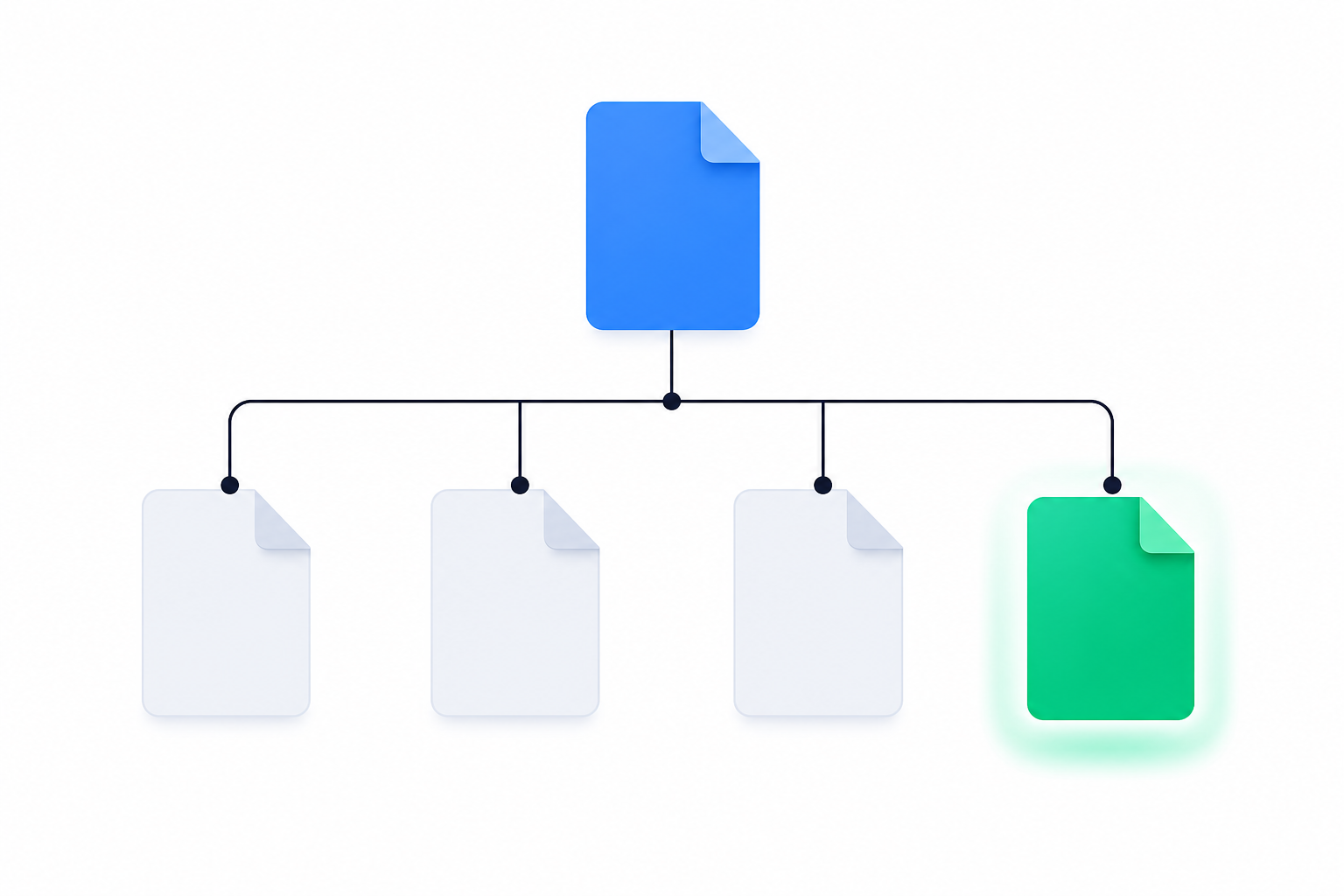
Then compare the two lists. Pages in the crawl but not the sitemap, or in the sitemap but not linked anywhere, are your first findings. A pricing variant that's linked from the nav but missing from the sitemap usually means someone shipped it fast.
Crawlers have blind spots too. A basic homepage crawl that follows links, without adding a sitemap or other URL sources, only finds pages reachable through those links. Orphan pages, links rendered by JavaScript and campaign pages built for paid traffic can stay invisible. That's often where the interesting stuff lives: a sales-only pricing page, a landing page aimed at your customers, a draft comparison page.
Search operators help you fill those holes. Try these against each rival:
site:rival.com inurl:vssite:rival.com inurl:comparesite:rival.com inurl:pricingsite:rival.com inurl:alternatives
Use the results as leads, not as a count. The number of results a site: search reports is a rough estimate, so don't treat it as a page total.
One rule for all of this: stay on public pages. Respect robots.txt, keep your crawl rate low and don't log in to anything. Public doesn't automatically mean risk-free. The hiQ v.
LinkedIn case ended with a $500,000 judgment entered against hiQ, plus liability under California common law torts of trespass to chattels and misappropriation (Morgan Lewis). If you're planning large-scale collection, talk to counsel first.
For what it's worth, SpyGlow works the same way. It monitors public competitor pages only, with no private content or passwords.
The Wayback CDX API shows you what used to be there
Deleted pages are intelligence too. A retired pricing tier, a removed integration page or a pulled comparison page tells you what a rival gave up on. Neither the sitemap nor the crawl will show you those, because they're gone.
The Internet Archive's Wayback Machine can. Skip the simple availability lookup, which only tells you whether a snapshot exists near a date. Use the CDX endpoint, which lists captures. This query lists URLs present in the archive index for the matching host and path:
https://web.archive.org/cdx/search/cdx?url=rival.com/*&matchType=domain&output=json&fl=original&collapse=urlkey
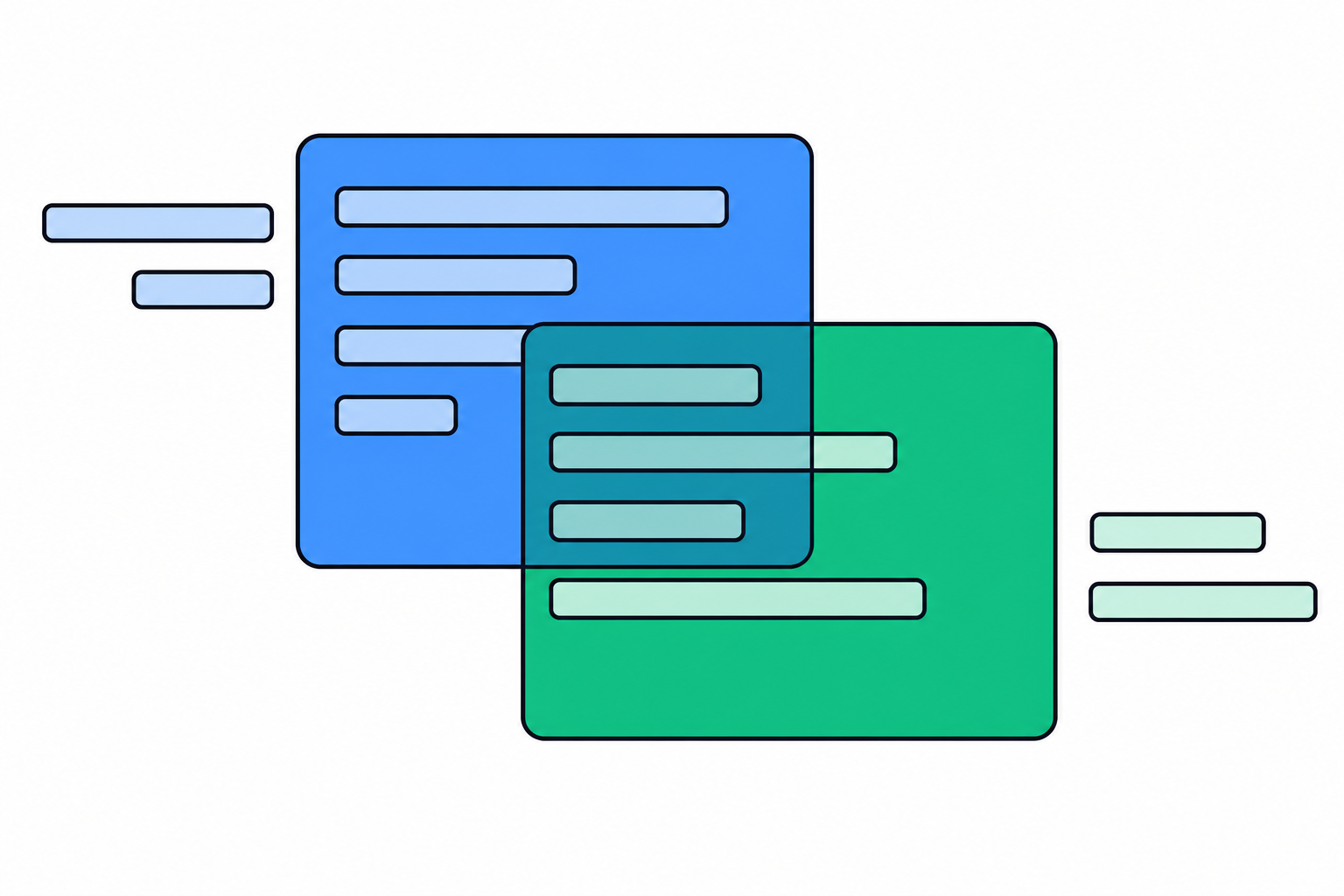
Compare that list against your current inventory. URLs that existed in the archive but not on the live site are your retired pages.
CDX also lets you date a change. One practitioner pulled 519 captures of a single policy page going back to 2024 and pinpointed when a clause appeared (Picklog). Apply the same method to a pricing page and you can see exactly when a tier moved.
Here's an illustrative fictional scenario from Unkover. A CRM vendor's CI team runs weekly Wayback checks on three competitors' pricing pages and catches a quiet starter-tier cut from $79 to $49 per seat, flagging it within a week (Unkover).
Keep one caveat in mind. Wayback captures are sparse and uneven, and some are broken. A missing snapshot doesn't mean the page didn't change, and archived results cannot prove that every page ever existed has been found. It's a coarse history, not a complete change log.
Turn the page list into a weekly diff that flags meaning, not motion
You now have three lists merged into one inventory. On its own, it's a spreadsheet. Here's how to make it useful.
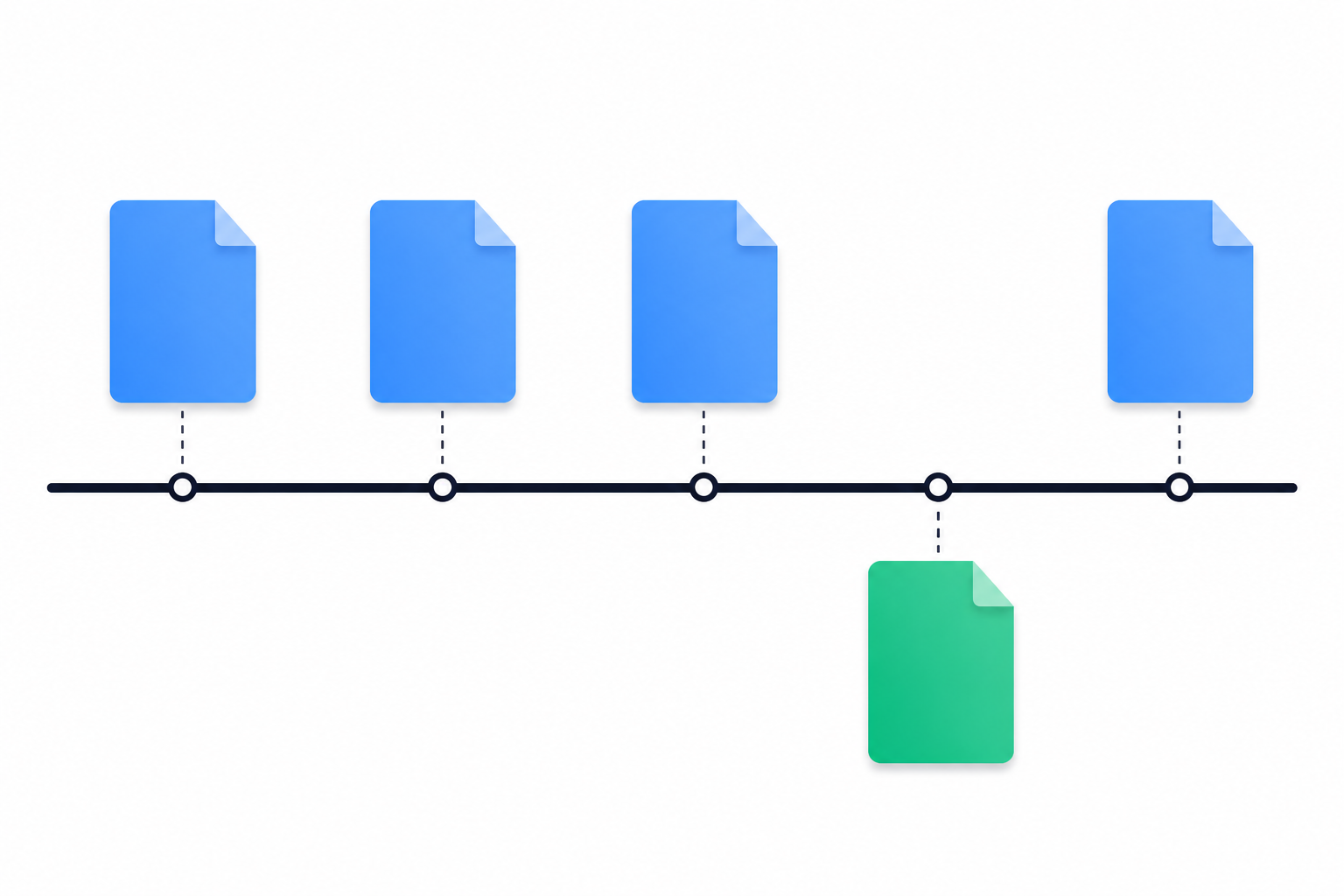
Tag every URL by type. Use seven buckets: pricing, features, compare or vs, integrations, careers, changelog and docs. Treat new URLs (in this week's list, not last week's) and removed URLs as their own alert class. A new /vs/your-brand page deserves attention before any wording change does.
Strip noise before you compare. Most page changes are trivia:
- Cookie banner copy tweaks
- Swapped A/B test variants
- Footer copyright years
- New tracking pixels
- Image compression updates
Remove those, then compare the rendered text. Change detection gives you noise. A scored diff gives you a move.
Score by importance, because price isn't the main signal. CompetLab classified 155 real change alerts from 71 monitored competitor sites. Price changes were 5.2% (8 alerts). Positioning changes were 16.1% (25 alerts) (CompetLab). A rewritten hero line or a new comparison page often matters more to your next deal than a small price edit.
Give every flagged change three lines: summary, why it matters, action. Slack is a good model. In September 2022, Slack capped free-plan message history at 90 days (Visualping).
Written in the three-line format, that change looks like this:
- Summary: Free plan history capped at 90 days.
- Why it matters: Free users are now shopping for alternatives.
- Action: Publish a migration page this week.
We learned this the hard way. Eclar, our founder, built the first version of SpyGlow in April 2025 as change detection. Users kept showing him alerts they couldn't act on. So he rebuilt it, and v2 relaunched in January 2026 around the three-line format above.
Today, SpyGlow checks competitors' public pages, strips out cookie banners and widgets, and scores every change on a scale of 1 to 10. It shows old and new wording side by side, with the page and date the change came from, sorted by importance. On Pro and above, it can watch a single section of a page, like a pricing table, so a footer edit never triggers anything. You can see how it works on the features page.
Start with your two most dangerous rivals
Don't try to inventory every competitor today. Pick the two that show up most in your lost-deal notes.
For each one:
- Pull the sitemap and save the index file.
- Run one crawl from the homepage and compare it to the sitemap.
- Run the four search operators above.
- Run one CDX query and list the retired URLs.
- Tag pricing, features and comparison pages.
That's your baseline. Next Monday, repeat it and compare.
When the repeat work gets old, hand it off. SpyGlow runs the diff for up to 10 domains, each in its own brand workspace with its own competitors, battle cards and alerts. That matters if you run CI for an agency's clients or for several product lines. A Monday brief summarizes the week's changes, why they matter and next steps. Any change can become a tracked action with an owner, so it doesn't die in a Slack thread.
Building your product is the job. Watching theirs is ours.
FAQ
How do I find all pages on a competitor's website without access to their Search Console?
Combine four public sources: the sitemap, a crawl from the homepage, search operators like site:rival.com inurl:pricing, and the Wayback CDX API. Each one catches pages the others miss. Sitemaps skip unlisted pages, crawlers skip unlinked pages, and only Wayback shows pages that have been deleted.
Is it legal to crawl a competitor's website?
Stick to public pages, respect robots.txt, keep request rates low and don't log in to anything. Public data still carries risk: hiQ v. LinkedIn ended with a $500,000 judgment against hiQ (Morgan Lewis). Check with counsel before any large-scale collection.
Why can't I just compare lastmod dates in their sitemap?
Because many sites set them badly. Google's John Mueller said lastmod is used only when reliable (Relevant Audience). Some smaller competitors won't publish a sitemap at all, so compare the rendered page text instead.
Which competitor pages change most often?
But frequency isn't importance: in CompetLab's sample, positioning changes (16.1%) outnumbered price changes (5.2%) (CompetLab).
How often should I re-check a competitor's pages?
Weekly at minimum. During active deal cycles, check pricing and comparison pages daily.
Sources
- Google Search Central: Build and submit a sitemap
- Visualping: Monitor website content changes for competitor insights
- CompetLab: Competitor tracking and price changes
- PageCrawl: SaaS pricing page monitoring for competitor changes
- Relevant Audience: Google Search Off the Record, do sitemaps still matter?
- Morgan Lewis: LinkedIn v. hiQ landmark data scraping suit
- Picklog: Wayback Machine CDX API
- Unkover: Competitive intelligence
Want the scored diff without the spreadsheet? SpyGlow is free forever for your first two rivals, with no credit card and about five minutes of setup. Add the two competitors from your lost-deal notes, and the next time a pricing table changes you'll see old and new wording side by side, scored, with a next step attached. Start free or compare plans.
See the exact words a competitor changed on their pricing page, the day it happens.
Keep reading
How to Find Every Page on a Competitor's Website
Combine sitemaps, robots.txt, search operators, crawlers, Wayback Machine and Common Crawl to map a rival's full URL inventory, then track the pages that carry strategy.
MarketingNinjaReports for Ecommerce Competitor Monitoring: Gaps
NinjaReports shows how competitors rank and advertise in search, but not what they change on their store. Here is what it sees, what it misses, and how to close the gap.
Know the day a competitor changes, and what to do about it.
Free for 2 competitors, 3 pages each, checked daily. No credit card.