
NinjaReports for Ecommerce Competitor Monitoring: Gaps
NinjaReports shows how competitors rank and advertise in search, but not what they change on their store. Here is what it sees, what it misses, and how to close the gap.
TL;DR: NinjaReports is a white-label SEO reporting layer built on SE Ranking data. It tells you how competitors rank and advertise in search. It doesn't tell you what they changed on their store. For price, promos, product pages and messaging, pair it with a CI platform that reads public pages and tells you what each change means and what to do next.
Here's a hypothetical Monday. At 9am your NinjaReports competitor report lands on schedule. Your biggest rival's organic traffic is flat. Top keywords are unchanged. The report gives you nothing to act on.
But on Thursday, that same rival cut prices on its bestselling line and swapped its homepage hero to "free shipping, no minimum." Your report shows none of it. The tool is doing what it was built to do: it measures search visibility. Competitor Tracker's comparison page states that Ninja Reports doesn't monitor pricing pages (Competitor Tracker).
You don't need to drop NinjaReports. You need to stop asking it to do a job it was never built for.
What NinjaReports does well for competitor research
Credit first. NinjaReports has real competitor data. It's just search-shaped.
Its Competitive Research Tool, powered by SE Ranking, pulls "traffic data, top-performing keywords and pages, ranking changes, ad history and copies, etc." (Ninja Reports). Some reviews get this wrong. Freak.marketing describes NinjaReports as lacking competitor research (freak.marketing), which conflicts with Ninja Reports' own product pages. It does have competitor reports.
The bigger strength is delivery. The SEO Competitor Analysis Report handles multiple competitors, shows top pages by traffic share, and sends on a recurring schedule to clients or internal teams (Ninja Reports). If you're an agency mailing branded monthly reports to a dozen clients, that's the product.
For ecommerce, it earns its keep in three places:
- Category climbs. You spot a rival's category page moving up for "running shoes wide fit" before it eats your traffic.
- Ad copy shifts. Ad history shows when a competitor's paid search copy flips to discount language.
- Traffic share by page. You learn which of their product pages capture the most search traffic.
That ad copy history is the closest NinjaReports gets to promo detection. It's indirect, and it only covers paid search. A sitewide sale with no matching ad change won't show up.
Now the caveats. NinjaReports is a white-label layer on SE Ranking data, so it can only do what that data does. Independent user evidence is thin: at the time of writing, its G2 page lists two reviews. If you're a single-brand team that doesn't need white-label reports, a direct SE Ranking or Semrush subscription may serve you better.
The ecommerce signals an SEO report never sees
Shoppers compare prices. In a 2025 Ipsos survey of online shoppers in six countries, 68% said they always or often compare prices when shopping online (PriceRest). The study covered 3,000 shoppers and was commissioned by Temu, so weigh it with that in mind. Vendor figures run higher: Prisync says 90% of online shoppers actively compare deals before making a purchase (Prisync). Treat that number as directional, since it comes from a company selling price monitoring.
Either way, your rival's price is part of your conversion rate. An SEO report can't see it.
The reason is specific to NinjaReports. Kompense describes NinjaReports' documented competitor research as focused on search and advertising data, rather than page rendering, DOM-level changes, or page-content extraction (Kompense). Competitor Tracker makes the same point: NinjaReports compares search visibility, not pages (Competitor Tracker). These tools read rank and traffic data. They never read the store.
That leaves four blind spots:
- Price: a 17% cut on a hero SKU.
- Promos: a sitewide BOGO banner, or a free-shipping threshold dropping to zero.
- Product pages: new variants, bundles, spec or warranty changes, stock status.
- Messaging: hero copy pivoting from "premium" to "affordable," or a new wholesale tier appearing in the nav.
Price-monitoring vendors already frame the job this way. As Datacrops puts it, "Modern ecommerce brands monitor marketplaces, retailer websites, promotions, stock availability, ratings, and shipping costs, not just product prices" (Datacrops).
An SEO report gives you visibility trends. A strategic change gives you a move.
Not every page change counts. A cookie banner copy tweak, a new footer copyright year, or an A/B variant swap is noise. A pricing drop or a new wholesale tier is signal. Spotting changes is the easy part. Sorting them is the job.

Coverage matrix: which tool sees which signal?
No tool covers everything. Here's how three layers compare for ecommerce, with Prisync standing in for dedicated price tools.
| Signal | NinjaReports | Prisync | SpyGlow |
|---|---|---|---|
| Organic rankings and keyword shifts | Yes | No | No |
| Paid search ad copy history | Yes | No | No |
| SKU-level price across large catalogs | No | Yes | Partial |
| Stock availability | No | Yes | Partial |
| Promo banners and homepage offers | No | No | Yes |
| Product page copy and feature changes | No | No | Yes |
| Positioning and hero messaging | No | No | Yes |
| "Why it matters" and recommended action | No | No | Yes |
| Battle cards from changes | No | No | Yes |
How to read it:
- No column is all "Yes," and that's the point. Each tool is built around a different data type.
- Price tools win on SKU depth. Prisync advertises "Price Updates up to 3 Times a Day" (Prisync). If you're matching hundreds of overlapping SKUs, nothing else in this table replaces that. Its intelligence stops at repricing rules, though.
- NinjaReports catches promos only through ads. If the offer never reaches paid search copy, it's invisible.
- SpyGlow reads the page itself. It tracks pricing, features, hero copy, blog posts and metadata (SpyGlow battle cards). It shows old and new wording side by side with the page and date, and scores each change from 1 to 10 (Features). Pricing and stock are partial because it watches pricing pages and sections, not full catalogs.
- SpyGlow only sees public pages. Logged-in, personalized, geo-specific or app-only pricing can be missed. If a rival hides its best offers behind a login, no public-page tool will catch them.
- Rankings are partial on purpose. SpyGlow offers keyword research and content gap analysis, but for week-over-week rank reporting, keep NinjaReports.
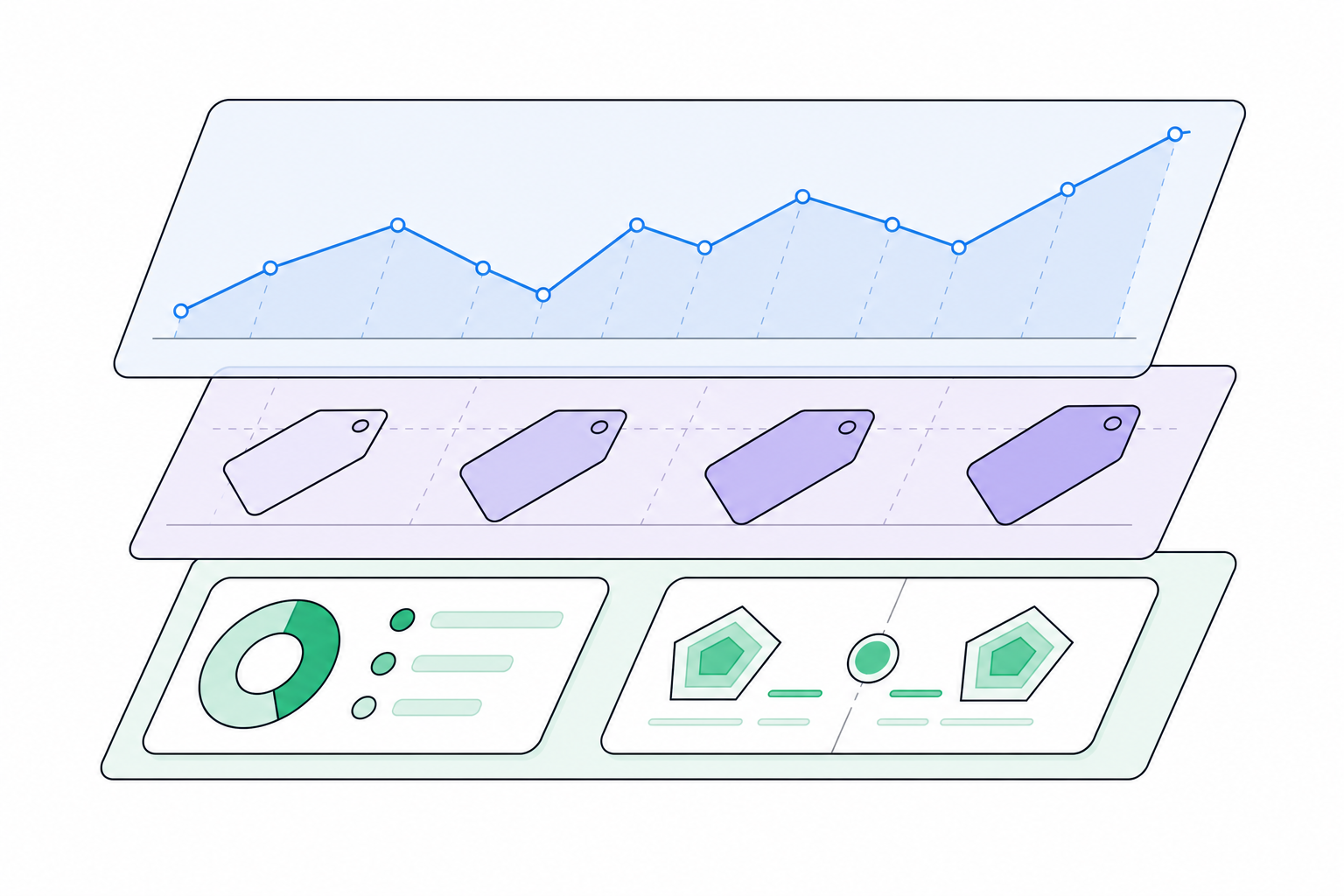
A layered workflow: search data, price data, then intelligence
Think in three layers. Each one answers a different question.
Layer 1: search visibility (keep NinjaReports). Use it for monthly client or leadership reporting on ranking and ad trends (Ninja Reports). Its job is the trend line, not the trigger.
Layer 2: SKU price and stock (only if catalog size demands it). If you share hundreds of SKUs with a rival, a dedicated tool earns its cost. Prisync's pitch is direct: "Track competitor prices and stock 24/7, then reprice automatically with rules you control" (Prisync). If you overlap on 30 products, you probably don't need this layer.
Layer 3: strategic change intelligence (SpyGlow). This is where competitive intelligence, not competitor monitoring, does the work. Change detection gives you noise. SpyGlow gives you intelligence.
We learned that distinction the hard way. Our founder, Eclar, built SpyGlow v1 in April 2025 as change detection. Users kept showing him alerts they didn't know what to do with, so he rebuilt it, and v2 relaunched in January 2026.
Here's one change, end to end:
- SpyGlow checks the rival's public pages and strips out cookie banners and widgets before comparing anything (SpyGlow).
- It scores the change from 1 to 10 for importance (Features).
- It hands you one summary, one reason, one action.
Summary: Pricing dropped 17% on the core bundle. Why it matters: Signals a push for share before Q4. Action: Update the battle card and brief merchandising today.
On Pro and above, you can watch a single section, such as a pricing table, instead of a whole page. Behind this sit 9 specialized AI agents, including a Change Detection Agent that "filters noise from signal" (SpyGlow's agent breakdown). You're hiring a small CI team, not licensing a tracker.
The same change feeds a battle card. SpyGlow says it drafts "a sales-ready battle card with pricing deltas, objection handlers, and the line that flips the call, in under 60 seconds" (SpyGlow battle cards). That's our own claim, so test it on your own rivals.
If you run several brands or client accounts, each gets a separate workspace with its own competitors, battle cards and alerts (Pricing). You can track multiple competitor domains per account; check the pricing page for the limits on each plan.
And when you need history, ask for it. Type "What has Rival X changed on its shipping policy since August?" into AskGlow. You get sourced answers drawn from tracked competitors and snapshots, plus an editable battle card, brief or action plan ready to paste into Notion, Slack or your CRM (SpyGlow agents).
Which team should get which signal?
A signal that reaches the wrong person is wasted. Route by owner and cadence:
- Price drops and new tiers: merchandising or pricing lead. Same day, human decision.
- Promo banners and shipping offers: performance marketing and lifecycle. Within the week.
- Product page and feature changes: product and category managers. Weekly.
- Messaging and positioning shifts: PMM and sales. Battle card update.
- Ranking and ad copy trends (NinjaReports): SEO and content. Monthly report.
Notice the first line says "human decision." Don't auto-match prices. Gartner (2024) found 68% of consumers feel taken advantage of when brands use dynamic pricing (PriceRest). Retailers seem to sense this: a Valcon poll of 350 European retailers found 61% use some form of dynamic pricing, but less than 15% use algorithmic or AI-based dynamic pricing (PriceRest). An alert should start a conversation with margin guardrails, not trigger a repricing rule.
The delivery mechanics matter as much as the routing:
- Important changes go to Slack or a webhook on Pro and above.
- The Monday brief summarizes the week's competitor changes, why they matter and next steps.
- Any change becomes an action with an owner and steps, tracked to done (Actions).
Insights that die in a Slack thread give you trivia. Assigned actions give you a response.
Run one rival through both layers this week
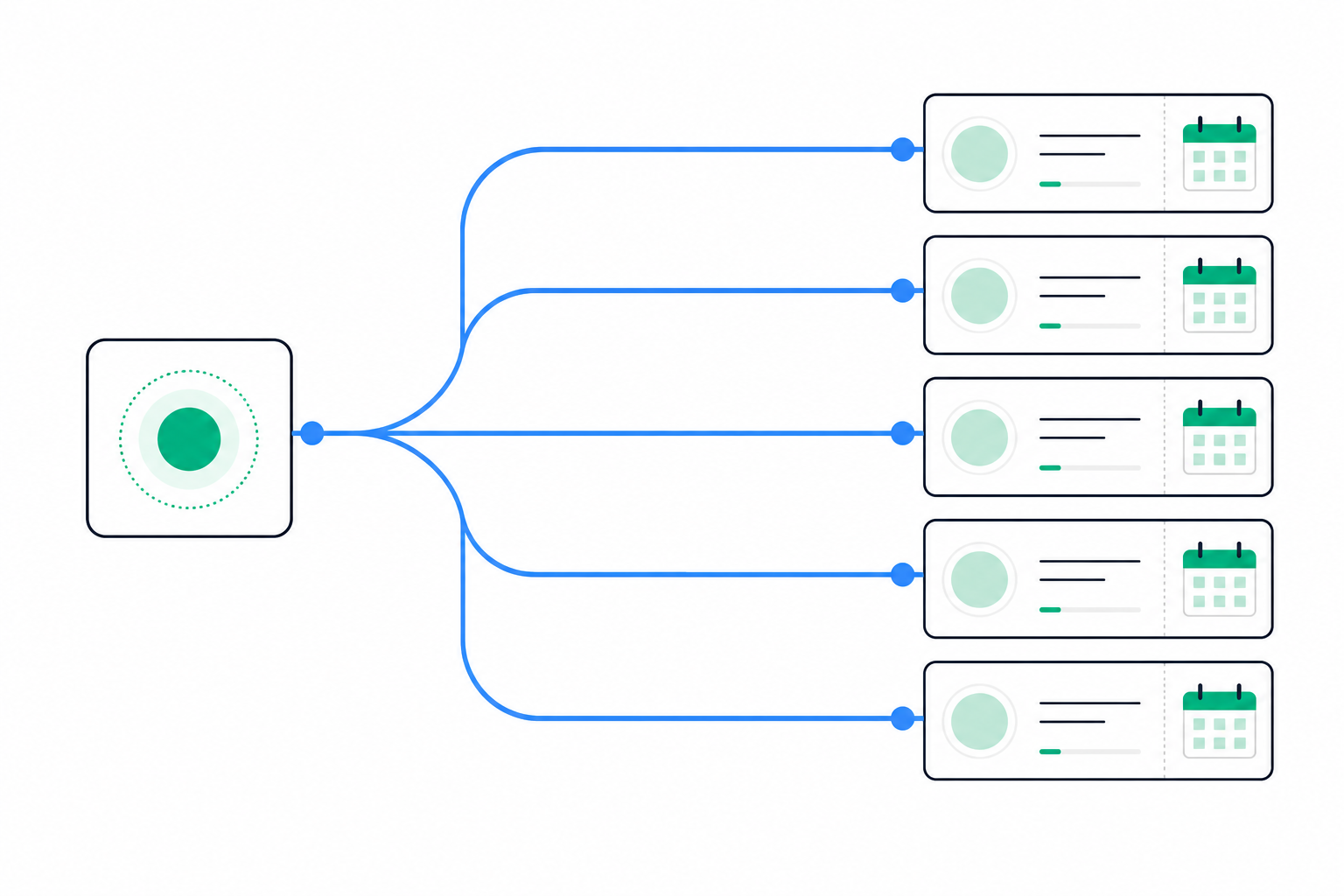
You can test all of this in seven days:
- Pick your two closest ecommerce rivals.
- Keep their NinjaReports competitor report running.
- Add both to SpyGlow's free plan: $0, two competitors, daily checks, AI change classification and 10 AskGlow questions a month, with no credit card (Pricing).
- After seven days, put both outputs side by side and count which changes each layer caught.
If the SEO report and the change log tell the same story, you've lost nothing. If they don't, you've found your blind spot.
FAQ
Does NinjaReports track competitor pricing changes?
No. It reports SE Ranking search and paid ad data, not on-page prices. Competitor Tracker's comparison page states it doesn't monitor pricing pages (Competitor Tracker).
Can NinjaReports show a competitor's promotions?
Only indirectly, through paid search ad copy history (Ninja Reports). If a rival runs a sitewide sale without changing its ads, you won't see it there.
Do I still need a price monitoring tool if I use SpyGlow?
For SKU-level matching across large catalogs, yes. SpyGlow covers strategic page changes like pricing pages, promos and messaging, not catalog-wide repricing. A tool like Prisync handles that layer (Prisync).
Can SpyGlow see logged-in or geo-specific prices?
No. It monitors public competitor pages only, with no passwords or private content (Pricing). Personalized or app-only offers can slip past any public-page tool.
How do agencies track competitors for several client brands?
Give each client its own brand workspace with separate competitors, battle cards and alerts (Pricing). Keep NinjaReports for the branded monthly SEO report, and let each workspace handle the page-level changes in between.
Sources
- Ninja Reports: Competitive Research Tool
- Ninja Reports: SEO Competitor Analysis Report
- Competitor Tracker: Competitor Tracker vs Ninja Reports
- Competitor Tracker: Best competitor monitoring tools for small SaaS
- freak.marketing: NinjaReports vs SpyFu for PPC competitor research
- Kompense: How to identify competitor pricing changes automatically
- PriceRest: Price monitoring statistics (Ipsos, Gartner, Valcon)
- Prisync
- Datacrops: Competitor price tracking software
Start with the side-by-side change view: add your two closest rivals to SpyGlow, then see a real change tonight with old and new wording on screen, scored 1 to 10, and a reason to care. See how change scoring works or start free on the pricing page.
See why a competitor outranks you and what to fix first.
Keep reading
Ninja Reports for Startups: Worth It in 2026?
Ninja Reports suits startups that owe recurring SEO or PPC reports. It won't show competitor moves, and NinjaCat is a different, far pricier product built for agencies.
MarketingSpyGlow vs Klue: Enterprise Feature Comparison 2025
Klue leads on CRM integrations and win-loss data. SpyGlow scores public competitor changes across multiple brands. This framework shows which fits your team and how to run a pilot.
Know the day a competitor changes, and what to do about it.
Free for 2 competitors, 3 pages each, checked daily. No credit card.