
How to Find Every Page on a Competitor's Website
Combine sitemaps, robots.txt, search operators, crawlers, Wayback Machine and Common Crawl to map a rival's full URL inventory, then track the pages that carry strategy.
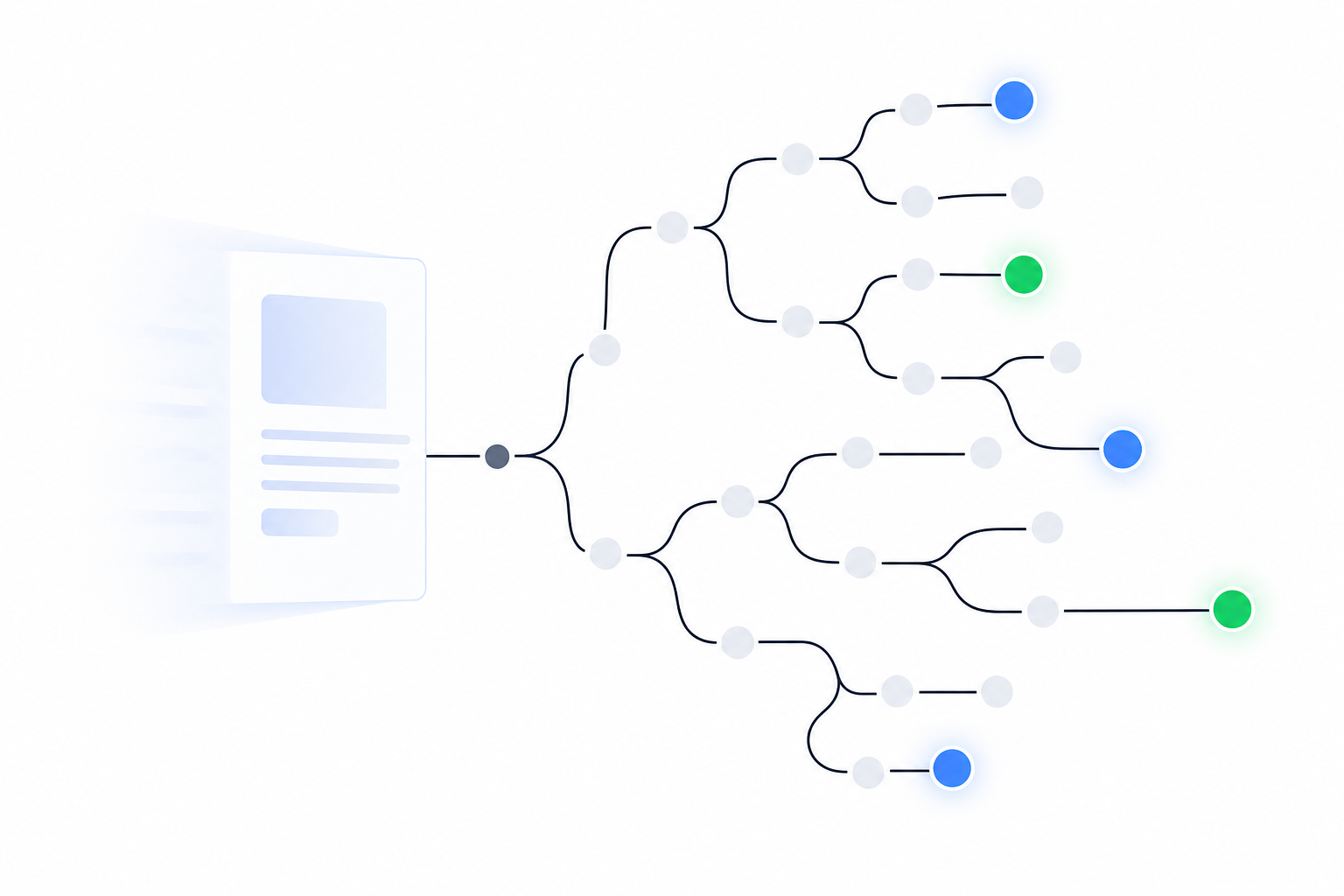
TL;DR: No single method finds every page on a competitor's site. Sitemaps, robots.txt, search operators, crawlers, the Wayback Machine and Common Crawl each leave gaps, so combine them. Then filter down to pricing, changelog, careers, integrations and comparison pages, and watch those for changes that mean something.
A PMM at a 60-person B2B SaaS company hears about a rival's new /compare/ page from a prospect, on a live call. The page has been up for three weeks. It names her product and gets two features wrong. Nobody on her team knew it existed.
Most "find all pages on a website" guides focus mainly on URL discovery. The ones ranking on page one, from SE Ranking, ScrapingBee and Pixellize, do not develop the competitor-intelligence workflow that follows URL discovery.
This guide builds the full inventory of a competitor's site with six methods, shows what each one misses, then cuts the list to the five page types that carry strategy. That's the difference between competitor monitoring and competitive intelligence. A URL list tells you pages exist. Intelligence tells you what changed and what to do about it.
Start with what the competitor publishes: sitemap.xml and robots.txt
Open rival.com/robots.txt before anything else. Then follow its Sitemap: lines. Robots.txt often points to sitemap locations you'd never guess, like /sitemap_index.xml or /post-sitemap.xml.
One caveat on bloated files. "Google enforces a robots.txt file size limit of 500 kibibytes (KiB). Content which is after the maximum file size is ignored" (Google Search Central). So sitemap lines buried at the bottom of a huge file may never be read by Google. You can still read them yourself.
Expect the sitemap to be split across many files. Per the protocol, "each Sitemap file that you provide must have no more than 50,000 URLs and must be no larger than 50MB (52,428,800 bytes)" (sitemaps.org). A sitemap index can reference up to 50,000 child sitemaps, a theoretical 2.5 billion URLs (SitemapFixer).
International rivals split sooner than you'd think. A sitemap with 20 hreflang locales hits the 50MB ceiling at about 20,800 URLs (claude-seo.md). Open the index and pull every child file, not just the first one.
Then treat what you've got as a floor. A sitemap is a self-reported list of what a site wants indexed. Sitemaps can be partial or stale, so verify omitted pages and lastmod values. When a page shows up in the sitemap before it appears in the navigation, that gap is a signal in itself. Something is about to launch.
Finally, read the Disallow: lines. A rule like Disallow: /beta/ or Disallow: /partners-portal/ is a path clue that may warrant checking from public sources. Robots.txt rules ask crawlers not to access those paths, but they do not prove a live page or section exists. This is reconnaissance, not access. SpyGlow only watches public pages, and so should you.
Use search operators and crawlers to find what the sitemap hides
Google's site: operator surfaces indexed pages the sitemap skips. Just don't trust the count. iProyal points out that site: gives an incomplete picture, and the estimate shifts between searches. Use it for spot-checks, not a census.
Building on ScrapingBee's operator table, these queries are tuned for competitor research:
site:rival.com inurl:pricingfinds plan pages, regional pricing and old tiers still indexedsite:rival.com inurl:compare OR inurl:vsfinds the pages where they position against yousite:rival.com intitle:"alternative"catches "X alternative" landing pages built for searchsite:rival.com filetype:pdfpulls PDFs, a trick Oxylabs also uses alongsideinurl:blog
The PDF query is underrated. Case studies, security whitepapers and partner one-pagers often live in PDFs that never get linked from the main nav.
Next, run a crawler. It follows links the way a buyer does, page to page. ScrapingBee lists Screaming Frog as the common free starting point, with Ahrefs and Semrush as paid options. Set a polite crawl rate and respect robots.txt. You're mapping a site, not load-testing it.
Crawlers have a blind spot by design. Pixellize notes they miss orphan pages, meaning pages with no internal links pointing to them. On a competitor's site, orphans are often the interesting pages: campaign landing pages, comparison pages built for paid search, and pages for tiers that haven't launched yet.
One more thing the owner-focused guides lead with: Google Search Console and GA4. SE Ranking, Link-Assistant and Oxylabs all recommend them. They only work on sites you own, so skip them here.
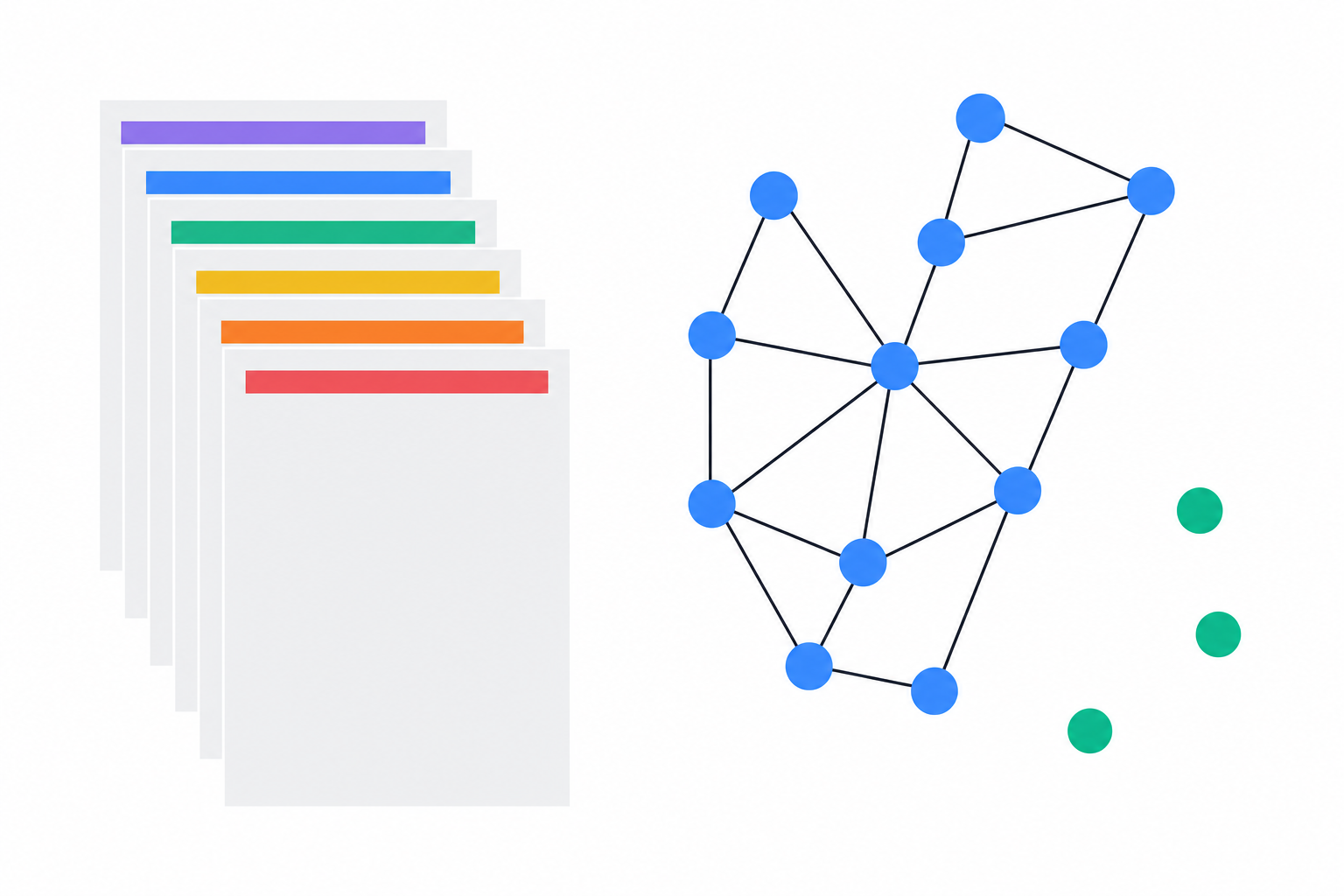
Wayback and Common Crawl show you pages the competitor already deleted
The Wayback Machine gives you history. On October 22, 2025, the Internet Archive celebrated "1 trillion web pages preserved" (Internet Archive Blog). Founder Brewster Kahle called it "a major goal of one trillion web pages…shared by people all over the world, wanting to make sure that what they know is passed on" (Internet Archive).
For competitor research, query web.archive.org/web/*/rival.com/*. That can surface URLs captured on the domain, including retired pricing tiers and discontinued products, but the results are incomplete. Coverage is uneven: "Not all websites or web pages are archived, and some might have gaps in the timeline" (Bellingcat Toolkit).
Common Crawl is a free monthly source of URLs. Its September 2026 crawl (CC-MAIN-2026-39) "contains 2.17 billion web pages," with captures "from 40.4 million hosts or 33.2 million registered domains," including 587.2 million URLs not seen in earlier crawls (Common Crawl). It samples the web, so coverage for any one domain is partial and changes from crawl to crawl.
If you're scripting against it, note the format change. With the July 2026 crawl, WARC record IDs moved from Type 4 to Type 7 UUIDs, and the Parquet URL index moved to ZStandard compression (Common Crawl). Older pipelines may break.
Both archives lag the live site. They miss pages behind robots.txt, logins and heavy JavaScript rendering, and they trail recent launches. A page missing from them may still exist. A page present in them may be long gone. They're good for discovery and history, and poor for catching this week's change.
| Method | Best for | What it misses | Freshness |
|---|---|---|---|
| Sitemap.xml | Declared indexable pages | Gated, staging, new or excluded pages; unreliable lastmod |
As fresh as the competitor keeps it |
| Robots.txt | Sitemap locations, hints at hidden sections | Everything it doesn't name | Live |
site: operators |
Indexed pages by keyword | Unindexed pages, accurate counts | Depends on Google's index |
| Crawler | Linked pages, site structure | Orphan pages | Live at crawl time |
| Wayback Machine | Deleted and historical URLs | Unarchived sites, timeline gaps | Lagging |
| Common Crawl | Bulk URL lists across domains | Sampled coverage, varies by crawl | Monthly |
Most of those URLs don't matter: filter to five page types
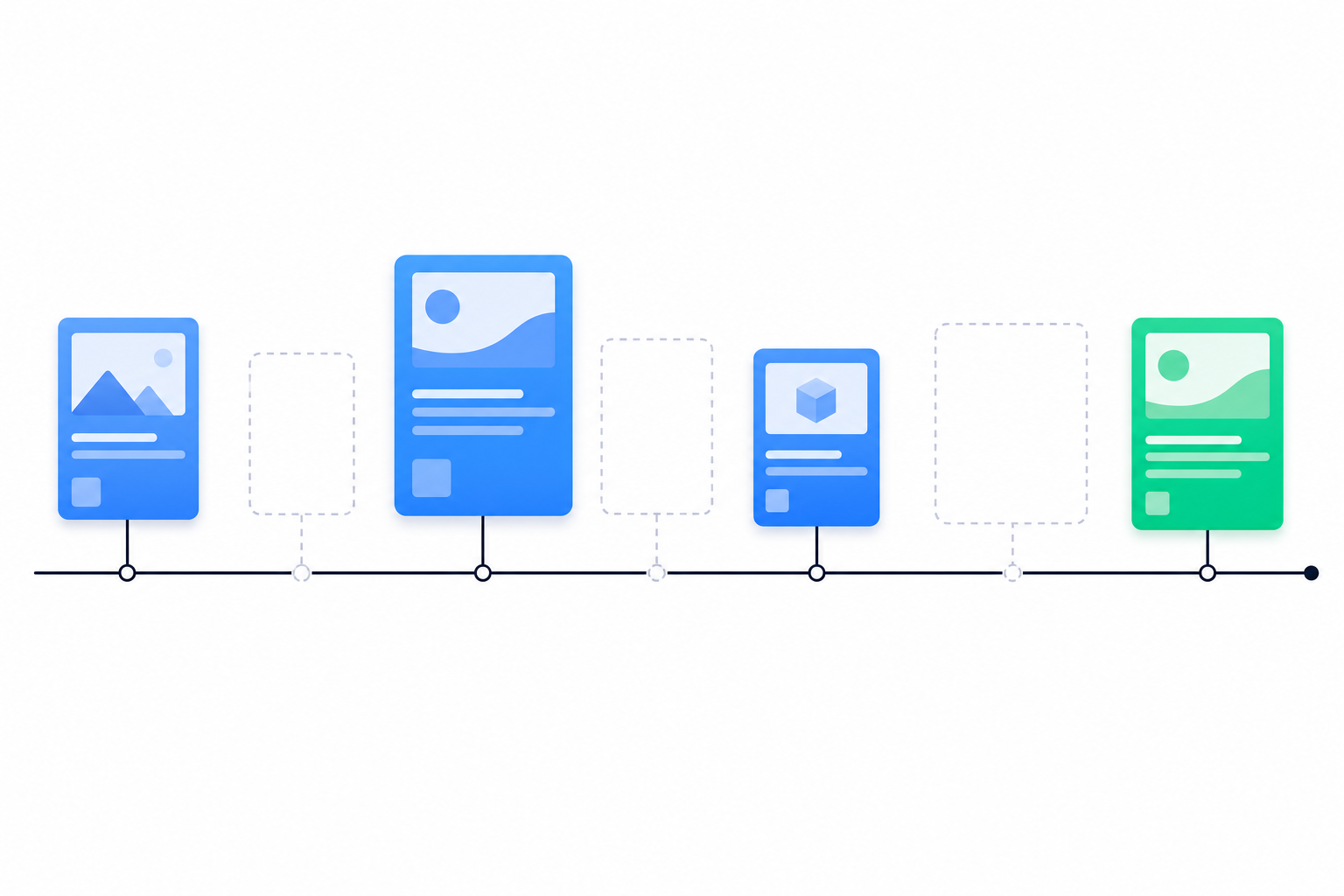
Run all six methods on a mid-size SaaS competitor and you'll end up with thousands of URLs. Most are blog posts, help articles and tag pages. A URL list gives you a spreadsheet. Five page types give you a strategy.
- Pricing (
/pricing,/plans): packaging and discounting. Example signal: "Pricing dropped 17%, update battle cards today." - Changelog and release notes (
/changelog,/whats-new): roadmap direction. Example: "API docs rewritten, developer platform is live." - Careers (
/careers,/jobs): where the money goes next. Example: "VP Sales from Acme, they're moving up-market." - Integrations (
/integrations,/marketplace): which platforms they're betting on, and whose customers they want. - Comparison and alternatives (
/vs/,/compare/,/alternatives/): who they think they're fighting, and how they describe you.
Pricing pages change more often than most teams assume. In Visualping's September 2026 data, 40% of monitored pages recorded a change, and 93% of users monitoring HubSpot's pricing page recorded a change (Visualping). A detected change may be a layout or wording edit, not only a price change. That's a vendor with a commercial interest in the number, so read it as directional.
The real signal shows up when two page types move in the same window. Say a rival adds an enterprise tier to its pricing page, posts three enterprise AE roles on careers, and publishes a new /vs/ page aimed at your largest customer segment, all in the same fortnight. Any one of those alone is trivia. Together, they're a move up-market, and your sales team needs to hear it before the first deal shows it.
Single-surface alerts give you trivia. Composite signals give you a move.
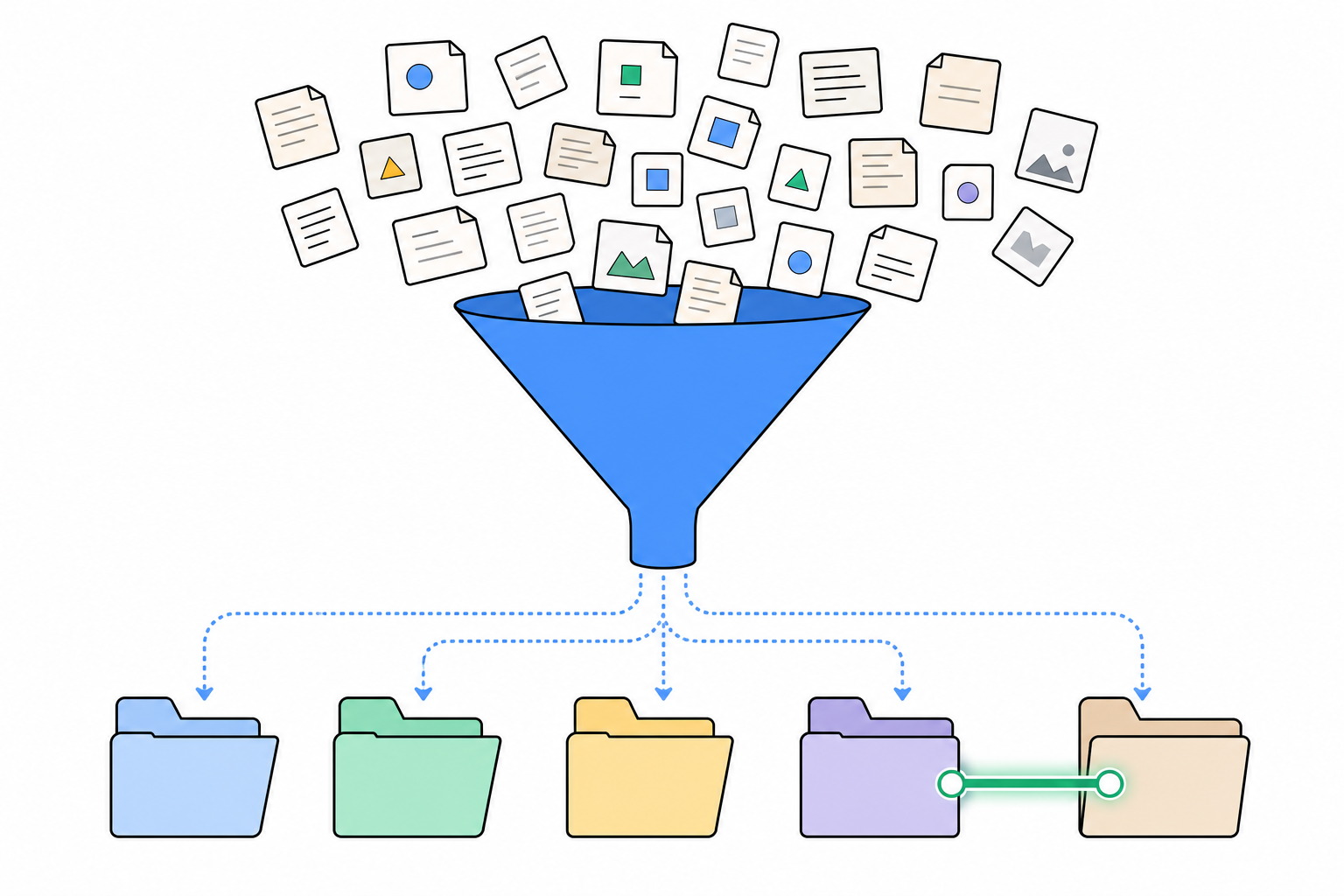
Monitoring tells you a page changed. Intelligence tells you what to do
Running these six methods by hand works for one or two rivals. It falls apart at five to 10. You'll have dozens of high-value URLs, and if Visualping's numbers hold, about half of the pricing pages alone will change in a given month.
Speed matters too. On Jotform's pricing page, a save-50% promotion replaced a save-up-to-20% banner, with updated plan prices, and the change was captured within two days, from July 11 to July 13 (Visualping). A rep who learns about a 50% promo from the prospect has already lost the framing.
Raw change detection has its own problem: it flags everything. A naive page diff alerts on:
- A cookie banner copy tweak
- An A/B test variant swap
- The footer copyright year
- Image compression
- A new tracking pixel
None of those deserve a Slack ping. And the prices quoted in sales conversations never appear on the page at all, so no tool catches everything. Change detection gives you noise. SpyGlow gives you intelligence.
Here's how that plays out in practice. SpyGlow checks public competitor pages, strips out cookie banners and widgets, and gives every change an importance score from 1 to 10, so footer and banner edits don't trigger alerts (SpyGlow features). When something real moves, you see the old and new wording side by side, with the page and date it came from, sorted by importance.
On Pro and above, you can watch a single section, like a pricing table, instead of the whole page, and send important changes to Slack or a webhook. Agencies and multi-product teams get separate brand workspaces across up to 10 domains, each with its own competitors, battle cards and alerts. Every Monday, the brief summarizes the week's changes, why they matter and next steps. If you want to dig into history, AskGlow answers plain-English questions about rival changes, with sources shown for each point.
The last step is the one most tools skip. One click turns a change into a tracked action with an owner and a source link, so the insight doesn't die in a Slack thread (Actions).
That gap is why SpyGlow looks the way it does. Eclar built v1 in April 2025 as change detection. He rebuilt it as v2, relaunched in January 2026, after users showed him the gap between alerts and intelligence.
Build the list today, then hand off the watching
Pick your top two rivals. Pull their robots.txt, every child file in the sitemap index, and their Wayback URL list. Run the four site: queries above. Then filter everything to the five page types: pricing, changelog, careers, integrations and comparison. Expect it to take about 30 minutes.
You'll end up with a short list of maybe 10 to 20 URLs per rival that actually carry strategy. Put the comparison pages at the top. Those are where a rival tells prospects what it thinks of you, and they're the pages your team usually finds last.
Then decide who watches them. A spreadsheet of URLs doesn't tell you when the pricing table changes, or that it changed the same week three enterprise roles went up. That's the part worth handing off.
FAQ
Can I find every page on a competitor's website?
No single method can. Combining the sitemap, robots.txt, search operators, a crawler and the two archives gets you close. Gated pages, orphan pages and very new pages may still be missing, so treat your list as a strong draft that improves over time.
Is it legal to crawl a competitor's public website?
Stick to public pages, respect robots.txt and keep your crawl rate polite. Never try to access anything behind a login or a Disallow: rule. Laws and terms of service vary, so check with your own counsel before running large automated crawls.
Why doesn't site: show all of a site's pages?
It only reflects what Google has indexed, and the result count is an estimate that shifts between searches (iProyal). Pages Google hasn't indexed, or has chosen to drop, won't appear. Use site: with inurl: or filetype: for targeted spot-checks instead.
How often do competitor pricing pages change?
More often than most teams plan for. In Visualping's September 2026 data, 40% of monitored pages recorded a change (Visualping). A detected change may be a price, layout or wording edit, so filtering matters as much as frequency.
What's the difference between competitor monitoring and competitive intelligence?
Monitoring flags that a page changed. Intelligence explains what the change signals, often by connecting it to changes on other pages, and tells you what to do next. A new enterprise tier is a monitoring alert. A new enterprise tier plus enterprise hiring plus a new comparison page is intelligence.
Sources
- SE Ranking: How to find all pages on a website
- ScrapingBee: How to find all URLs on a domain's website
- Pixellize: How to find all pages on a website
- Oxylabs: How to find all website pages
- iProyal: How to find all webpages on a website
- Link-Assistant: How to find all website pages
- Google Search Central: robots.txt specification
- sitemaps.org protocol
- SitemapFixer: Google sitemap limit
- claude-seo.md: XML sitemap guide
- Internet Archive: 1 trillion pages
- Internet Archive: celebration posts
- Bellingcat Toolkit: Internet Archive
- Common Crawl: September 2026 crawl archive
- Common Crawl: July 2026 crawl archive
- Visualping: Monitor website content changes for competitor insights
- Visualping: Competitive monitoring
Once you've built the list, add your top two rivals to SpyGlow's free plan. It's $0 and free forever, with no credit card and about five minutes of setup, and it includes daily checks and AI change classification with 1 to 10 importance scoring. When you're ready to watch just the pricing table, Pro adds section-level watching and Slack alerts. You get one summary, one reason and one action instead of a raw diff.
Building your product is the job. Watching theirs is ours. Start free with your first two rivals.
See why a competitor outranks you and what to fix first.
Keep reading
NinjaReports for Ecommerce Competitor Monitoring: Gaps
NinjaReports shows how competitors rank and advertise in search, but not what they change on their store. Here is what it sees, what it misses, and how to close the gap.
MarketingNinja Reports for Startups: Worth It in 2026?
Ninja Reports suits startups that owe recurring SEO or PPC reports. It won't show competitor moves, and NinjaCat is a different, far pricier product built for agencies.
Know the day a competitor changes, and what to do about it.
Free for 2 competitors, 3 pages each, checked daily. No credit card.