
Figma vs Kaggle: Pick by Role, Not Rivalry
Figma and Kaggle aren't competitors. Designers use Figma, data scientists use Kaggle, and product teams often use both, with Kaggle data feeding Figma visuals.
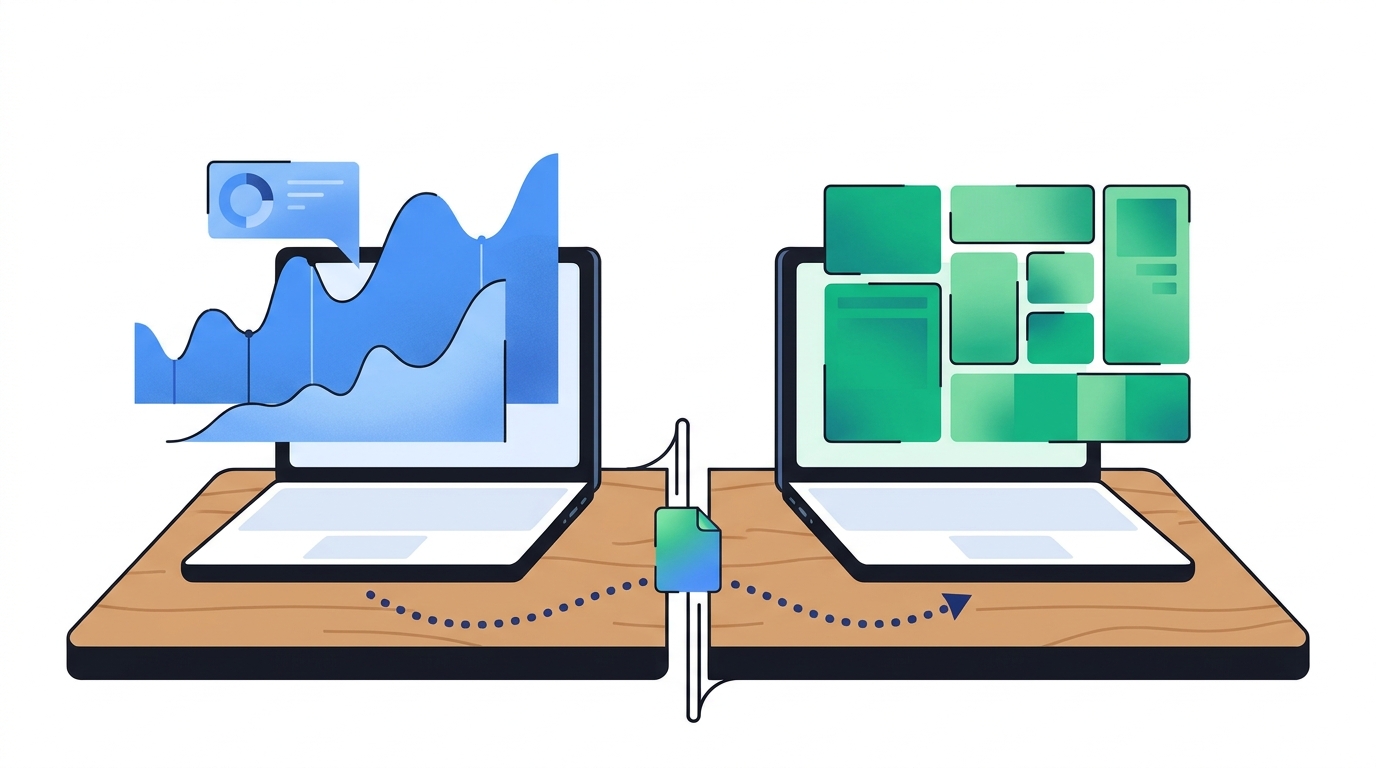
TL;DR: Figma is a paid design platform. Kaggle is a free data science community owned by Google. They don't compete. Designers pick Figma, data scientists pick Kaggle, and product teams often use both, with Kaggle data feeding Figma-designed dashboards. The bigger lesson is about competitive intelligence: odd comparison searches show you which categories your buyers lump together, and that's a positioning signal you can track.
Someone typed "Figma vs Kaggle" into a search bar this week. Ask any AI assistant the same question and you'll get the same verdict: these tools aren't competitors.
That's true. But the query itself is the interesting part. Somebody had a job to do and put a design tool and a data platform on the same shortlist. You'll get a fast answer below on which one you need. Then you'll see why searches like this one matter if you sell B2B software.
Figma and Kaggle aren't even in the same category
Figma is a collaborative design and prototyping platform, and it's a public company that sells seats. Its Q3 2026 revenue grew 43% year over year to $391.4 million (Figma 8-K, SEC). It had approximately 690,000 paid customers as of March 31, 2026, up 54% year over year (Figma Q1 2026 8-K, SEC). By September 30, 2026, 16,566 of those customers paid more than $10,000 in ARR (Figma 8-K, SEC).
Kaggle is a different kind of thing. Google acquired it on March 8, 2017 (Wikipedia). Kaggle reported 23.29 million accounts as of April 2, 2025, and its own 2026 marketing claims 32M+ members (AIWiki). It hosts over 513,000 public datasets, 1.4 million code notebooks and more than 26,000 models (Data4AI).
Kaggle works as a community and talent pipeline into Google Cloud. It isn't a standalone revenue product, so comparing it to Figma on revenue or pricing is lopsided from the start.
The business models point in opposite directions:
- Figma earns from seats plus AI credits. Over 80% of paid customers with more than $10,000 in ARR were consuming AI credits weekly as of mid-2026 (Figma Q2 2026 8-K, SEC).
- Kaggle grows through free education. The Google and Kaggle AI Agents course reached over 1.5 million learners in its first run (Google Blog).
So the consensus holds. Different categories, indirect overlap, and you should compare them by audience and use case, not feature by feature.
Which one you need depends on your job title
Designer
Figma, every time. A Crazy Egg review lists its core strengths: real-time collaboration, cloud access, prototyping, Dev Mode and version control. Figma is also pushing further into AI. Figma Agent became generally available on October 6, 2026, with customers including Uber, Granola and Harvey (Benzinga, Q3 2026 earnings transcript).
Kaggle has one job for you as a designer: it's a place to grab a real dataset so your chart mockups show real numbers instead of placeholder values.
Data scientist
Kaggle, for learning, competing and free compute. Know the limits. The free GPU tier is two T4s for about 30 hours a week, and Kaggle retired the P100 on September 15, 2026 (Fastero). Free notebooks can also run on a TPU v5e-8, but TPU access now requires identity verification.
Figma matters to you only when your results need to land with people outside your team.
Product team
Both, at different stages. Kaggle helps with sourcing sample data and quick model exploration. Figma is where you design the dashboard or feature people actually use.
Figma is also wiring design files into code and data work. In Q3 2026, total MCP usage grew 3x quarter over quarter and writeback usage grew 4x (Motley Fool, Q3 2026 earnings call transcript).
The decision rule fits in one line. If your output is a model, use Kaggle. If it's an interface, use Figma. If it's a data product with a UI, you'll touch both.
The real overlap is Kaggle data becoming Figma visuals
The two tools do meet in one place: data visualization. Three examples show how.
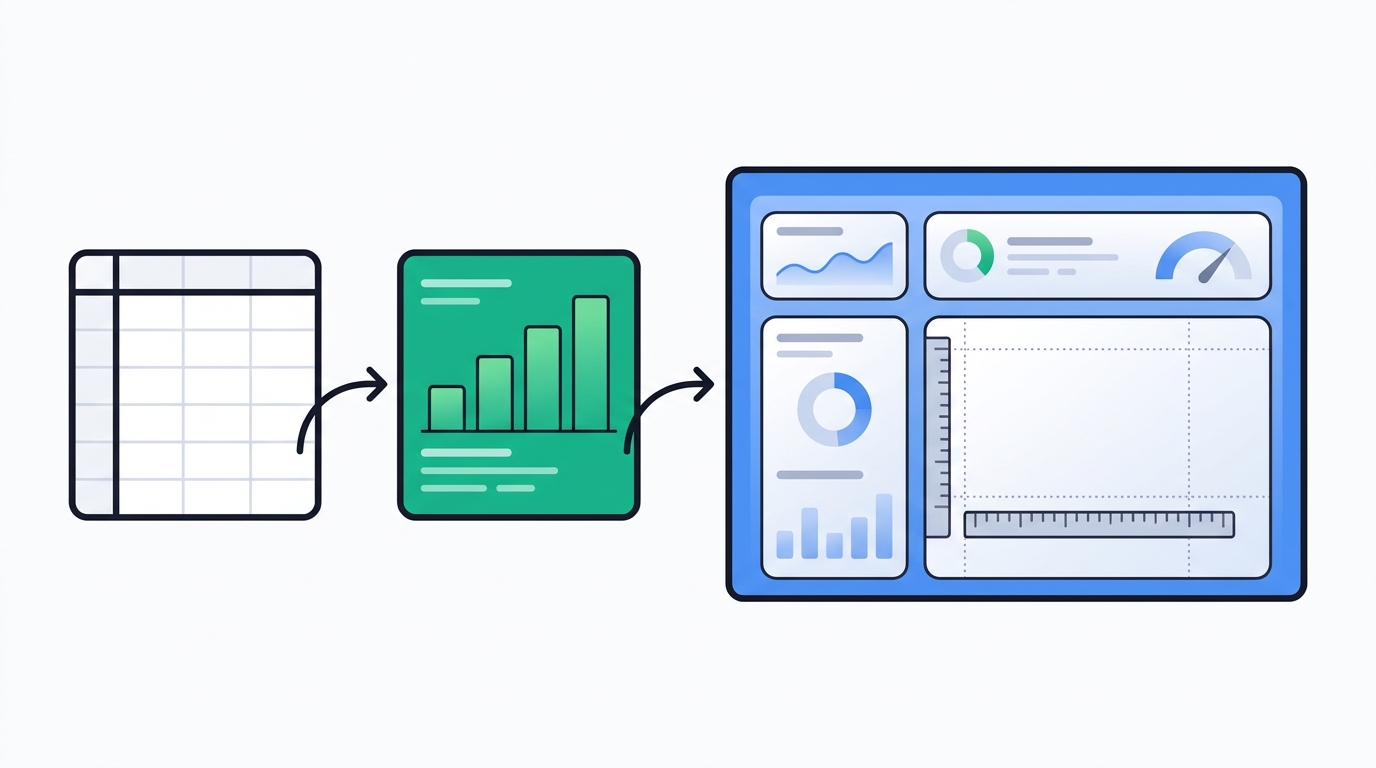
The TikTok songs chart. Alara Erzincan pulled a Kaggle dataset of popular TikTok songs from 2019 to 2022, cleaned it in Google Colab, plotted it with Plotly and restyled the chart in Figma. In her words: "The datasets that are used for this project were found posted by a user on kaggle." (Medium, Alara Erzincan). The handoff has three steps:
- Kaggle supplies the data.
- Python draws the chart.
- Figma makes it readable.
The operations dashboard study. Researchers built an interactive managerial dashboard on a Kaggle dataset of 5,000 startups. Their process used "iterative prototyping using Figma, and scenario-based usability testing." Testing showed high task success rates and excellent usability scores (ResearchGate). The pattern works beyond hobby projects.
Figma as the BI design layer. Trainees at The Data School designed dashboard backgrounds in Figma and exported them as images into Tableau, using a documented five-to-seven step workflow (The Data School). Figma sits on top of the data tool. It doesn't replace it.
That's also where the friction sits. Figma has no native Kaggle connector, and the charts usually come out of Python, Tableau or Power BI before they become static visuals in Figma. The Figmata post on Design Bootcamp argues that current Figma plugins handle data poorly and proposes coupling CSV or JSON data directly to components. Figma presents data.
It doesn't analyze it. That clunky gap is a big reason people search for the two names together.
Mismatched searches show you who buyers compare you against
A query like "Figma vs Kaggle" tells you something about the person typing it. They likely have one job, such as a data visualization or a data product UI, and an evaluation set that spans two categories. That evaluation set is their real competitive map. It may look nothing like the one in your pitch deck.
Look at who answers this query. StackShare runs a templated "X vs Kaggle" format, like its Facette vs Kaggle page, and AI answers for this search cite stackshare.io and medium.com. Thin comparison pages and single-project blog posts are shaping how AI assistants describe both brands. If your brand shows up in a pairing like this, those pages are writing your positioning for you.
Keyword reports give you a query. Competitive intelligence gives you the buyer behind it.
Here's what that looks like for a B2B SaaS team:
- A rival adds a "for data teams" page, and comparison searches pairing you with a data tool start appearing.
- A rival rewrites its homepage hero from "design" to "build," and your demo calls start including dev-tool objections.
One caution. Odd pairings can be noise from students, bots or autocomplete. Treat each one as a hypothesis, then check it against sales calls, win/loss notes and ad keyword overlap before you act.
Then work it in three steps:
- List the odd pairings your brand appears in: search suggestions, AI answers, sales call notes.
- Identify which rival positioning change likely triggered each one.
- Decide whether to own the overlap with content or rule it out clearly on your own pages.
If you want the content side of step three, SpyGlow's keyword research scores keywords against your market, competitors and content gaps rather than handing you a flat list.
Competitive intelligence catches the positioning shift before the search spike
Figma and Kaggle are both repositioning right now. Figma is pushing hard into agents and code workflows, with Figma Agent generally available since October 6, 2026 and MCP usage up 3x. Its CFO, Praveer Melwani, said in the Q3 2026 release: "We’re seeing customers move from trying AI to making larger commitments, and the Figma agent is expanding how they use credits across our platform." (Figma 8-K, SEC). Kaggle is moving into agent-era education, bringing back its free five-day AI Agents Intensive for June 15 to 19, 2026 (Google Blog).
Each shift changes who they get compared against. Your rivals do the same thing, and it usually shows up first on their homepage, pricing page and product pages.
Change detection gives you noise. SpyGlow gives you intelligence.
Noise looks like this:
- A cookie banner copy tweak
- A footer copyright year
- A tracking pixel added
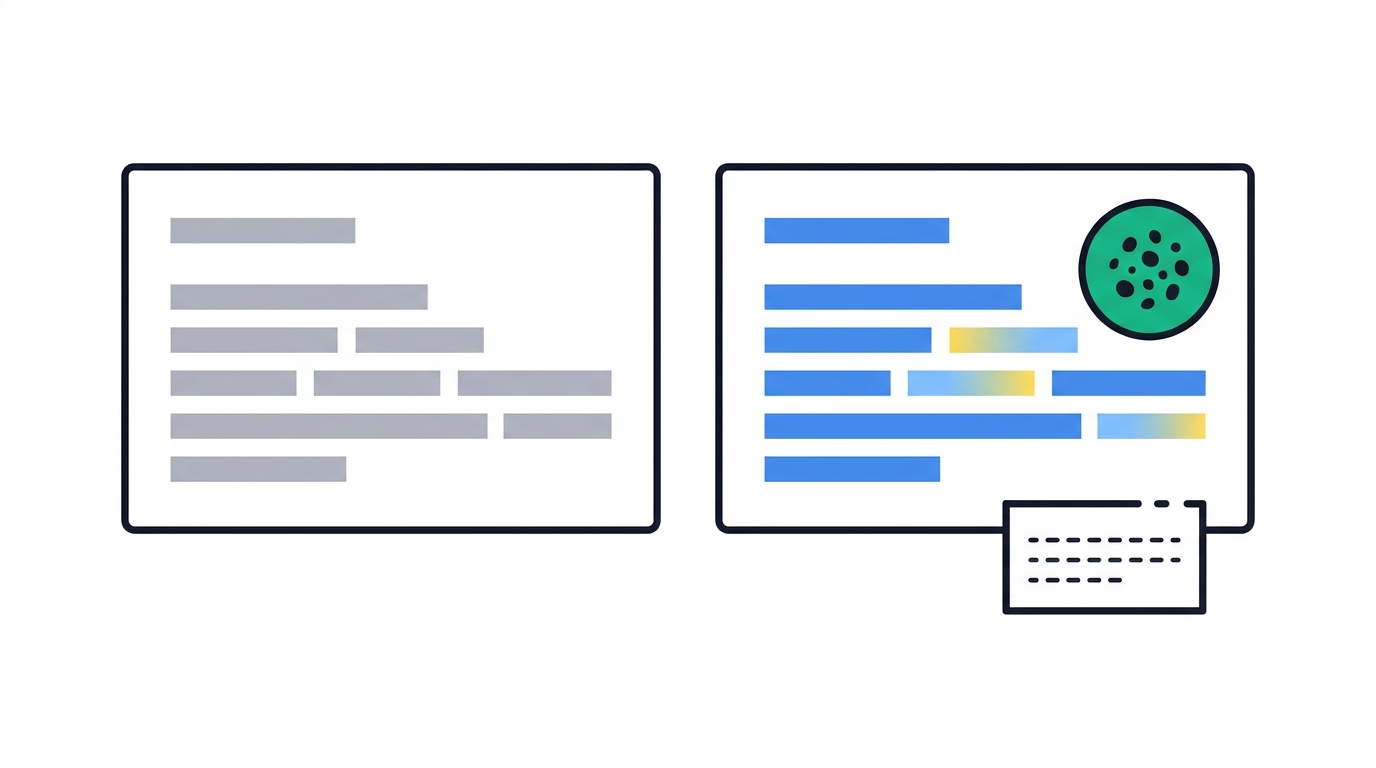
Signal looks like a rival's hero line moving from a design promise to a developer promise. That change comes to you as a summary, why it matters and an action, together.
Here's how that works in SpyGlow's features:
- It checks rivals' public pages, strips out cookie banners and widgets, and scores each change from 1 to 10.
- It shows old and new wording side by side, with the page and date, sorted by importance.
- You can ask AskGlow, "When did this rival start talking about data teams?" and get a plain-English answer with sources for each point.
- The Monday brief rolls up the week's changes, why they matter and next steps.
Agencies and multi-product teams get separate brand workspaces, each with its own competitors, battle cards and alerts (pricing). That matters when your brands get pulled into different comparison sets.
Then the signal becomes work. One click turns a change into a tracked action with an owner and a due date, so it doesn't die in a Slack thread.
FAQ
Is Figma a competitor to Kaggle?
No. Figma is a paid design and prototyping platform, and Kaggle is a free, Google-owned data science community. They overlap only in data visualization workflows. A real buyer comparison is usually Figma vs Sketch or Adobe XD, and Kaggle vs Colab, Hugging Face or DataCamp.
Can I use Kaggle datasets in Figma?
Yes, but not directly. The common path is to download a Kaggle dataset, chart it in Python or a BI tool, then refine the visual in Figma, as in the Erzincan and Data School examples. Data plugins exist, but the Figmata critique argues they handle data poorly.
Is Kaggle free to use in 2026?
Yes. Free notebooks run on two T4 GPUs for about 30 hours a week, or on a TPU v5e-8. The P100 was retired on September 15, 2026, and TPU access requires identity verification (Fastero).
Should a product team pay for Figma if it already uses Kaggle?
If your team ships interfaces, yes. Kaggle doesn't do UI design or prototyping. Use Kaggle for data exploration and Figma for the product people interact with.
Why do people search for unrelated tools side by side?
Their evaluation set spans categories, usually because they have one job, like building a data dashboard, and several tool types that could help. Some of these searches are noise from students or autocomplete. For a SaaS team, the ones that line up with sales call notes show you who buyers compare you against, and they're worth tracking.
Sources
- Figma Q3 2026 press release, 8-K (SEC)
- Figma Q2 2026 press release, 8-K (SEC)
- Figma Q1 2026 press release, 8-K (SEC)
- Figma Q3 2026 earnings call transcript (Motley Fool)
- Figma Q3 2026 earnings call transcript (Benzinga)
- Figma review (Crazy Egg)
- Kaggle (Wikipedia)
- Kaggle (AIWiki)
- Kaggle review (Data4AI)
- Kaggle GPU changes (Fastero)
- Google and Kaggle AI Agents Intensive, June 2026 (Google Blog)
- Plotly + Figma = Creative Data Visualization (Medium, Alara Erzincan)
- How interactive dashboards improve managerial decision-making in operations management (ResearchGate)
- Dashboard week day 5: using Figma in Tableau (The Data School)
- Figmata (Medium, Design Bootcamp)
- Facette vs Kaggle (StackShare)
Start with your two closest rivals this week
Pick the two rivals that show up most often next to you in comparison searches or AI answers. Watch their homepage and pricing page for wording changes over the next month. SpyGlow's side-by-side wording diff, scored from 1 to 10 and rolled into your Monday brief, shows you the exact words that moved and why they matter. The Free plan covers 2 competitors with daily monitoring, AI change classification and alerts, and 10 AskGlow queries a month, with no credit card and a five-minute setup. Start free on the pricing page and set up your first two rivals today.
Where Klue, Crayon, Kompyte, Visualping, Competitors.app and Ninja Reports fit, and where SpyGlow does.
Keep reading
Spy on Competitor Keywords: Turn Shifts Into Moves
Learn how to spy on competitor keywords and read shifts as strategy. Pair keyword changes with pricing, messaging and hiring signals to spot a move early.
MarketingHow to Find Competitor Backlinks with Ninja Reports
Learn how to find competitor backlinks with Ninja Reports, export referring domains, and score each prospect on five factors so your outreach list focuses on links you can win.
Know the day a competitor changes, and what to do about it.
Free for 2 competitors, 3 pages each, checked daily. No credit card.