
How to Find Competitor Backlinks with Ninja Reports
Learn how to find competitor backlinks with Ninja Reports, export referring domains, and score each prospect on five factors so your outreach list focuses on links you can win.
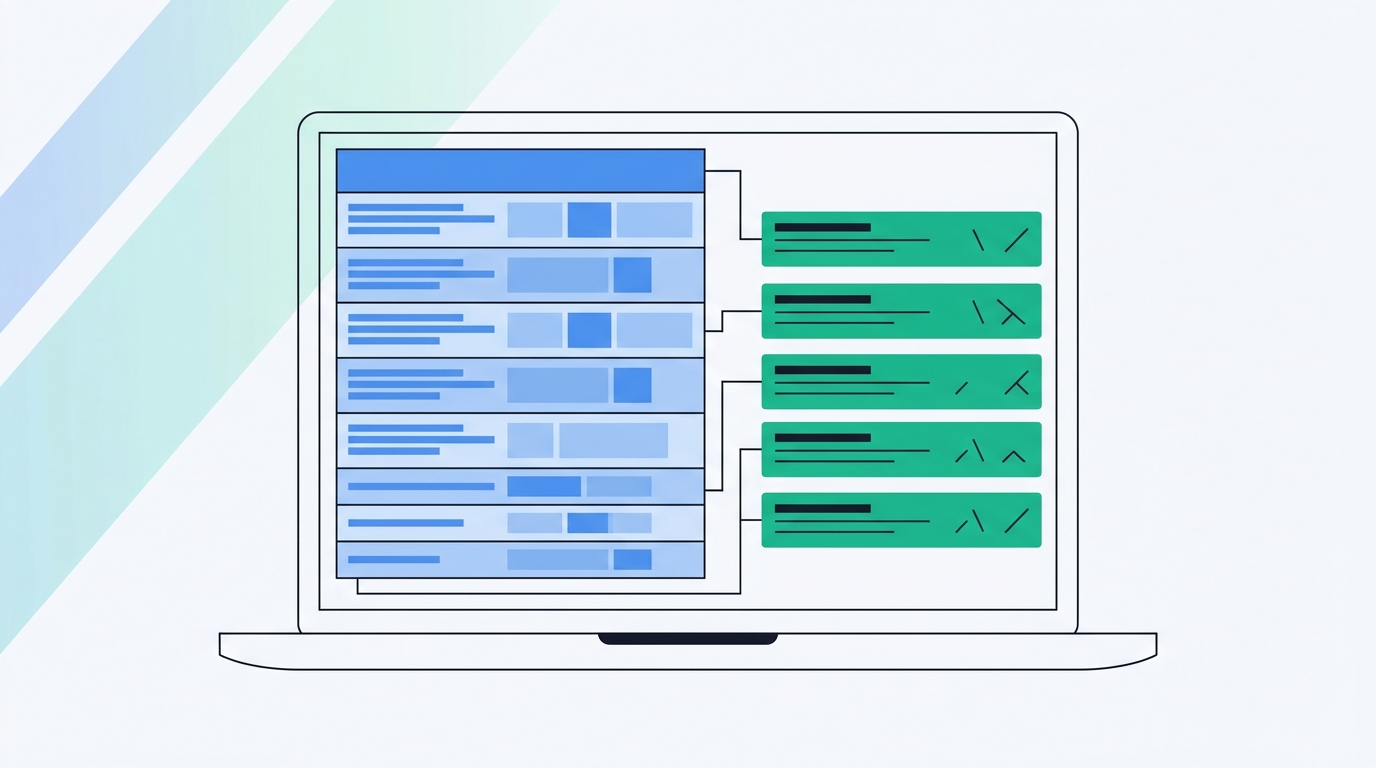
TL;DR: Enter a competitor's domain in Ninja Reports' Backlink Report, export the referring domains, then filter and score them with a five-factor rubric so you only pitch links you can win. Backlinks lag behind strategy. A spike in new links usually follows a launch, PR campaign or content push, so pair your link data with competitive intelligence that catches the move when it happens.
It's Monday morning. You're the only PMM at a seed-stage SaaS company. You pull your closest rival's backlink report and find 190 new referring domains from a single week.
The spreadsheet tells you who linked. It doesn't tell you why.
Here's the Ninja Reports workflow, from a competitor's domain to a scored outreach list you can work this week. After that comes the part the spreadsheet can't show you. A spike like that almost always follows a launch, a PR push or a content campaign, and catching that move when it happens is a different job. Ninja Reports is your SEO layer.
SpyGlow is your competitive intelligence layer. You'll get more out of both if you know which one does what.
Ninja Reports gets you from a competitor's domain to a raw link list in four steps
1. Open the Backlink Report and enter the root domain
Start in the Backlink Report, or the free Backlink Checker for a quick look. Enter your competitor's root domain, not a single URL, so you see the whole profile. Ninja Reports says you can enter a competitor URL, review its referring domains, filter by anchor text and track links in an Active Backlinks dashboard (Ninja Reports: Backlink Report).
2. Read the columns that matter
You'll get anchors, target pages, Domain Trust and Page Trust scores, and link types. Ninja Reports says its backlink data comes from SE Ranking (Ninja Reports: Backlink Checker).
One caveat. The free checker page says it's powered by SEMrush (Ninja Reports: Free Backlink Checker), which doesn't match the SE Ranking branding elsewhere. If you compare numbers week to week, use the paid report so you're always reading the same data source.
3. Find the pages that attract links
Domains tell you who links. Pages tell you what earned the link. In the Competitive Research Tool, open the Pages tab and its top-linked pages view (Ninja Reports: Competitive Research Tool).
If a rival's most-linked page is a pricing calculator or an annual benchmark report, that's the asset type you'd need to match. Outreach without a comparable asset rarely lands.
4. Repeat across your whole competitor set
Run the same pull for three to five direct competitors. Export everything into one sheet and add a "competitor" column. Now you can sort by referring domain and spot sites that link to more than one rival.
Cost check: Capterra lists Ninja Reports starting from $19 per month (Capterra).

Filter and score competitor links before you send a single email
A raw export is mostly junk. Before you score anything, cut:
- The competitor's own properties (blog subdomains, docs, sister sites)
- Sitewide footer and sidebar links
- Scraped directories and obvious spam
Then sort by Domain Trust and Page Trust, the method Ninja Reports' own beginner guide recommends (Ninja Reports: Beginner's guide to backlinks). Treat those as third-party metrics, not Google scores. They rank your list. They aren't the goal of the campaign.
Keep the nofollow links in play
Don't delete nofollow links on reflex. Ahrefs research found that 10.6% of all backlinks to top-ranking sites carry nofollow attributes (Rocking Web). Ahrefs' guide says nofollow links usually don't affect rankings (Ahrefs). A nofollow mention on a well-read comparison post can still send you buyers, though, so judge it on traffic, not on the attribute.
Score every prospect on five factors
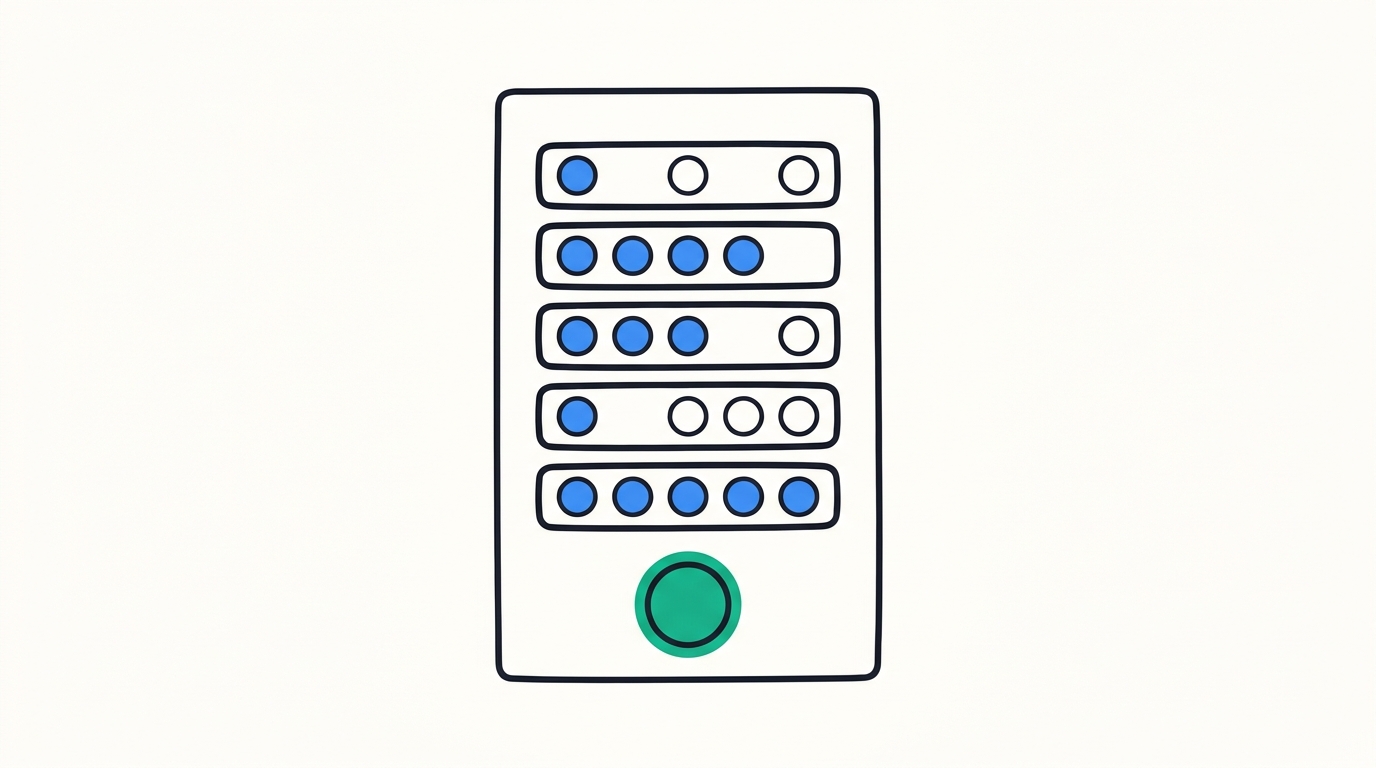
Give each prospect one to three points per factor, for a maximum of 15:
- Relevance: does the site cover your category?
- Trust: how strong are its Domain Trust and Page Trust?
- Replicability: could they link to you for the same reason?
- Overlap: does it link to two or more competitors? That's your highest-value gap.
- Recency: did the link appear in the last 90 days?
Work anything scoring 12 to 15 this week. Put eight to 11 in a nurture list. Drop anything below eight.
This rubric is our own working framework, not an industry benchmark. Adjust the weights if, say, recency matters less in your category.
Why a short list wins
A 2026 roundup of NinjaOutreach alternatives puts it plainly: "Search engines, publishers, and email providers are making mass outreach less effective." (Bluelinks Agency). A scored list of 40 beats a blast to 400.
Which outreach tactic fits which link type?
Each link type calls for a different pitch. Sending one template to every prospect is how outreach fails.
| Link type | What it tells you | Your tactic |
|---|---|---|
| Resource or tools roundup | They curate lists | Pitch your free tool or template as an addition |
| Broken link on a relevant page | The editor has a dead reference | Offer your page as the replacement (Ninja Reports) |
| Comparison or "alternatives" article | The author covers your category | Send accurate product facts and ask to be included |
| Guest post or byline | They accept contributors | Pitch a data-led angle the competitor didn't cover |
| Press or news coverage | A one-off event drove the link | Usually not replicable. Log it as a signal |
| Integration or partner directory | A partnership created the link | Apply to the same directory or partner program |
| Paid placement or sponsorship | Money drove the link | Skip it, or treat it as a budget call, not outreach |
Expect most of your export to be unwinnable. Paid placements, event-driven press and the competitor's own properties make up a big share of any link profile, and none of them can be copied with an email. A good final list keeps a small fraction of the raw rows.
That press row deserves more attention than it gets. It's the one that tells you something happened.
A backlink report tells you what happened, not why
Links matter, but they're one signal among several. Across 1,000,000 SERPs, the correlation between referring domains and ranking was 0.255, a weak relationship (WordsAtScale). Ahrefs' guide says, "Yes, it is possible to rank without backlinks, especially for low-competition keywords." (Ahrefs).
Don't swing too far the other way. Backlinko's ranking study reported 3.8 times as many backlinks for the first result, on average, as for positions 2 to 10 (Rankability). And Ahrefs CMO Tim Soulo put the no-links scenario in perspective: "Roughly 5% from our sample of billion web pages get some organic traffic while having no backlinks." (Behind Rankings).
Link spikes follow moves
When a competitor's link count jumps, look for the event behind it. The public case studies follow a consistent pattern:
- PeerBoard ran a PR campaign alongside its go-to-market push and got 197 backlinks from mass media websites (ESA Digital Agency).
- Evolve Skateboards' electric BMX launch earned 14 high-authority links, top link DR 90, average DR 65 (Ecomexperts).
- Resource Guru generated 50+ high-quality backlinks in three months from data-led PR, including one from Forbes (Position Digital).
- Self Financial's "A Life of Tax" campaign earned 727 backlinks from outlets like The Washington Post, Yahoo, USA Today and CNBC (Search Engine Land).
Every one of those spikes started with a launch, a campaign or a repositioning. The links came after.
The timing problem
By the time a backlink index shows the spike, the launch is weeks old. The pricing page changed on day one. The press landed over the next week or so. Your rep already sat in a deal where the rival demoed the new feature, and nobody on your side knew it existed.
A backlink report gives you a list. Competitive intelligence gives you a move. Monitoring says "a page changed." Intelligence says "here's what it means and what to do about it."

SpyGlow catches the move behind the links and turns it into work
Catch the cause on day one
SpyGlow checks competitors' public pages, strips out cookie banners and widgets, and scores every change it finds. You get line-by-line visual diffs with importance scoring from 1 to 10 (SpyGlow features). Old and new wording sit side by side, with the page and date the change came from.
A footer copyright year update gets filtered out. A rewritten pricing page landing the same week as a new launch post scores high. Change detection gives you noise. SpyGlow gives you intelligence.
Read the move, then decide
The Monday brief summarizes the week's competitor changes, why they matter and the next steps. If you want to go further back, ask AskGlow in plain English: "What did this competitor launch in the last 30 days?" It answers with sources shown for each point, so you can check the exact page yourself.
Turn it into owned work
One click on a change creates an action with a pre-filled title, description and source link. Assign the steps, set an owner and track it to done.
Here's how that plays out. A rival launches a new integration. SpyGlow flags the integration page and launch post the day they go live. Marketing gets a comparison page brief.
Sales gets an updated battle card, which SpyGlow drafts with pricing comparisons, objection handlers and discovery questions. A few weeks later, your SEO lead pulls the rival's new links in Ninja Reports and already knows what caused them, so the outreach pitch writes itself.
Know what each tool does
Ninja Reports is the SEO layer: link data, trust scores and reporting. Third-party comparisons, like Competitor Tracker's, treat it as an SEO reporting tool. SpyGlow is the strategic layer. It watches public competitor pages only, with no private content or passwords, and it doesn't crawl backlinks. You need a link index for that.
Running this for several clients? Agencies can keep a separate workspace per brand, each with its own competitors, battle cards and alerts.
Run both layers on one competitor this week
Pick your closest rival. Pull its backlinks in Ninja Reports, cut the junk, and score what's left with the five-factor rubric. Pitch only the prospects that score 12 or higher.
Then add that same rival to SpyGlow. The next time it changes pricing or ships a launch, you'll see a scored change with a next step on the day it happens, instead of a link spike a month later. Over a quarter, you'll start to see which of the rival's moves produce links and which don't. That tells you which of your own launches are worth a PR budget.
FAQ
Can I find competitor backlinks in Ninja Reports for free?
The free Backlink Checker gives you a quick look at any domain. Its page says it's powered by SEMrush, while Ninja Reports' paid backlink tooling is branded as SE Ranking data, so the numbers may not match. For full exports you can compare week to week, use the paid report, which Capterra lists starting from $19 per month.
Should I ignore nofollow competitor backlinks?
Not automatically. Ahrefs research found 10.6% of backlinks to top-ranking sites carry nofollow attributes. Ahrefs says nofollow links usually don't affect rankings, but a mention on a busy comparison page can still send qualified visitors.
How many competitor backlinks can I realistically replicate?
Only a portion. Press tied to a one-off event, paid placements and the competitor's own properties can't be copied with outreach. Run the five-factor score and focus on resource pages, broken links, comparison articles and partner directories.
Why did a competitor suddenly gain hundreds of backlinks?
Usually a launch, a PR push or a content campaign. PeerBoard got 197 media backlinks after a PR campaign tied to its go-to-market push, and Self Financial's "A Life of Tax" campaign earned 727. Check the competitor's pricing, product and blog pages from the weeks before the spike to find the cause.
Does SpyGlow track backlinks?
No. SpyGlow watches public competitor pages for changes like pricing, features and launches, scores each change from 1 to 10, and turns the important ones into actions. Use Ninja Reports or another link index for backlink data.
Sources
- Ninja Reports: Backlink Report
- Ninja Reports: Backlink Checker
- Ninja Reports: Free Backlink Checker
- Ninja Reports: Beginner's guide to backlinks
- Ninja Reports: Competitive Research Tool
- Capterra: Ninja Reports
- Rocking Web: How many backlinks do top-ranking pages have
- Ahrefs: What are backlinks
- Bluelinks Agency: NinjaOutreach alternatives
- WordsAtScale: Case studies of ranking without backlinks
- Rankability: Backlinks as a ranking factor
- Behind Rankings: How to rank without backlinks
- ESA Digital Agency: PeerBoard case study
- Ecomexperts: Digital PR for links
- Position Digital: Resource Guru PR campaign
- Search Engine Land: Digital PR campaign examples
- Competitor Tracker: Ninja Reports comparison
Your backlink sheet shows you what a rival did last month. SpyGlow's Actions turn what they changed today into a task with an owner, a source link and a due date. It's free for up to 2 competitors, with no credit card, so add your closest rival tonight and see the next launch the day it ships.
See why a competitor outranks you and what to fix first.
Keep reading
Switching from Kompyte: A Guide for Multi-Brand Teams
Kompyte's alert feed needs a curator before it's useful. Here's the noise problem in G2 data, a pricing change traced from detection to battle card, and a migration checklist.
MarketingHow to Show All Pages of a Website and Track Changes
Find every public page on a competitor's site using sitemaps, robots.txt, crawls, Wayback CDX and site: queries, then diff the list weekly to catch pricing and product moves early.
Know the day a competitor changes, and what to do about it.
Free for 2 competitors, 3 pages each, checked daily. No credit card.