
Spy on Competitor Keywords: Turn Shifts Into Moves
Learn how to spy on competitor keywords and read shifts as strategy. Pair keyword changes with pricing, messaging and hiring signals to spot a move early.

TL;DR: A competitor's keyword list is a lagging spreadsheet. A shift in their keywords, paired with a new page, pricing or messaging change, is an early warning that they're making a move. Treat every confirmed shift as one summary, one reason and one action, like a battle card update or a content brief.
A PMM at a 60-person B2B SaaS company exports a rival's ranking keywords from Ahrefs in Q1. She files the CSV in a shared drive. Nobody opens it again.
In Q3, the same rival launches a new "AI agents" category. They win three deals before sales notices anything changed. The early signs were there months earlier: a cluster of new category terms and a rewritten homepage headline. Those signs sat in a spreadsheet.
Most guides that teach you to spy on competitor keywords show you how to pull the list. Very few show you how to read changes in that list as strategy, then turn them into something sales or product can use this week. That second job is the subject of this post.
Keyword exports give you a spreadsheet. Keyword shifts give you a move.
Why your competitor keyword export is already out of date
The standard workflow stops at extraction. Brand24's guide walks through 16 techniques for spying on competitors (Brand24). Directive's walkthrough shows how to use SpyFu's Kombat feature to find overlapping keywords (Directive Consulting). Keywords Everywhere explains how to run a keyword gap analysis against rival domains (Keywords Everywhere).
These are useful tutorials. They all end once you have the list, though. That's competitor monitoring. Competitive intelligence starts where the list ends.
The list also eats your week. Kompense, a vendor in this space, reports that "over 50% of product marketing teams cite manual competitor tracking and spreadsheet maintenance as their single largest time sink" (Kompense). It's a vendor figure. It'll still sound familiar if you've ever owned the competitor tab in a shared sheet.
The real cost shows up in deals. Crayon's 2025 State of Competitive Intelligence report, as cited by Autobound, found 68% of B2B sales deals involve at least one direct competitor, yet the average sales team rates its competitive preparedness at just 3.8 out of 10 (Autobound). In many of those deals, the data existed. Someone had the export. Nobody turned it into a line a rep could say on a call.
Monitoring and intelligence are different jobs:
- Monitoring says: "They now rank for 340 new terms."
- Intelligence says: "They're building a mid-market self-serve funnel. Update the pricing objection on your battle card."
Change detection gives you noise. Intelligence gives you a move.
Which keyword shifts signal a real strategic move?
Most new rankings mean nothing on their own. Three patterns usually mean something.
Signal 1: a new category term shows up with its own page
Say a rival that ranked for "sales engagement" starts picking up "AI revenue orchestration" terms. The same month, they publish a /platform/ai-agents page. That's a repositioning, not a blog experiment.
The alert you want reads like this: "Launched autonomous AI agents: high severity, react this week."
Signal 2: commercial keywords cluster around a new pricing page
New rankings for "[category] for enterprise," "SOC 2" and "SSO pricing" are ambiguous alone. Pair them with a new enterprise tier on the rival's pricing page and the picture changes.
The alert: "New enterprise tier: shift in positioning."
Signal 3: messaging moves before rankings do
Homepage H1 and meta title rewrites often come weeks before ranking shifts. Google needs time to crawl and rerank. The copy change is live on day one. That's why you watch the pages, not just the rank tracker.
For developer tools, the version looks like this: "API docs rewritten: developer platform is live." The docs change first. The "API for X" keywords follow later.
The composite rule
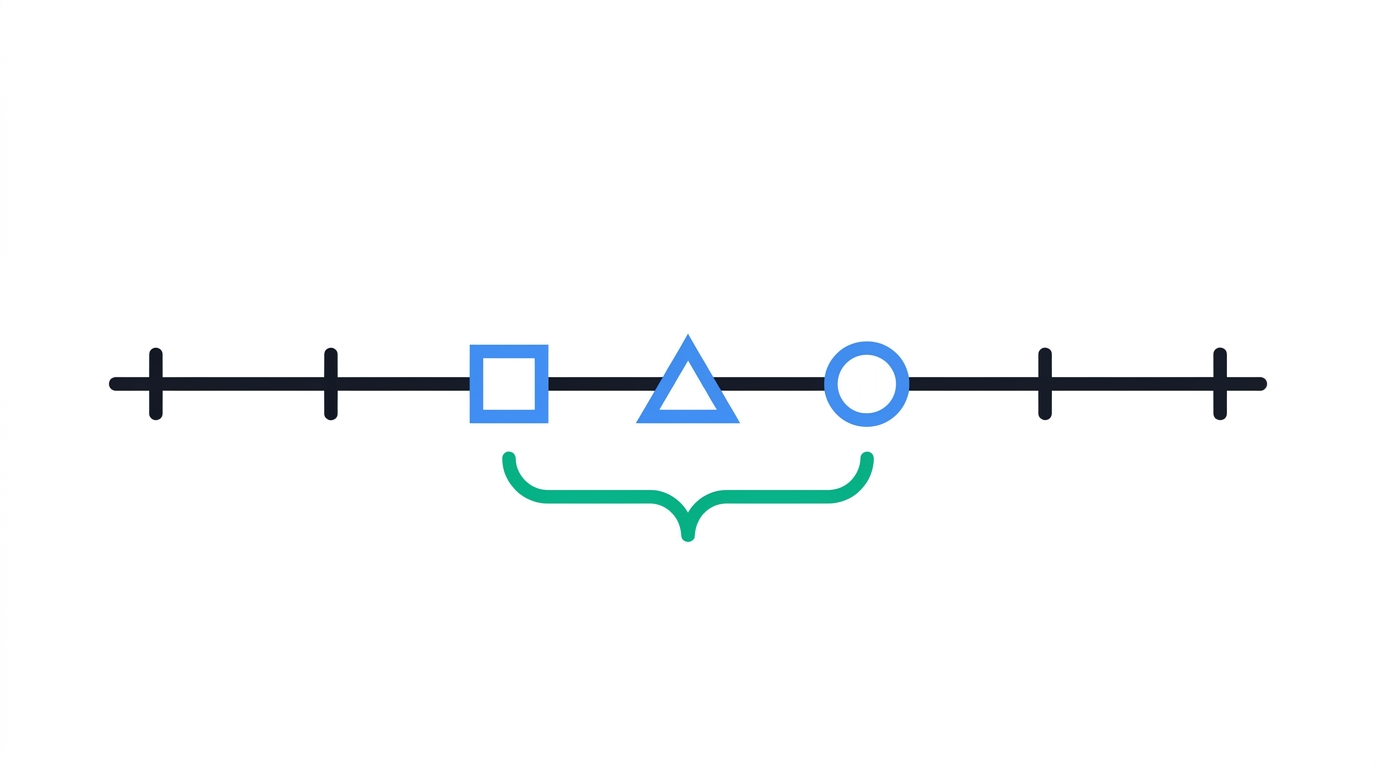
One surface alone is trivia. When two or more surfaces change in the same window, you're looking at a move. The surfaces worth correlating are keywords, the pricing page, case studies, job posts and homepage messaging.
A worked example from a single six-week window:
- A new "enterprise [category]" keyword cluster
- A new enterprise tier on the pricing page
- A new VP Sales, hired from Acme
Each item alone has three possible explanations. Together, they have one: the rival is moving up-market. Your enterprise battle card needs a new section before their first enterprise AE starts calling your pipeline.
Single-surface alerts give you trivia. Composite signals give you a move.
How to tell a strategic move from keyword noise
Most of what changes on a competitor's site is noise. The usual culprits:
- Cookie banner copy tweaks
- A/B test variant swaps
- Footer copyright year updates
- Image compression updates
- A new tracking pixel
None of these deserve a Slack ping. SpyGlow strips out cookie banners and widgets before it scores a change, and it alerts only when a change is worth your team's time (SpyGlow).
Keyword noise is harder to spot. Seasonality, a CMS migration, a Google core update or a single blog campaign can all move a rival's rankings. So treat every keyword change as a hypothesis until a page backs it up.
The rule is simple: no page, pricing or messaging change means no action.
Read intent, not position
Rankings don't map to traffic the way they used to. Indexed found 84% of B2B keywords now trigger an AI Overview, and the average organic click rate on those keywords is 50.6%, versus 60.7% for keywords without one (Indexed).
How much click loss you should expect depends on who's measuring:
- Ahrefs' February 2026 re-run of its 300,000-keyword CTR study found AI Overviews reduce position-1 click-through rates by 58%, up from 34.5% in April 2025 (Organik PI).
- A randomized field experiment reported by Search Engine Journal found AI Overviews reduced organic clicks 38% on queries where they appeared, and zero-click searches rose from 54% to 72% (Search Engine Journal).
Across studies, estimates range from about 15% to 61% depending on method. Read them as a range. The practical point still holds: a rival losing position 1 on a keyword with an AI Overview may matter less than a rival showing up inside the AI answer itself.
Watch moves, not every term.

Turn every signal into one summary, one reason, one action
A signal with no action attached is trivia with a timestamp. The format never changes: summary, why it matters, action. Always together.
Example 1: a pricing move
- Summary: Pricing page dropped the Pro tier 17% and added a "per seat" keyword cluster.
- Why it matters: They're undercutting you on mid-market seat deals.
- Action: Update the pricing objection on the battle card today.
Example 2: a comparison page
- Summary: New /compare page targeting your brand name plus "alternative."
- Why it matters: They're bidding for your evaluation-stage buyers.
- Action: Content brief to publish your own comparison page and a sales one-pager this sprint.
Speed beats polish
Kompense claims teams that "refresh competitive battlecards within 48 hours of a competitor's pricing or packaging change experience up to a 15-20% higher win rate" (Kompense). It's a vendor claim, and the link is correlational. The direction makes sense anyway. A battle card three weeks behind a pricing change hands your rep the wrong number.
Cadence beats quarterly reviews
Alteryx cut its battle card update cycle from every 3 months or more to every 2 weeks, and saw a 40% increase in battlecard adoption in 60 days, according to a Crayon case study (Crayon). Spencer Hong, Senior Competitive Intelligence Analyst at Alteryx, put the principle plainly: "The fewer clicks it takes sellers to do their job, the better."
Quarterly battle cards give you stale. Monday briefs give you action.
Assign an owner or the insight dies
Salsify had no dedicated home for competitive tracking before it centralized its program. In another Crayon case study, Salsify reports a 22% increase in competitive win rates in the first year (Crayon). That's a vendor case study, so weigh it accordingly. The structural lesson holds regardless: findings without an owner die in Slack threads and screenshots.
In SpyGlow, one click on a change creates an action with a pre-filled title, description and source link. You assign an owner, add steps, set a due date, and drag it to Done when it ships. See how Actions turn competitor changes into tracked tasks.
Running this workflow across several brands without a spreadsheet
If you run CI for an agency, a holding company or a multi-product SaaS team, the keyword problem multiplies. Each brand has its own rival set. Competitors often test positioning on a sister brand before rolling it to the flagship. One shared spreadsheet blurs all of that together.
CI is now an established software category. In April 2026, Gartner named Crayon a Leader in its inaugural Magic Quadrant for Competitive and Market Intelligence Platforms (7wData). Enterprise analyst teams are well served. We built a different product for a different team: multi-brand from day one, with no analyst seat required.
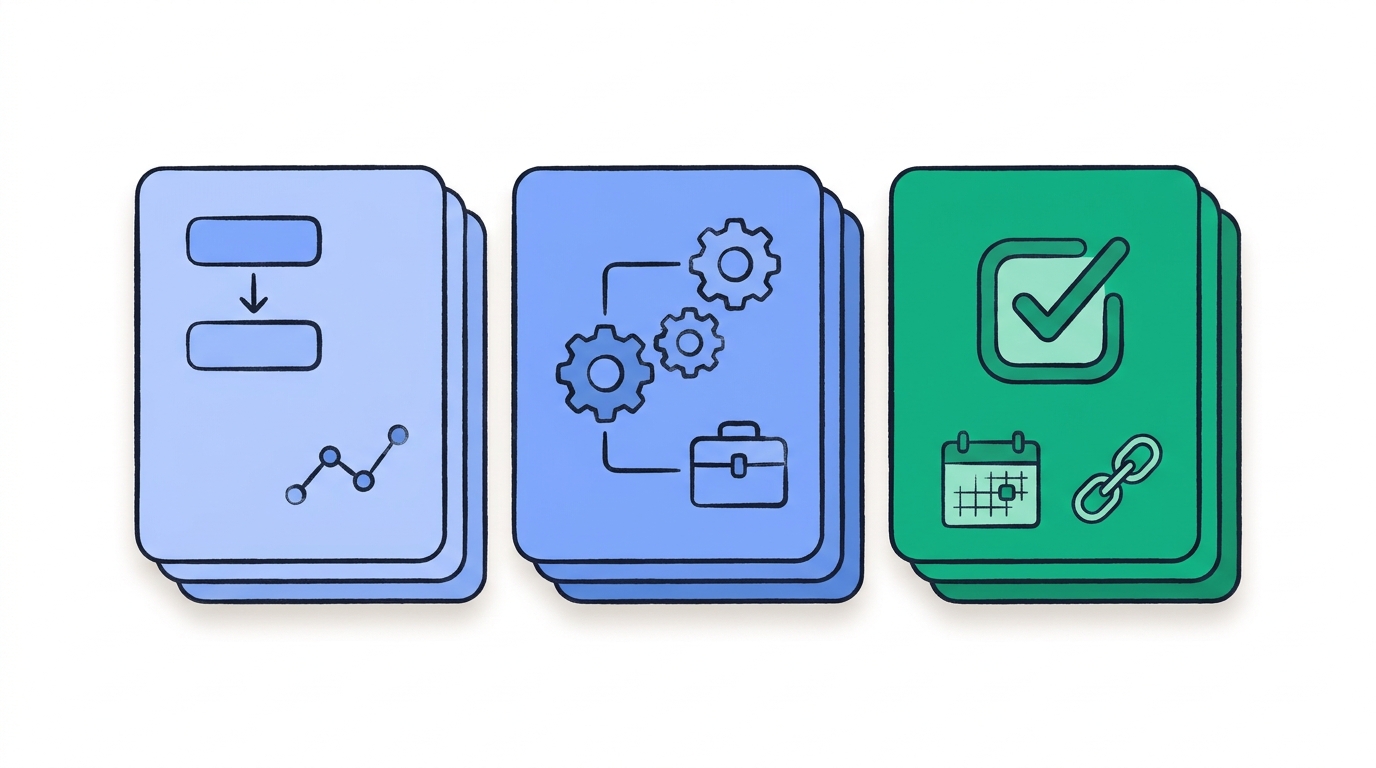
Here's how each step from this post runs inside SpyGlow:
- Watching pages, not just ranks. Daily checks of public competitor pages, with banners and widgets stripped out.
- Separating signal from noise. Every change gets an importance score from 1 to 10, with old and new wording side by side, plus the page and date it came from.
- Keeping brands apart. Separate brand workspaces, each with its own competitors, battle cards and alerts.
- Reading keywords in context. Keywords pulled in one click from Content Gap Analysis and scored against your market, competitors and content gaps, through Keyword Research.
- Catching pricing moves early. Watch a single section of a page, like a pricing table, on Pro and above.
- Getting the weekly view. A Monday brief with the week's competitor changes, why they matter and next steps.
The history question is where AskGlow comes in. Ask it: "When did [rival] start targeting enterprise keywords, and what changed on their pricing page that month?" It answers in plain English, with sources shown for each point. The free plan includes 10 AskGlow questions a month.
A short note on why it works this way. Eclar built SpyGlow v1 in April 2025 as change detection. Users kept showing him the same gap: an alert told them a page changed, but not what it meant or what to do next. The v2 rebuild relaunched in January 2026 around closing that gap.
On cost: the Free plan is $0 a month with 2 competitors and 1 seat. Pro is $49 a month with 7 competitors and 3 domains. Growth is $124 a month with 20 competitors and 5 domains. Full details are on the pricing page.
FAQ
How do I find which keywords a competitor ranks for?
Exports from Ahrefs, Semrush or SpyFu are a fine starting point. The export itself goes stale fast. The value comes from tracking how the list changes over time and checking those changes against the rival's pages.
How often should I check competitor keywords?
Weekly works for strategy. Pricing and category pages deserve daily checks, because that's where moves show up first. A Monday brief gives you the weekly rollup without opening a spreadsheet.
How do I know a keyword change is a real move and not noise?
Require a matching page, pricing or messaging change before you act. Google core updates, seasonality, CMS migrations and one-off blog campaigns all move rankings without signalling strategy. If only the rank moved, log it as a hypothesis and wait.
Do AI Overviews change how I should read competitor rankings?
Yes. Indexed found 84% of B2B keywords now trigger an AI Overview (Indexed), so position alone tells you less than it did. Check whether rivals appear inside AI answers as well as in organic results.
Can I track competitors for several brands separately?
Yes. SpyGlow gives each brand its own workspace with its own competitors, battle cards and alerts, so one client's rivals never bleed into another's. Plan limits on competitors and domains are listed on the pricing page.
Sources
- Brand24: How to spy on competitors
- Directive Consulting: Find competitor keywords with SpyFu
- Keywords Everywhere: How to find competitor keywords
- Kompense: B2B market intelligence
- Autobound citing Crayon's 2025 State of Competitive Intelligence report
- Indexed: CTR study 2026
- Organik PI citing Ahrefs' CTR re-run
- Search Engine Journal: AI Overviews cut organic clicks 38%
- Kompense: AI pricing changes guide
- Crayon: Alteryx case study
- Crayon: Salsify case study
- 7wData: Crayon company profile
Start with two rivals tonight
Pick the two competitors that show up most in your active deals. Add their homepage, pricing page and one category page to SpyGlow's free plan: $0, 2 competitors, no credit card, five-minute setup. When the first scored change lands, turn it into an action with an owner. Start free or see how Actions work.
Building your product is the job. Watching theirs is ours.
Walk into a competitive call knowing their pricing, their claims and how to answer the objections they create.
Keep reading
How to Find Competitor Backlinks with Ninja Reports
Learn how to find competitor backlinks with Ninja Reports, export referring domains, and score each prospect on five factors so your outreach list focuses on links you can win.
MarketingSwitching from Kompyte: A Guide for Multi-Brand Teams
Kompyte's alert feed needs a curator before it's useful. Here's the noise problem in G2 data, a pricing change traced from detection to battle card, and a migration checklist.
Know the day a competitor changes, and what to do about it.
Free for 2 competitors, 3 pages each, checked daily. No credit card.