
Switching from Kompyte: A Guide for Multi-Brand Teams
Kompyte's alert feed needs a curator before it's useful. Here's the noise problem in G2 data, a pricing change traced from detection to battle card, and a migration checklist.
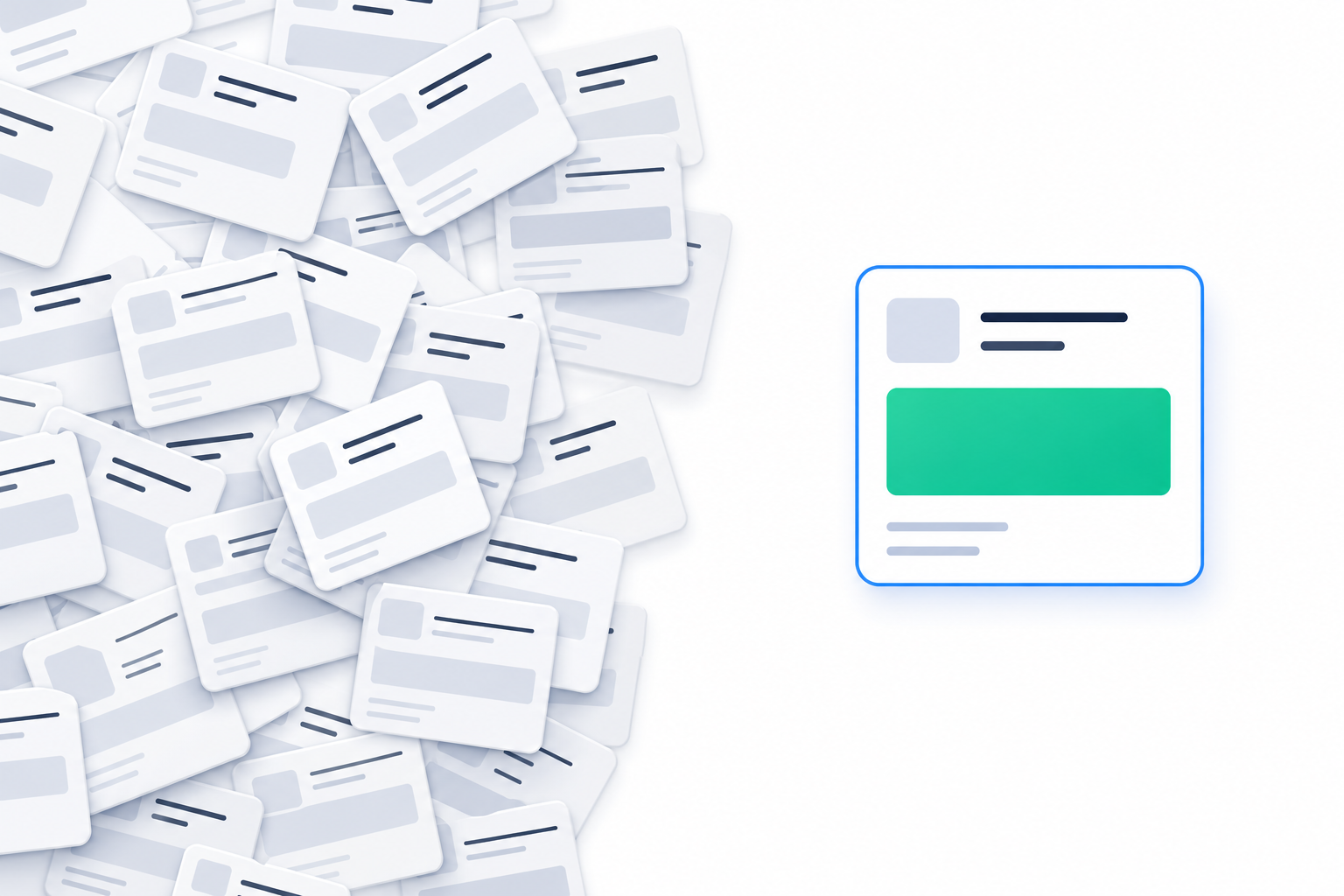
TL;DR: Kompyte's feed needs a human owner or ongoing curation before it's useful, and multi-brand teams need to plan for that work. Below you'll find the noise problem in G2 data, one pricing change traced from detection to battle card, a migration checklist, and an honest look at when Kompyte or Crayon is still the right buy.
Here's an illustrative Monday morning. A PMM at a 60-person SaaS company runs CI for three product lines. She opens Kompyte and finds 40 unread alerts. Most are footer edits and A/B variant swaps. One of them might matter, and finding it eats the morning.
Her experience matches what buyers report. Teams describe "two to six weeks of pruning before the signal-to-noise ratio is usable" (Tomba).
That's the gap between monitoring and intelligence. Monitoring tells you a page changed. Intelligence tells you what it means and what to do next. This guide is for heads of product, PMMs and agencies who can't justify a $30K CI contract and need the second thing.
Why Kompyte's feed needs a human owner
Alert noise isn't a Kompyte-only problem. Flares analysed 500 verified G2 reviews of Klue, Crayon, Kompyte and Contify. Alert noise was the only complaint raised by at least 3% of reviewers for every tool: 3.3% for Klue, 10.0% for Crayon, 5.0% for Kompyte and 6.0% for Contify (Flares). Flares calls it "the category's defining unsolved problem."
So switching from one crawler to another won't fix it by itself. Crayon scored worse than Kompyte in that study. The fix is in what each alert carries.
Kompyte's speed claim makes the noise easier to miss at first. IndustryLens reports that Kompyte claims setup in 1-2 weeks against 7-8 weeks for Klue and Crayon, "while reviewers report the opposite problem downstream" (IndustryLens). Fast setup, then weeks of pruning. Tomba also notes the tool needs a human owner to keep it usable.
Why does raw detection fire so often? Pages change constantly. In a 30-day Visualping sample of AI-tagged SaaS pricing pages, 16.3% of checks fired a change alert (Visualping). Kompyte's 2024 benchmark reported an average of 33 competitors tracked per customer (Kompyte). These figures illustrate why teams may face a noisy feed, but the Visualping alert rate does not establish Kompyte alert volume.
Multi-brand teams feel this hardest. The ongoing curation work multiplies by brand. Every product line brings its own rivals, and every rival ships a steady drip of changes nobody needs to read:
- Cookie banner copy tweak
- A/B test variant swap
- Footer copyright year
- Image compression update
- Tracking pixel added
None of those changes a deal. Change detection gives you noise. Intelligence gives you a move.
What one summary, one reason and one action looks like
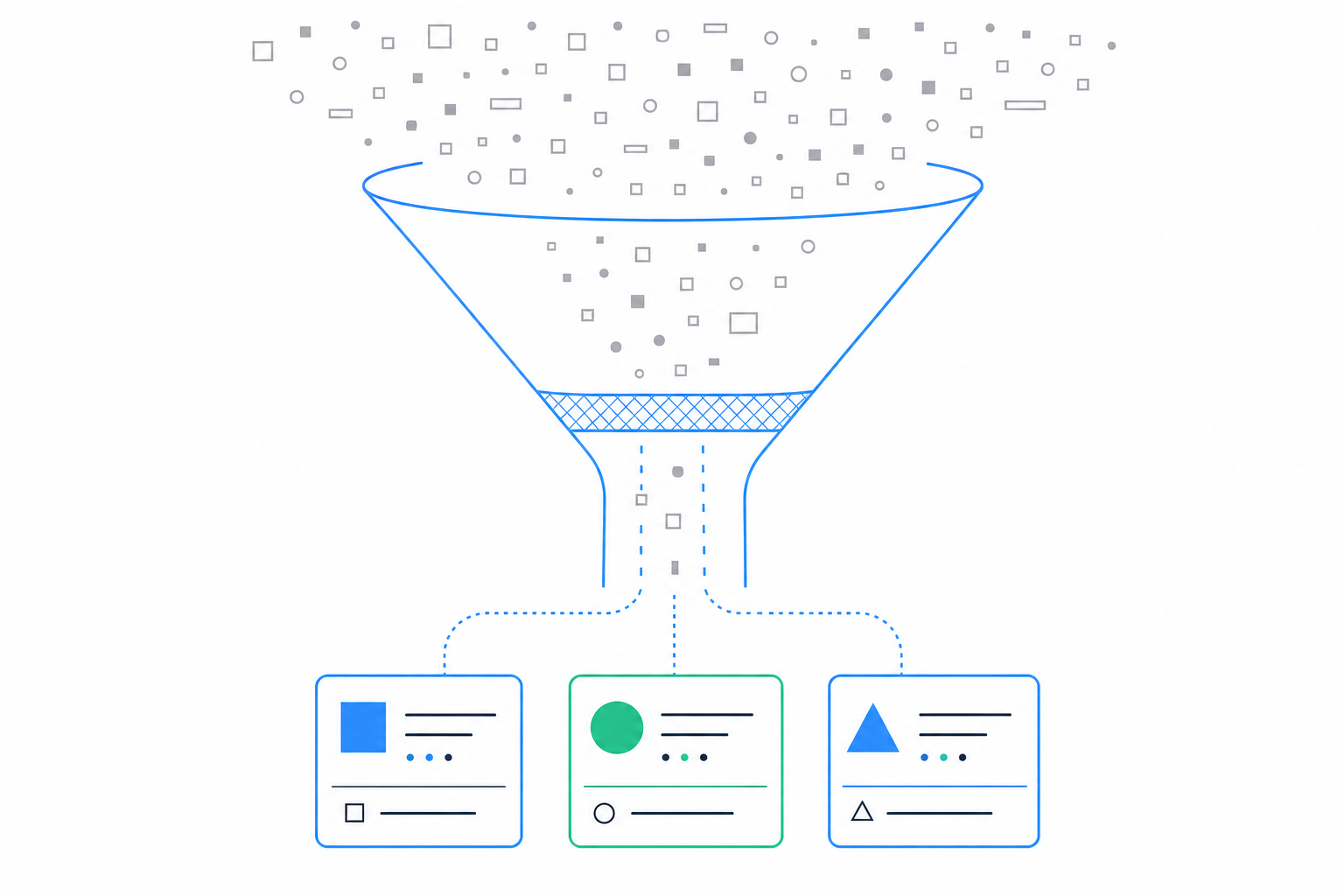
Our standard is simple. One summary. One reason. One action. They arrive together or they don't arrive at all.
That starts before any AI writes a word. SpyGlow checks competitors' public pages, strips out cookie banners and widgets, and scores every change it finds (SpyGlow). It only alerts when a change is worth your team's time, so footer and banner edits get filtered out.
Evidence matters as much as the summary. A skeptical AE won't repeat a claim to a buyer without proof. So every change shows the old and new wording side by side, with the page and date it came from, sorted by importance. The Change Detection feature adds line-by-line visual diffs with an importance score from 1 to 10.
Why does this matter now? Deals are getting more competitive. In Crayon's 2026 survey, 57.5% of respondents said more of their deals are competitive than a year ago, and only 16% said it eased (Crayon). Rep readiness hasn't kept up. Seven in ten teams say at least half their opportunities are competitive, and the average competitive-readiness score in Crayon's report is 6.3 out of 10 (Salesmotion).
A 6.3 doesn't come from a lack of data. It comes from data that never reaches the rep in a usable form.
Cadence is part of that. Quarterly battle cards go stale. A Monday brief tells you what changed this week and what to do about it. SpyGlow's Monday brief summarizes the week's competitor changes, why they matter and the next steps.

Worked example: an AI agent catches a competitor's pricing change
This scenario is illustrative, but it's built from how the product works.
An agency tracks a rival called Acme for a client's flagship product. On a Tuesday, Acme's pricing page removes the mid tier and adds an enterprise tier. The client's sister brand tracks Acme too, in its own workspace.
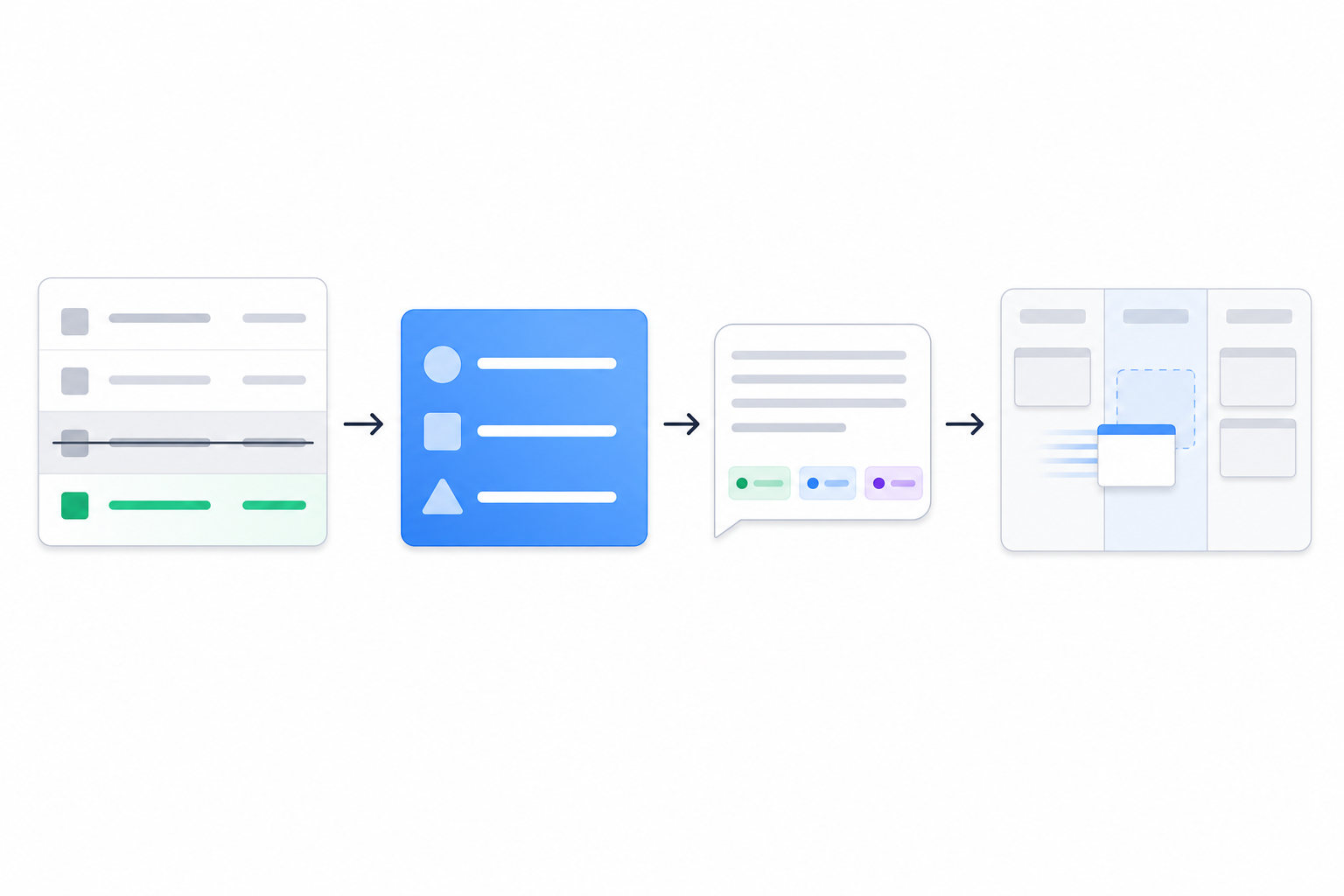
Step 1: detection and scoring
The diff shows the old and new tier names and prices side by side, with the page URL and date. The change scores high on the 1-10 scale. That same week, Acme updates its footer copyright year. That scores low and never alerts.
On Pro and above, you can watch a single section of a page, such as the pricing table. That removes the rest of the page as a noise source entirely.
Step 2: the card your team receives
The alert lands in Slack or a webhook (Pro and above) and reads like this:
- Summary: New enterprise tier, mid tier removed.
- Why it matters: Shift in positioning toward larger accounts.
- Action: Update the pricing comparison and objection handler on the Acme battle card today.
Nobody has to interpret it. The account team knows what to do before standup.
Step 3: querying the history
An AE has a call with an Acme-leaning prospect on Thursday. She asks AskGlow in plain English: "When did Acme last change enterprise pricing, and what did the page say before?"
AskGlow answers with sources shown for each point, so she can quote the exact old wording on the call. The Free plan includes 10 AskGlow questions a month.
Step 4: turning the insight into owned work
Here's where most CI programs fall apart. Insights die in Slack threads, reports and screenshots. One click on the change lets you turn the change into a tracked task with a pre-filled title, description and source link. Assign it to the PMM, set a due date, and drag it to Done when the battle card ships.
A single-surface alert gives you trivia. A scored, sourced change with an owner gives you a move.
Your migration checklist: export, battle cards and multi-domain setup
Part 1: export what you've built before renewal
Kompyte contracts are estimated at roughly $10,000-$20,000 a year, and Kompyte, Klue and Crayon do not publish list prices (marketintelligencetools.com). Time your switch to the contract end, and pull these out first:
- The tracked URL list for each competitor
- Current battlecards, copied or saved as PDF
- Win/loss notes
- The alert rules your team spent weeks pruning
Data export is a real risk when changing CI vendors (Calven). Ask your Kompyte CSM in writing what you can export and in what format. Get the answer before you give notice.
Part 2: rebuild battle cards from live pages
Don't port last quarter's copy. SpyGlow drafts battle cards with pricing comparisons, objection handlers and discovery questions from the pages you track.
Keep your old Kompyte card open next to the new draft. Diff them. The gaps show you what went stale.
Freshness matters because cards matter. Kompyte reports that its customers averaged "an up to 30% increase in win rate" after adopting battlecards (Kompyte). That's a vendor claim, but the direction holds: a stale card loses deals that a current one wins.
Part 3: set up one workspace per brand
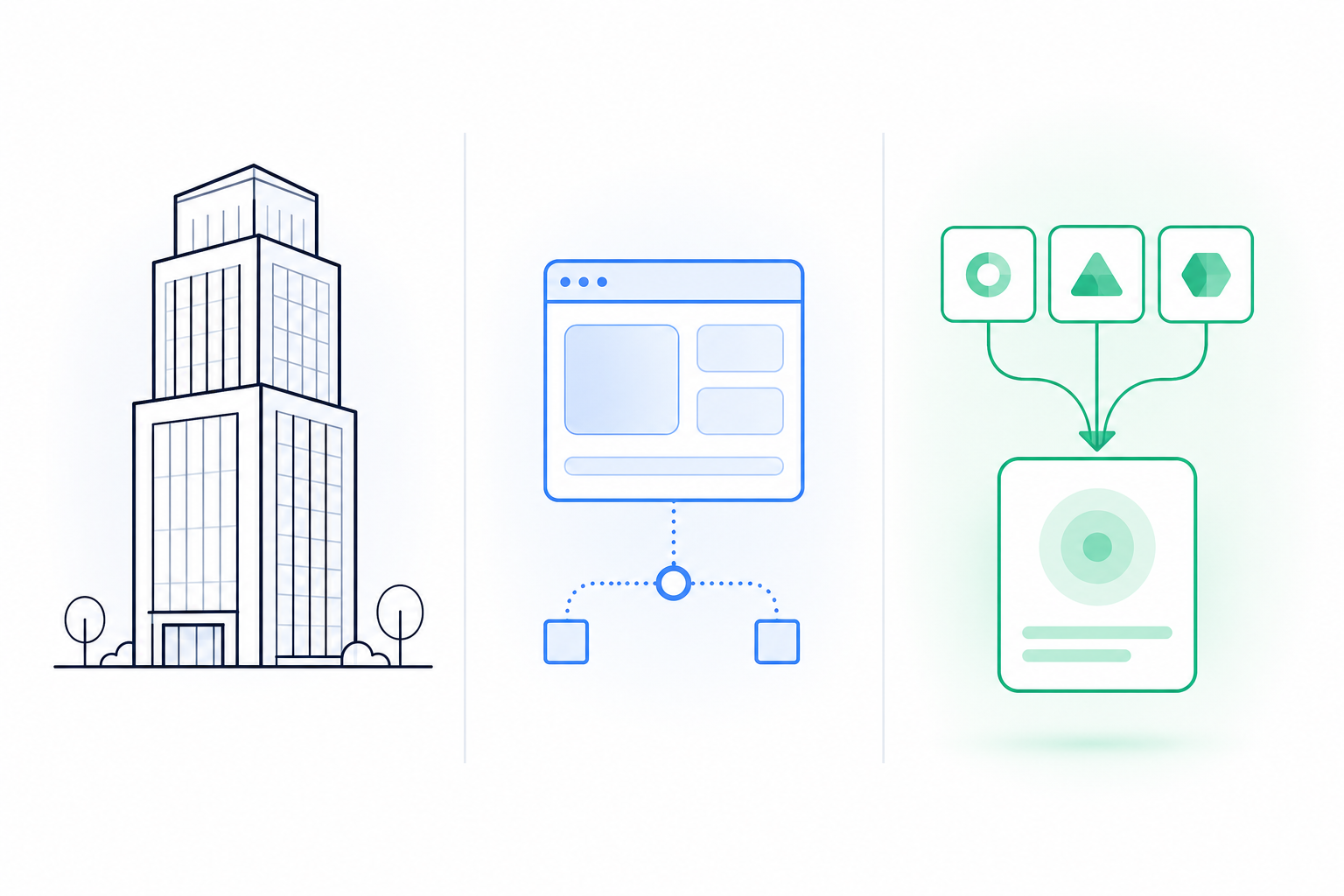
SpyGlow runs multi-domain workspaces. Each brand gets its own competitors, battle cards and alerts. It's built for agencies, holding companies and multi-product SaaS teams.
Size the plan to your portfolio. Pro covers 3 domains and 7 competitors. Growth covers 5 domains and 20 competitors. The full breakdown is on the pricing page.
Map every Kompyte competitor to the brand it threatens. A rival that hits two product lines goes into both workspaces.
Part 4: run both systems in parallel for two weeks
Compare which changes each surfaced. Then count two things: how many SpyGlow cards led to an action, and how many Kompyte alerts got dismissed.
The Free plan covers 2 competitors forever, with no credit card, and setup takes five minutes. You can run the test without a budget conversation.
Where Kompyte or Crayon still fit better
We built a different product for a different team. Some teams should stay where they are.
Kompyte fits teams with a dedicated CI owner and deep CRM embedding. CircleCI monitors 17 competitors and 425 URLs, with battlecards delivered inside Salesforce (CaseStudies.com). An anonymous DevOps startup reported "a 90% reduction in weekly manual tracking time and, within 45 days, a 9% increase in conversion rate against their top competitor," using HubSpot, Highspot and Salesforce integrations (CaseStudies.com). Influitive delivers battlecards in Slack, Salesforce and a Chrome extension (Kompyte). If your reps live in Highspot or depend on a Chrome extension, weigh that before you switch.
Very large competitor sets fit enterprise tools. Podium tracks 60 competitors and delivers 75+ battlecards in Kompyte (FeaturedCustomers). SpyGlow's Growth plan tops out at 20 competitors. If you need 60, we're the wrong fit.
Crayon and Klue fit Fortune 500 CI analyst teams. Both were named Leaders in the 2026 Gartner Magic Quadrant for Competitive and Market Intelligence Platforms (Datashake). Vendr data puts both at about $30,000 a year on average. Those teams have analysts to curate, and the contracts reflect it.
SpyGlow fits seed to Series A teams, agencies and multi-brand SaaS teams that need ongoing competitor monitoring without a dedicated CI owner. Building your product is the job. Watching theirs is ours.
FAQ
Can I export my battlecards and tracked URLs from Kompyte?
Confirm the formats with your Kompyte CSM in writing before your renewal date. Export is a known risk when switching CI vendors, as Calven's comparison points out. At minimum, copy your battlecards and your tracked URL list manually so nothing is lost.
How long does it take to switch from Kompyte to SpyGlow?
SpyGlow setup takes five minutes. We still recommend a two-week parallel run so you can compare what each system surfaced. That's a shorter window than the two to six weeks of pruning Kompyte buyers describe (Tomba).
Does SpyGlow support several brands under one account?
Yes. Each brand gets its own workspace with its own competitors, battle cards and alerts. Pro covers 3 domains and Growth covers 5, so an agency or holding company can split rivals cleanly by client or product line.
How does SpyGlow decide which competitor changes are worth an alert?
It strips cookie banners and widgets from each page, then scores every change from 1 to 10 for importance. Footer and banner edits get filtered out, so alerts only fire when a change is worth your team's time. Each alert shows the old and new wording with the source page and date.
Is Kompyte cheaper than Klue or Crayon?
Estimates say yes. Kompyte runs roughly $10,000-$20,000 a year, while Vendr data puts Klue and Crayon at about $30,000 a year on average (marketintelligencetools.com). Kompyte, Klue and Crayon do not publish list prices. SpyGlow's prices are public, starting at $0 and with Pro at $49 per month.
Sources
- Flares: Competitive intelligence tools G2 review study
- Tomba: Kompyte pricing, reviews, pros and cons
- IndustryLens: Signal spotlight on Kompyte
- Visualping: Top free competitive intelligence tools
- Kompyte: Competitive intelligence program benchmarks
- Crayon: 2026 State of Competitive Intelligence
- Salesmotion: Best competitive intelligence tools for sales
- marketintelligencetools.com: Competitive intelligence pricing
- Calven: Kompyte alternatives
- Kompyte: Sales battlecards ROI
- CaseStudies.com: DevOps company pivots conversations with Kompyte
- CaseStudies.com: Competitive battlecards that increase revenue
- Kompyte: Influitive case study
- FeaturedCustomers: Kompyte case studies
- Datashake: 8 best competitive intelligence tools in 2026
Start with the pricing page your team argues about
Pick the one competitor whose pricing page causes the most debate in your deal reviews. Add it to a free SpyGlow workspace tonight, and set a section watch on the pricing table once you move to Pro. When the first scored change lands, click it into a tracked action with an owner and a due date and see whether it reaches the battle card faster than your current process. It's free for 2 rivals, with no credit card and no sales call. See a real change tonight.
Walk into a competitive call knowing their pricing, their claims and how to answer the objections they create.
Keep reading
How to Show All Pages of a Website and Track Changes
Find every public page on a competitor's site using sitemaps, robots.txt, crawls, Wayback CDX and site: queries, then diff the list weekly to catch pricing and product moves early.
MarketingCheck Every Page on a Competitor's Site, Then Diff It
Build a complete page inventory of a competitor's website using its sitemap, a crawler and the Wayback CDX API, then run a weekly diff that flags pricing and feature changes.
Know the day a competitor changes, and what to do about it.
Free for 2 competitors, 3 pages each, checked daily. No credit card.