
How to Show All Pages of a Website and Track Changes
Find every public page on a competitor's site using sitemaps, robots.txt, crawls, Wayback CDX and site: queries, then diff the list weekly to catch pricing and product moves early.
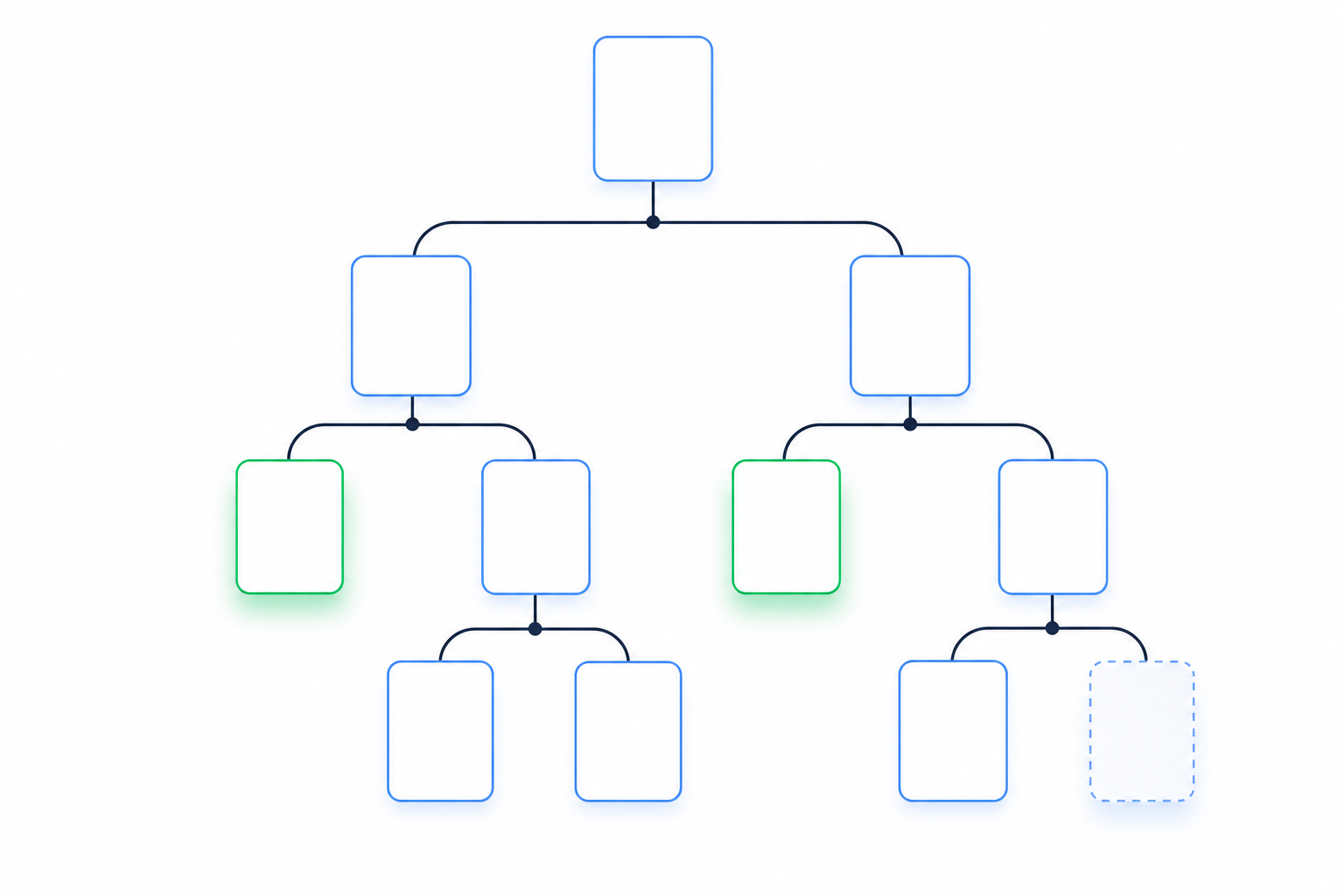
TL;DR: Use five discovery methods (sitemap, robots.txt, a crawl, the Wayback CDX API and site: queries) to find and combine public page sources into a broader, incomplete URL inventory for a rival's site. Save that list as a dated snapshot and diff it every week. New, removed and repriced pages are strategic moves, and reading them that way is the difference between monitoring and intelligence.
A prospect told Cotera's team that their biggest competitor had cut its price by 40%. "The competitor had changed their pricing page three weeks earlier and nobody noticed" (Cotera). The deal was lost. Reps had spent three weeks selling against stale numbers.
The page wasn't hidden. Nobody was watching it. You can't watch a page you don't know exists, so page discovery is step one of competitive intelligence.
Most top-ranking guides on how to show all pages of a website teach site owners to audit their own site. They stop at a URL list. This one points the same methods at a rival's site and keeps going to the weekly diff. A list is monitoring. The diff is intelligence.
Start with the sitemap, because they wrote the map for you
Open rival.com/sitemap.xml first. If nothing loads, open rival.com/robots.txt and look for a Sitemap: line. Many SaaS sites keep their sitemap at a different path, like /sitemap_index.xml, and robots.txt is where they announce it.
This is the lowest-effort method you've got. Your rival publishes the file so search engines can find every page it wants ranked. You're reading the same map Google reads.
Know the limits so you don't stop early:
- A single sitemap file is capped at 50,000 URLs and 50MB uncompressed (Shahid Ali, citing sitemaps.org).
- A sitemap index can list 50,000 sitemaps, which in theory adds up to 2.5 billion URLs (victorijomah.com).
- Large rivals split their maps into child files, such as post-sitemap.xml, page-sitemap.xml and docs-sitemap.xml.
If the first file you open is an index, fetch each child sitemap it lists. Sitemap indexes cannot nest another index for Google, so check for additional sitemap locations separately. Stopping at the first file is the easiest way to undercount a site by thousands of pages.
Read <lastmod> while you're in there. Each URL entry can carry a last-modified date. A /pricing URL with a lastmod from this week is a lead worth checking today. Treat it as a hint, though. The rival's CMS sets that date, and some sites bump it on every deploy whether the page changed or not.
Now the blind spot. A sitemap shows what the rival chooses to list. Unlisted landing pages, sales-only pricing pages and soft-launched docs often aren't in it. Those tend to be the pages that tell you the most, which is why you need four more methods.
Robots.txt shows you where they'd rather you didn't look
Robots.txt tells crawlers which paths to skip. That makes it a discovery list. The standard itself says so: "Listing paths in the robots.txt file exposes them publicly and thus makes the paths discoverable" (IETF RFC 9309).
Disallow lines can reveal paths like these:
/beta//enterprise-preview//partners//internal-pricing/
None of them prove a product exists. Each one tells you where a team is building something it doesn't want indexed yet. A new Disallow line showing up in your weekly diff is a signal on its own. If /enterprise-preview/ appears in November, expect an enterprise announcement soon.
Now the etiquette. RFC 9309 is blunt: "These rules are not a form of access authorization" (IETF RFC 9309). Robots.txt doesn't lock anything. A polite crawler respects it anyway.
Note the disallowed paths. Don't fetch them.
Public pages still carry contract risk. In hiQ v. LinkedIn, hiQ scraped public LinkedIn profiles and won its CFAA argument twice at the Ninth Circuit. It still lost on LinkedIn's user agreement. As one summary puts it, "hiQ won the CFAA fight and still lost the case." hiQ agreed to pay $500,000 and delete its data, source code and algorithms (String AI).
This isn't legal advice, but the practical rules are simple:
- Stick to public pages.
- Never log in or create an account to see more.
- Rate-limit your requests.
- Read the site's terms before you automate anything.
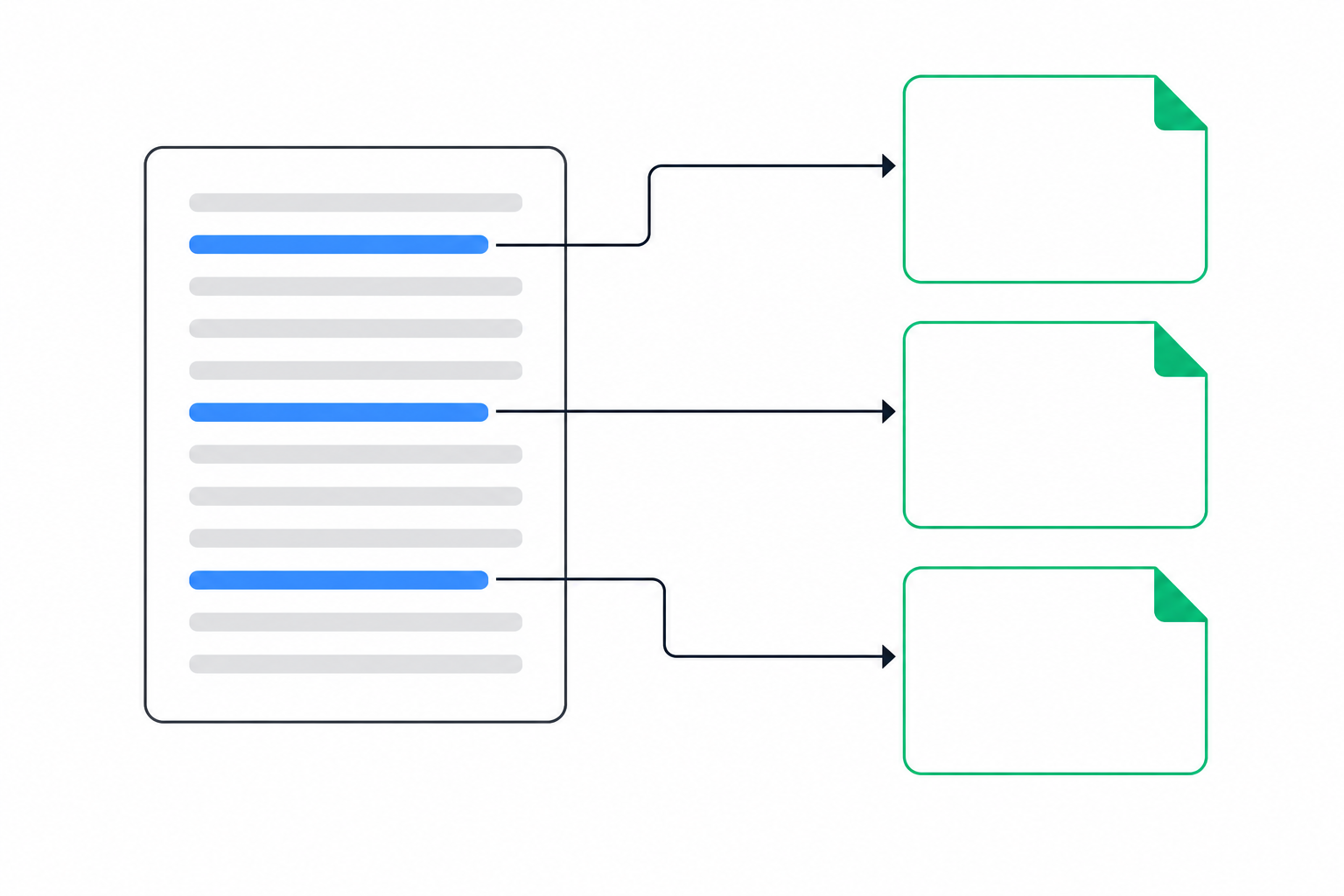
Crawls, Wayback CDX and site: queries fill the gaps the sitemap leaves
A crawler finds pages that are linked but not listed
Point a crawler at the rival's homepage and let it follow internal links. Screaming Frog works. So does a short script. Anything linked from the nav, footer, blog or docs will turn up, even if it never made the sitemap.
JavaScript-heavy sites are the catch. If links only appear after scripts run, a plain HTTP crawl won't see them, and you'll need a crawler that renders pages (ScrapingBee).
Crawlers get blocked at the edge more often now
From 15 September 2026, Cloudflare blocks Agent and Training bots by default on ad-supported pages for new domains and untouched free-tier accounts (Crawlora). Cloudflare also wrote its policy into managed robots.txt for more than 3.8 million domains, and its edge controls can block a page request regardless of what robots.txt says (ipscanner.io).
The practical point: a 403 doesn't mean the page is gone. It may mean your crawler got stopped at the door. Cross-check with the other methods before you log a page as removed.
The Wayback CDX API shows pages that used to exist
This is the only method on the list that recovers removed pages. The query looks like this:
web.archive.org/cdx/search/cdx?url=rival.com/*&output=json&fl=original,timestamp&collapse=urlkey
CDX can return archived historical URLs under the domain, with timestamps, subject to archive coverage and query limits. Watch the cap: the CDX server returns a maximum of 150000 rows per query by default (Internet Archive wayback-cdx-server). Large domains need pagination or resume keys.
Example use: you find /pricing/legacy archived last year, and it's gone now. That tells you a pricing model was retired, and roughly when.
site: queries are a spot check, not an inventory
Google's result counts for site: searches are estimates, and they only include indexed pages. Use targeted queries instead of chasing a total:
site:rival.com inurl:pricingsite:rival.com/blogsite:rival.com inurl:enterprise
These catch indexed pages the other methods missed, like an old campaign page still ranking.
What each method finds and misses
- Sitemap: finds every page the rival wants indexed. Misses unlisted, noindexed and soft-launched pages.
- Robots.txt: finds paths the rival wants hidden from crawlers. Misses anything not mentioned, and you shouldn't fetch what it lists.
- Crawl: finds linked pages outside the sitemap. Misses orphaned pages and gets blocked by edge rules or JavaScript.
- Wayback CDX: can return archived historical URLs, subject to archive coverage and query limits. It is the method in this list intended for historical captures.
- site: queries: finds indexed stragglers. Misses unindexed pages and gives unreliable counts.
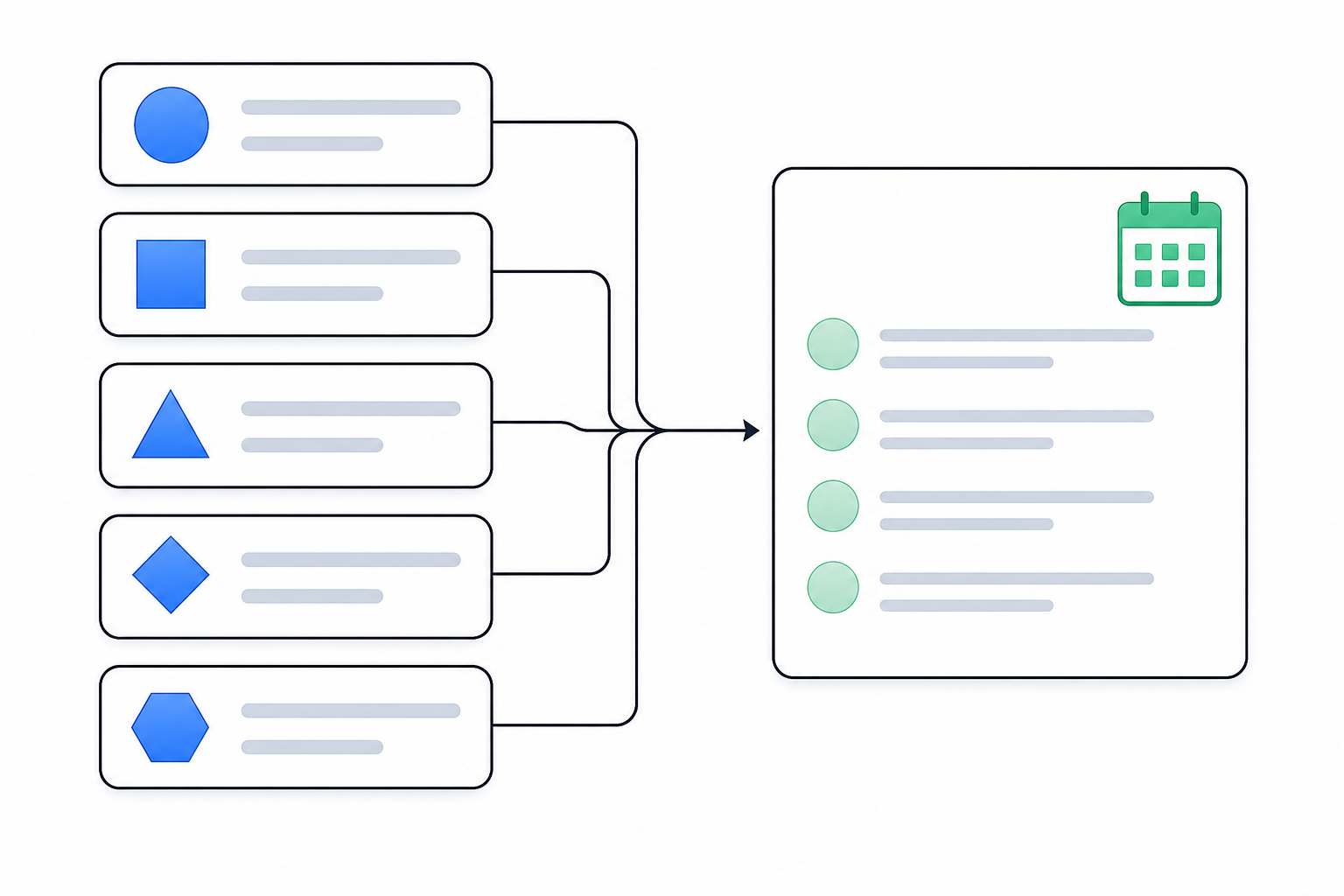
A URL list is monitoring. A weekly diff is intelligence.
Merge all five sources into one deduplicated list. Date-stamp it. Next week, run it again and compare. Three buckets matter:
- New URLs
- Removed URLs
- Changed content on existing URLs
Each bucket alone is trivia. Read together, they become a move.
Single-surface alerts give you trivia. Composite signals give you a move. Say the same week brings a new /enterprise page, three new sales roles on /careers and a rewritten /pricing. One of those is a page update. All three together point to an up-market push, and your reps should hear about it before the next discovery call.
Compare that with what a raw diff also catches: a cookie banner copy tweak, a footer copyright year, an A/B test variant swap. Those are real changes and they mean nothing. A useful diff throws them out.
Prioritise by page type
Some pages change far more than others. The cited Visualping page does not establish figures for change alerts on changelog, pricing or legal pages, or for users watching HubSpot's pricing page.
IndustryLens reports that about 40% of competitors in its sample had a pricing change in a given week, based on data from December 2025 through November 2026 (IndustryLens). Both figures come from the vendors' own data, but the direction is clear. Watch pricing and changelog pages more often than the rest.
Missing a change costs you deals
PageCrawl describes a SaaS company whose win rate dropped because a competitor had switched from per-seat to usage-based pricing three months earlier. "Nobody on the team had noticed the change until a prospect mentioned it during a lost-deal interview" (PageCrawl). The company isn't named, so treat it as an illustrative scenario.
In September 2022, Slack restructured its free plan to cap message history at 90 days.
Turn each diff into one line a rep can use
A diff is only useful when someone acts on it. Write every finding as summary, reason and action:
Pricing page rewritten, per-seat replaced with usage tiers. Rival is chasing smaller teams. Update the battle card objection handler today.
How SpyGlow runs the diff for every brand you track
Run the steps above by hand for five competitors across three brands and you've got a weekly script, a growing spreadsheet and someone stuck reviewing diffs every Monday. Most early-stage teams have nobody who owns that job. As we put it on our homepage: "Building your product is the job. Watching theirs is ours" (SpyGlow).
Here's what the automated version looks like.
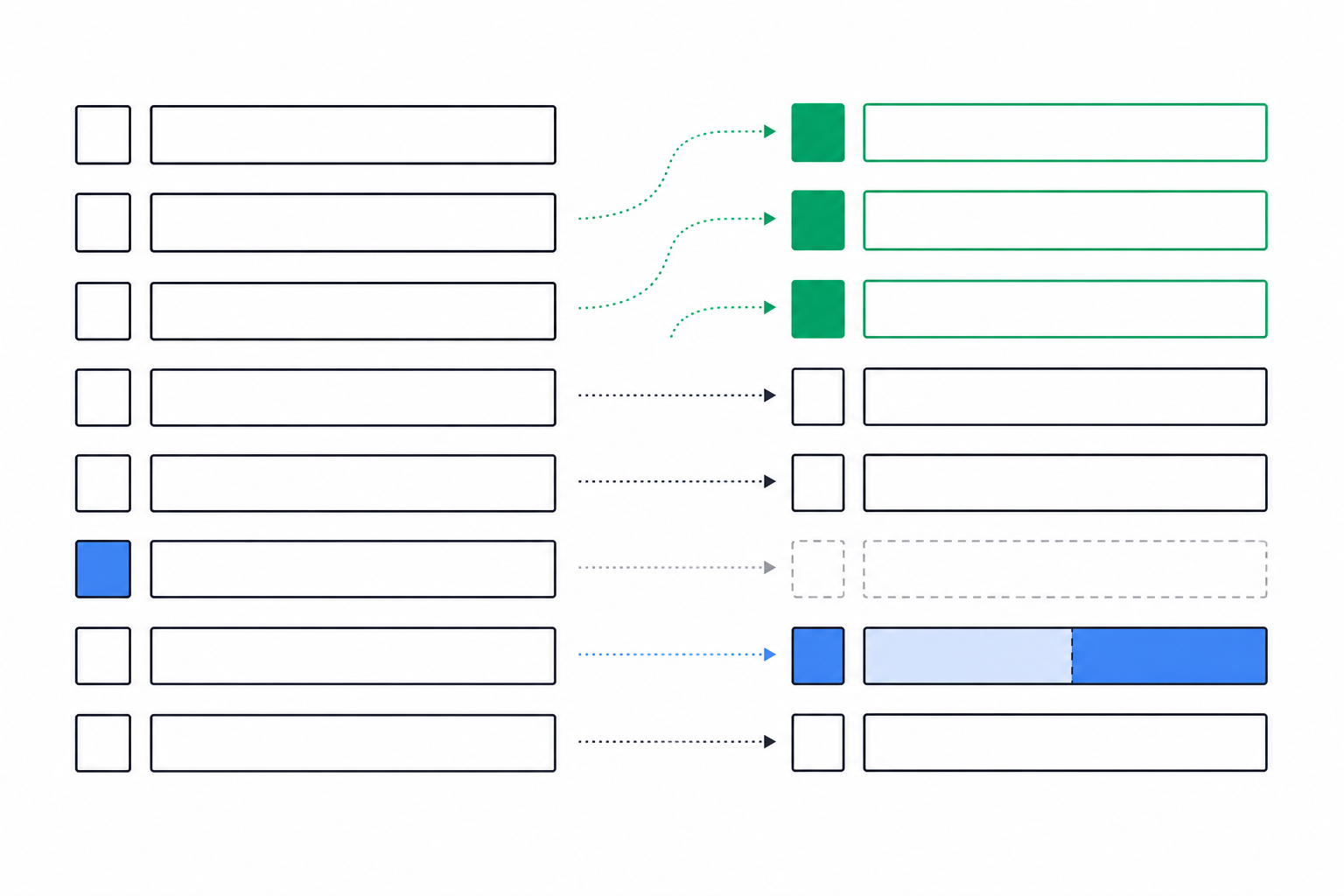
SpyGlow checks competitors' public pages, strips out cookie banners and widgets, and scores every change it finds. Change Detection gives line-by-line diffs with an importance score from 1 to 10. You see old and new wording side by side, with the page and date the change came from, sorted by importance. The footer year and the A/B variant swap don't reach your team. The rewritten pricing tier does.
On Pro and above, you can watch a single section of a page, such as a pricing table, so a blog widget refresh elsewhere on the page doesn't trigger anything.
It's multi-brand by design. Each brand gets its own workspace with its own competitors, battle cards and alerts. That's built for agencies, holding companies and multi-product SaaS teams (Pricing). Every Monday, a brief summarizes the week's competitor changes, why they matter and next steps.
When you need history, ask AskGlow in plain English: "When did Rival X last change its enterprise tier?" It answers with sources shown for each point.
Then there's the step most CI work skips. Insights usually die in Slack threads, reports and screenshots. In SpyGlow, one click on a change creates an action with a pre-filled title, description and source link. You assign steps and an owner and track it to done.
Pricing, straight from the site:
- Free: $0 per month, free forever, two competitors, one seat, daily monitoring, no credit card.
- Pro: $49 per month, seven competitors, three domains, plus Slack and webhook alerts.
- Growth: $124 per month, 20 competitors, five domains.
Legacy CI platforms start at $30K per year and take weeks to roll out. SpyGlow is live in five minutes. It's a different product for a different team: the one that needs signal this week without a six-figure contract.
FAQ
Is it legal to find all pages on a competitor's website?
Legality depends on the site, your access method, the site's terms and applicable law. The hiQ case does not establish a general legal rule. For automated collection, seek legal advice.
Why doesn't a site: search show every page?
It only shows pages Google has indexed, and the result count is an estimate. Noindexed, orphaned and newly published pages often won't appear. Use site: with inurl: filters as a spot check, not as your inventory.
How do I find pages that aren't in the sitemap?
Combine methods. Crawl from the homepage to find linked pages, read robots.txt Disallow lines for paths the rival wants hidden, run a Wayback CDX query for historical URLs, and use targeted site: queries. Each catches pages the others miss.
How can I see pages a competitor has deleted?
Use the Wayback CDX API with a wildcard on the domain and compare archived URLs against today's live list. The server returns up to 150000 rows per query by default, so large domains need pagination or resume keys (Internet Archive wayback-cdx-server). Pages never archived won't show up.
How often should I re-check a competitor's pages?
Re-run the full URL list weekly at minimum. Check pricing and changelog pages daily. Slower pages like legal terms can wait for the weekly pass.
Sources
- Cotera: competitor price monitoring guide
- Shahid Ali: how many URLs can a sitemap have
- Victor Ijomah: Sitemaps.org protocol explained
- IETF RFC 9309: Robots Exclusion Protocol
- String AI: hiQ v. LinkedIn ruling
- ScrapingBee: how to find all URLs on a domain's website
- Crawlora: Cloudflare AI crawler block 2026
- ipscanner.io: Cloudflare blocking AI crawlers
- Internet Archive wayback-cdx-server
- Visualping: monitor website content changes for competitor insights
- IndustryLens: competitor pricing intelligence
- PageCrawl: SaaS pricing page monitoring
Run your first rival diff tonight
Pick the one rival your reps lose to most. Pull its sitemap and robots.txt today, run the CDX query, and save the merged list as a dated snapshot. Then add that rival and one more to SpyGlow's free plan and get scored, side-by-side Change Detection diffs from the next check onward. That's competitive intelligence, not competitor monitoring: one summary, one reason and one action for every change that matters.
See why a competitor outranks you and what to fix first.
Keep reading
Check Every Page on a Competitor's Site, Then Diff It
Build a complete page inventory of a competitor's website using its sitemap, a crawler and the Wayback CDX API, then run a weekly diff that flags pricing and feature changes.
MarketingHow to Find Every Page on a Competitor's Website
Combine sitemaps, robots.txt, search operators, crawlers, Wayback Machine and Common Crawl to map a rival's full URL inventory, then track the pages that carry strategy.
Know the day a competitor changes, and what to do about it.
Free for 2 competitors, 3 pages each, checked daily. No credit card.